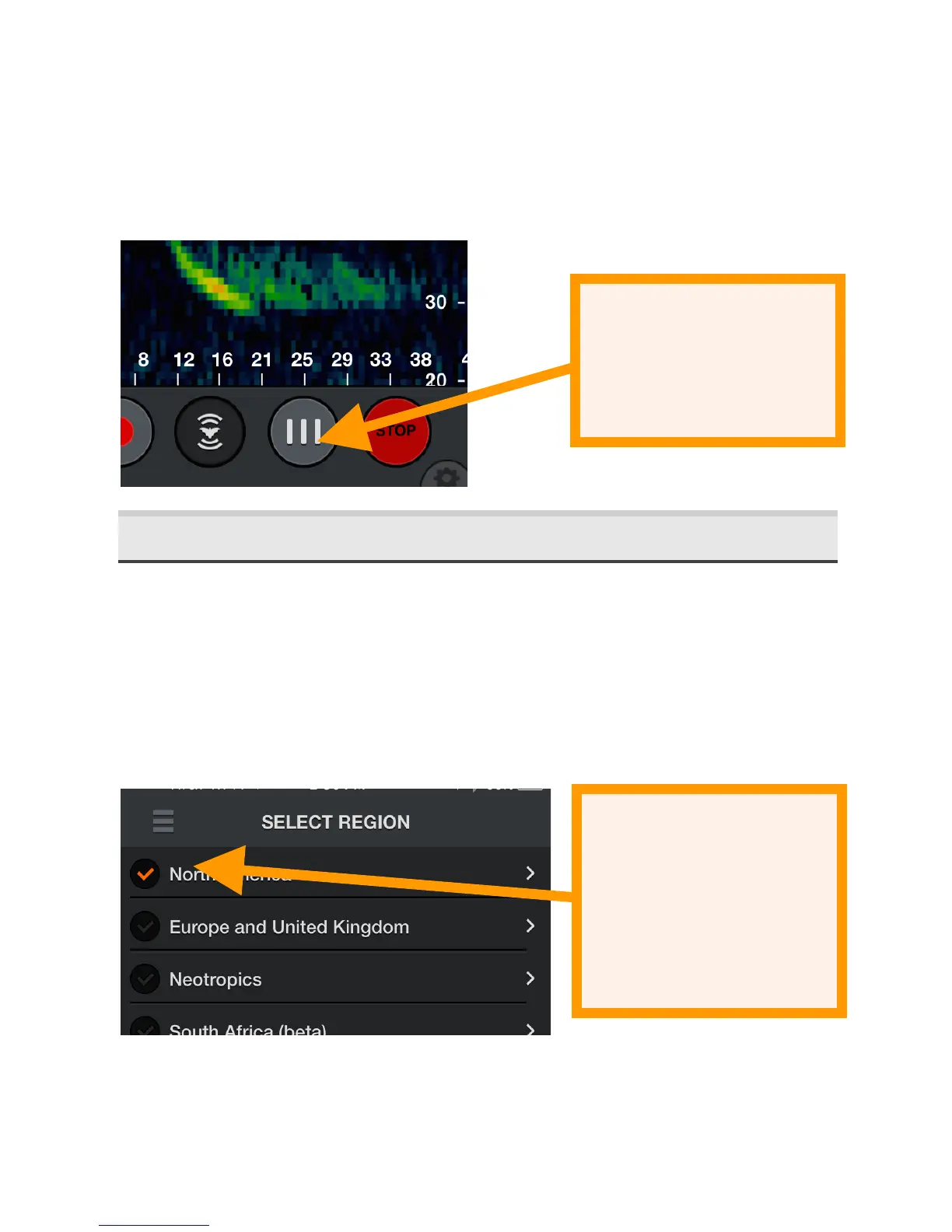
real time. Use this mode to examine the timing between
previous bat echolocations. Because the signals scroll too
quickly, this mode is not recommended for monitoring.
Tap the STOP button to stop streaming data and put the
Ultrasonic Module into a low-power state. Press START to
resume.
2.4 Configuring'Auto-ID'
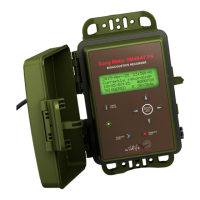
Enter Auto ID mode to view a list of available regions. Current
regions are North America, Europe and United Kingdom, and
Neotropics. There is also a South African region that is in
beta. Check a region to select all bats in that region. Tap a
region to learn more about the species and to select only bats
in your area.
A dropdown menu allows you to easily select only bats in
your North American state or Canadian province.


 To Next Page