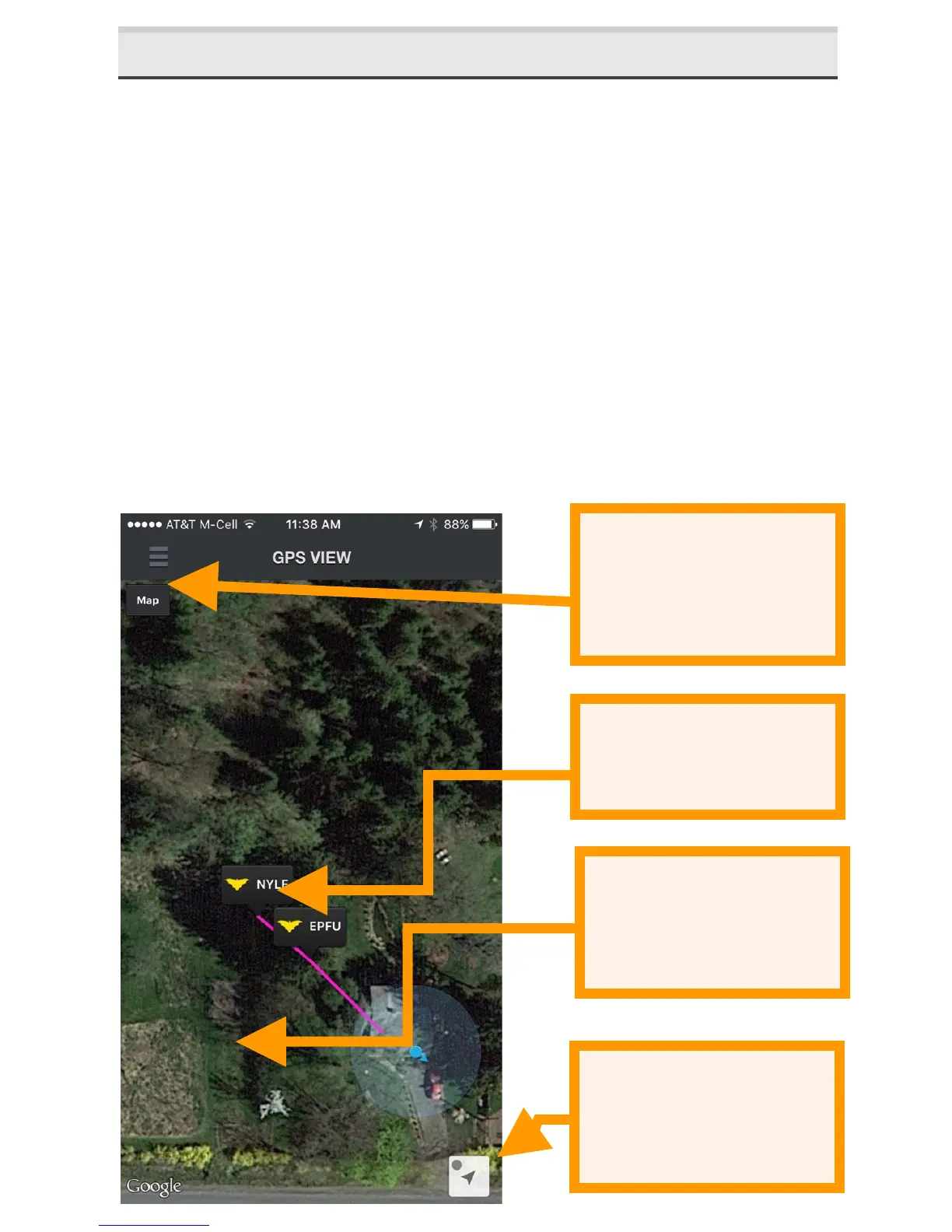
2.8 GPS'View'
In GPS VIEW, you can see the locations of recordings and
species ID and the track of your recording session on a map.
Each recording session is shown with a different path color.
NOISE files are not shown in GPS view.
A KML file is generated and stored with the session
recordings in the session folder. If any recording from a
recording session is transferred via Wi-Fi, a KML file will be
included in the session folder with all recording’s waypoints
shown. You can also download the files through a USB cable
as described in this User Guide. KML files can be opened
directly in Google Earth to show the recording locations,
species IDs and recording path


 To Next Page