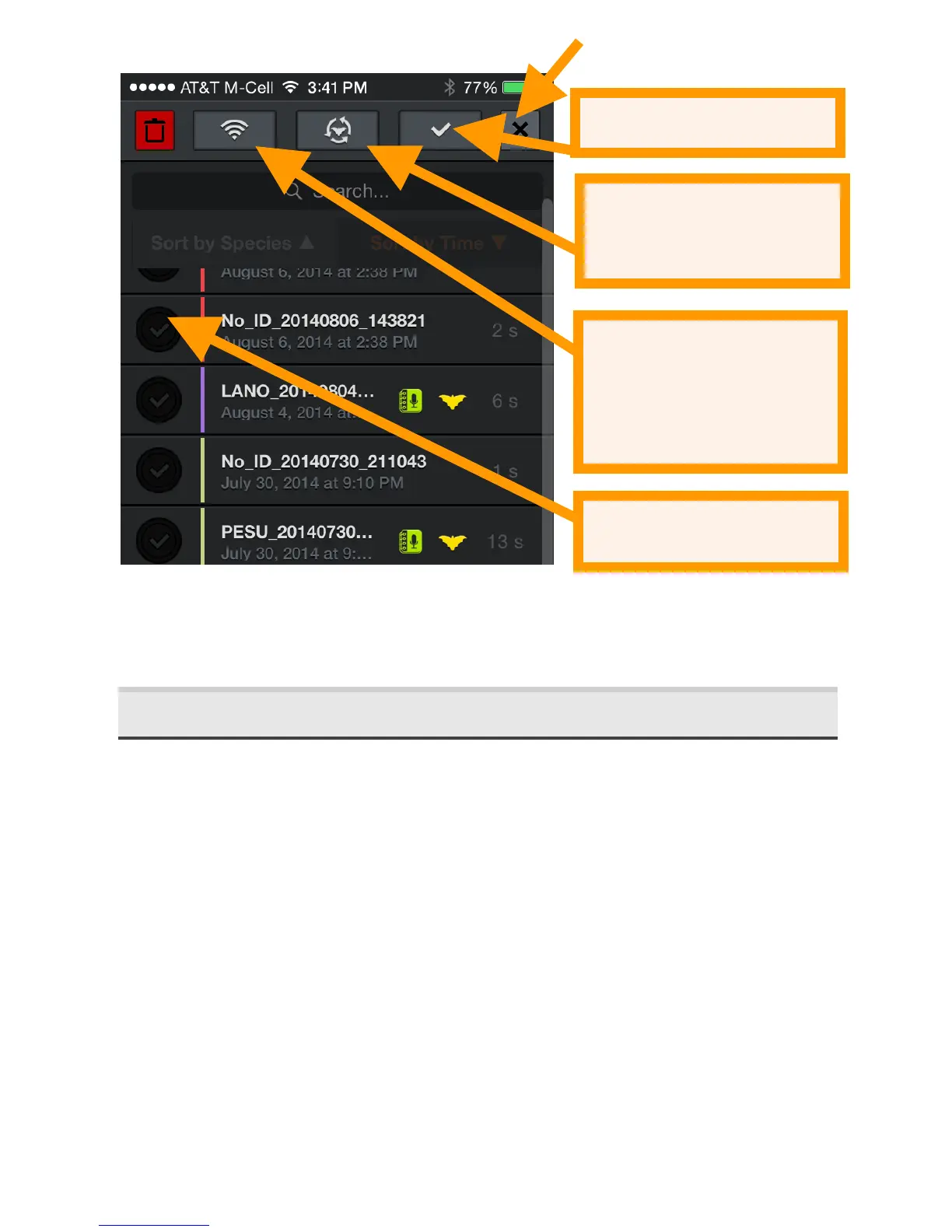
The app has a limit of 10,000 recordings and recordings will
need to be transferred or deleted to activate recordings once
that limit has been reached.
2.7 Viewing'Spectrograms'of'Recordings'
Tap a recording from the Recordings list or from GPS view to
view the spectrogram of the recording, leave a voice or text
note, identify the bat, and listen to the recording. You can
listen using RTE, (HET), or Time Expansion (TE) playback. Use
TE to play the recording at a slow speed that renders
ultrasound into audible sound. In compressed view, you will
only hear visible signals during playback, not the space in
between echolocations. For HET and RTE, the playback occurs
on all samples as though expanded view is selected, whether
in compressed or expanded view. This lets you hear exactly
how the bat would have sounded in live mode. As in Live
Mode, heterodyne can be tuned automatically or manually.


 To Next Page