Rafter Mount
Option
1.
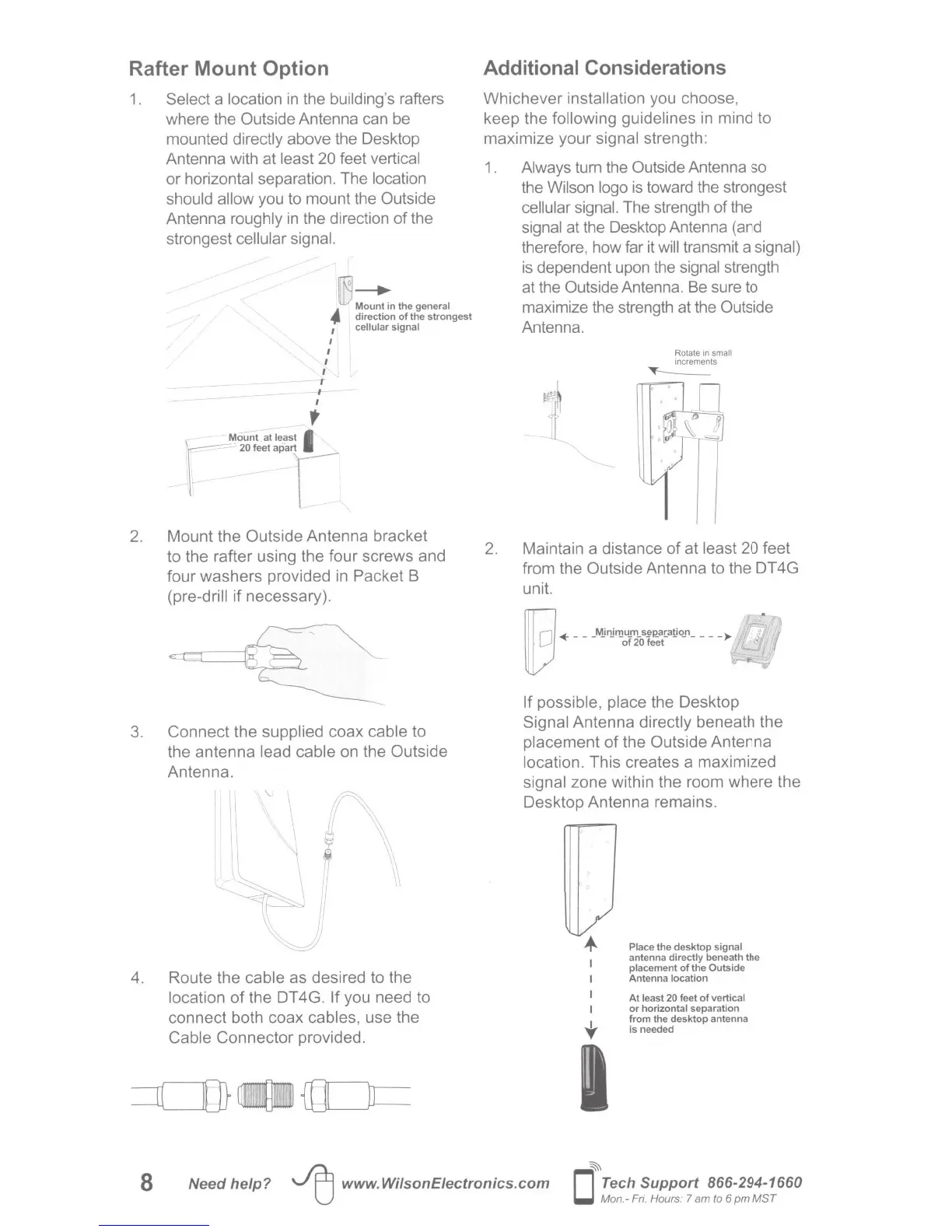
Select a location
in
the
bu
ilding's
rafters
where the
Outside
Antenna can
be
mounted directly
above the Desktop
Antenna with at
least 20
feet vertical
or horizontal
separation. The
location
should allow
you to mount the
Outside
Antenna
roughly
in
the direction of the
strongest
cellular signal.
Mount in the
general
.f.
direction
of
the strongest
cellular signal
I
I
I
I
I
r
I
I
;
1
Mount at
least
I
r
'"~·~
r
2.
Mount the
Outside
Antenna bracket
to the rafter using the four screws and
four washers provided
in
Packet B
(pre-drill if necessary).
3. Connect the
supplied
coax
cable
to
the antenna
lead cable
on the
Outside
Antenna.
'-
II~
[I
\
II
t..J..
~\
~
\
.
~,
'\
I\
',
\\
,,
,,
I
-.::_r-
~
,,
\t
',
\
,,
)'
::__
4. Route the
cable as desired to the
location
of
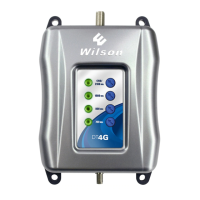
the DT
4G
.
If
you need to
connect both coax
cables, use the
Cable
Connector provided.
Additional Considerations
Whichever
installation
you choose,
keep the
following guidelines
in
mind to
maximize your signal strength:
1 .
Always
turn the
Outside
Antenna so
the
Wilson logo
is
toward the strongest
cellular signal.
The strength
of
the
signal
at the Desktop Antenna (and
therefore, how far
it
will
transmit a signal)
is
dependent upon the
signal strength
at the
Outside
Antenna. Be sure to
maximize the strength at the
Outside
Antenna.
Rotate
in
small
Increments
~
2. Maintain a distance of at least 20
feet
from the
Outside
Antenna to the DT 4G
unit.
lllnl
+
___
Mjnjrnu_m
_
s~P-_a[a!Jq_n
____
~
lD
of20feet
If possible, place
the Desktop
Signal
Antenna
directly
beneath the
placement
of
the Outside
Antenna
location.
This creates a maximized
signal
zone
within the room where the
Desktop Antenna remains.
t
Place
the desktop signal
antenna directly beneath the
placement
of
the
Outside
Antenna
location
At
least
20
feet
of
vertical
or
horizontal
separation
from the desktop antenna
is needed
8
Need help?
~
www.WilsonEiectronics.com
~
D
Tech
Support 866-294-1660
Mon.- F
ri.
Hours: 7 am
to 6
pm
MST






 To Next Page