support01@wimius.com
EN
8
6.Other Setting
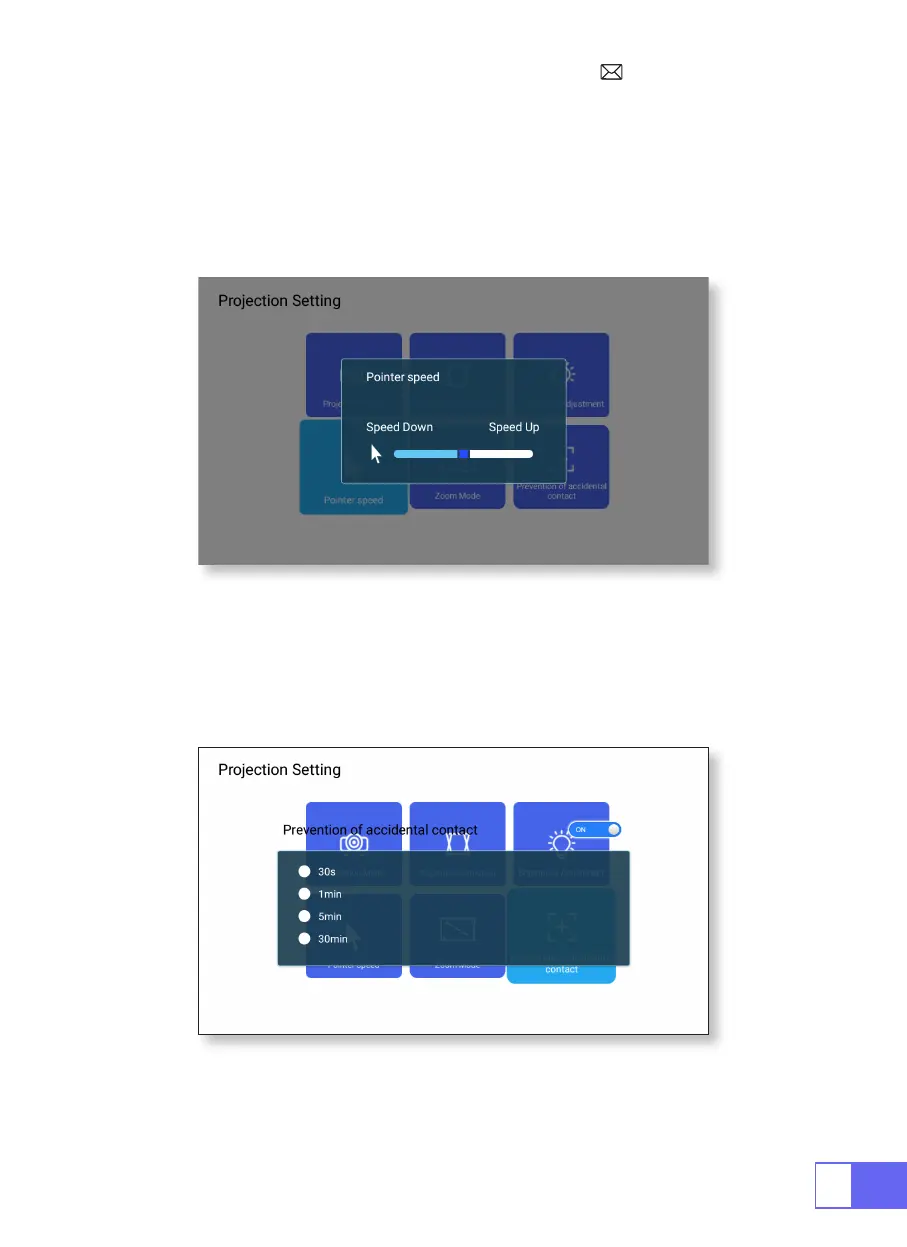
Pointer Speed
Prevention of Accidental Contact
Select [Settings] menu -- Select [ Projection] -- Select [Pointer Speed],
press "
◀
" or "
▶
"to adjust the mouse pointer move speed you need.
Select [Settings] menu -- Select [Projection] -- Select [Prevention
of Accidental Contact], to choose the time period you need, prevent
accidental operation.



 To Next Page