support01@wimius.com
EN
14
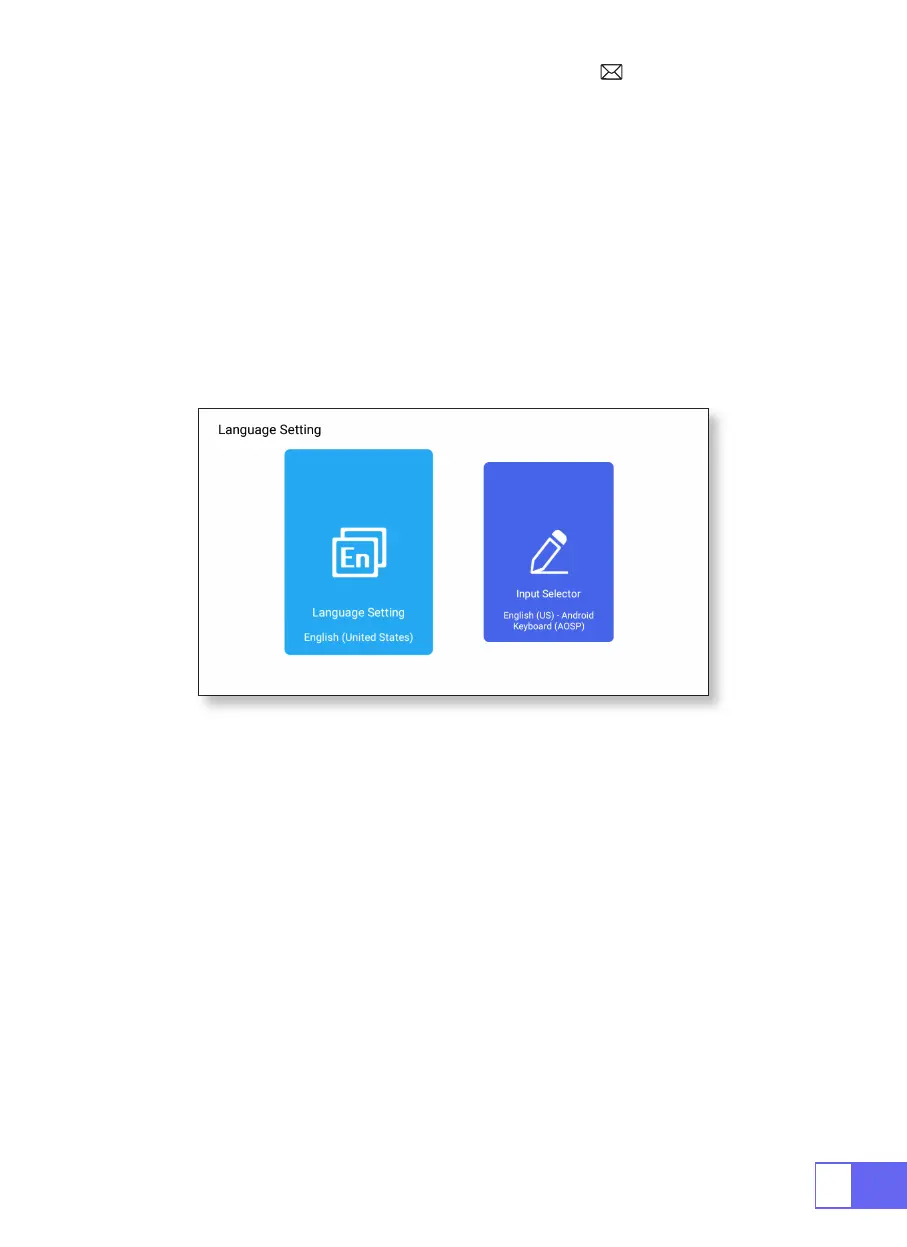
LANGUAGE SETTING
OTHER SETTING
Choose Language
Application Setting
Factory Reset Setting
Input Selector
•There has more than 50 languages for choose, English, French, German,
Italian, Spanish, Japanese, ect.
•In the other settings menu, you can nd the "Application Setting" option,
click it to view all installed applications and congure them.
•reset and delete all data
•Choose the keyboard to install according to your own needs and habits.



 To Next Page