EN
9
support01@wimius.com
SETTING UP THE PROJECTOR
Select The Input Signal Source
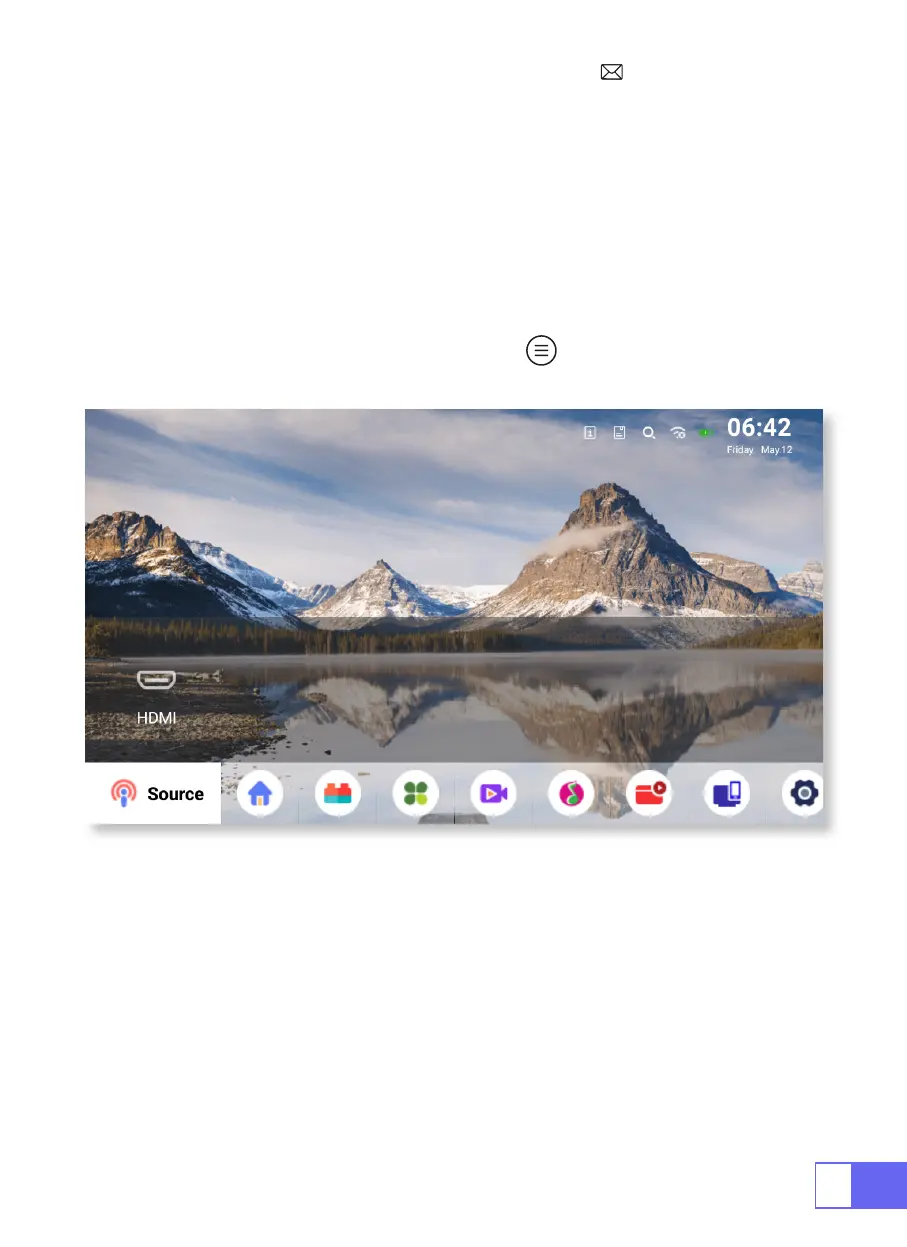
Choose the “Source” on the home page, select the desired input signal
source (USB/HDMI/AV)
The device will detect the USB stick automatically, need to confirm
whether to open.
When playing a video, you can press the " " button, to set the sound
and mode of playback.



 To Next Page