support01@wimius.com
EN
12
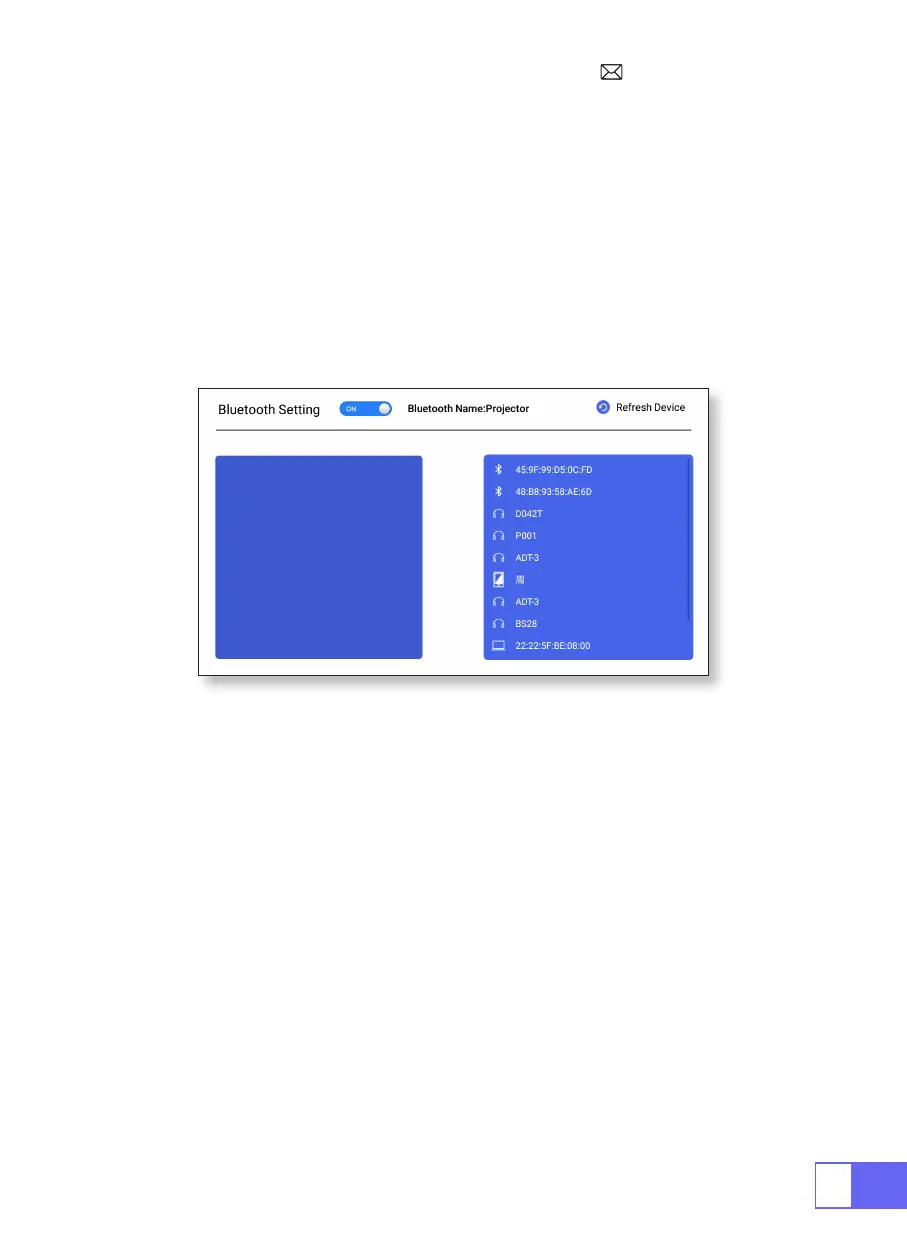
BLUETOOTH SETTINGS
SIGNAL LINES CONNECTION
Connect Bluetooth Speakers
1.USB Multimedia Connecting
1.Turn on your Bluetooth Speaker.
2.Turn on the
[ Bluetooth Settings]
of your projector
3.Select your Bluetooth speaker to connect.
4.Succeed.
WiMiUS Q2 projector has 3 interfaces, HDMI ports/USB ports/3.5mm
headphone output. Please select the correct connecting port to connect
your device (PC, Phone, DVD Player, Sound bar, USB, PS4,etc.)
For USB devices, no need to choose the signal source. The machine will
detect them automatically.
•Select the icon at the top right corner of the home page
Note:
Support USB drive storage capacity max. To 32GB, and HDD storage
capacity max to 1TB.



 To Next Page