support01@wimius.com
EN
10
WIRELESS CONNECTION
1.For IOS System (Airplay)
Attention:
Your device and the projector should be in the same Home
WiFi.
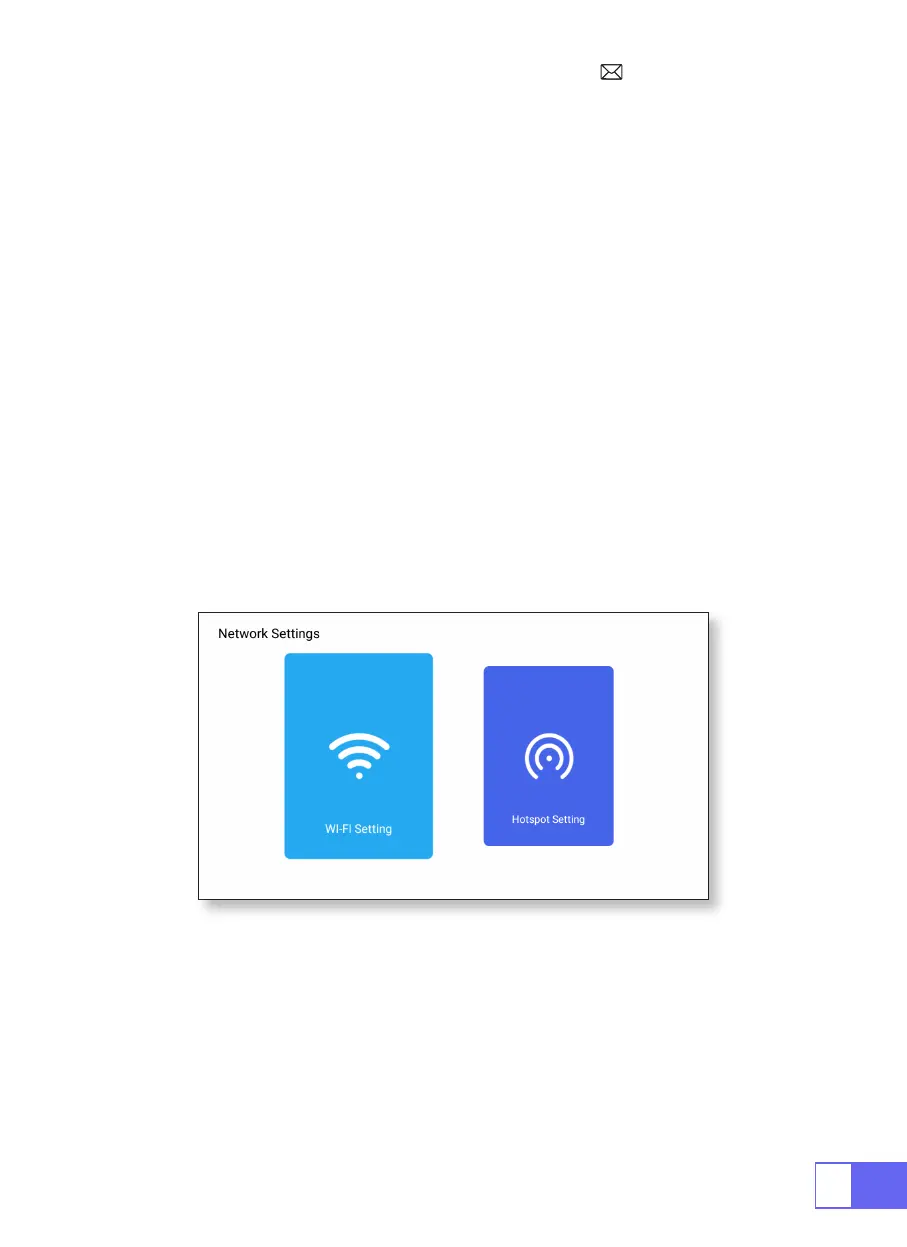
1.Turn on the Network setting of projector.
2.Choose your Home WiFi to connect and enter the right password, then
click “Link”, please wait 3 seconds to establish the connection. Once
connected, it will remember the password of the connected WiFi. (or turn
on the Hotspot of projector directly)
3.Turn on the WiFi setting of your mobile device, then connect to the same
Home WiFi (or the Hotspot of projector)
4.Then click “Airplay” on the smartphone
5.Select“Projector-7935”from the search results to connect.
6.Succeed.



 To Next Page