EasyManua.ls Logo

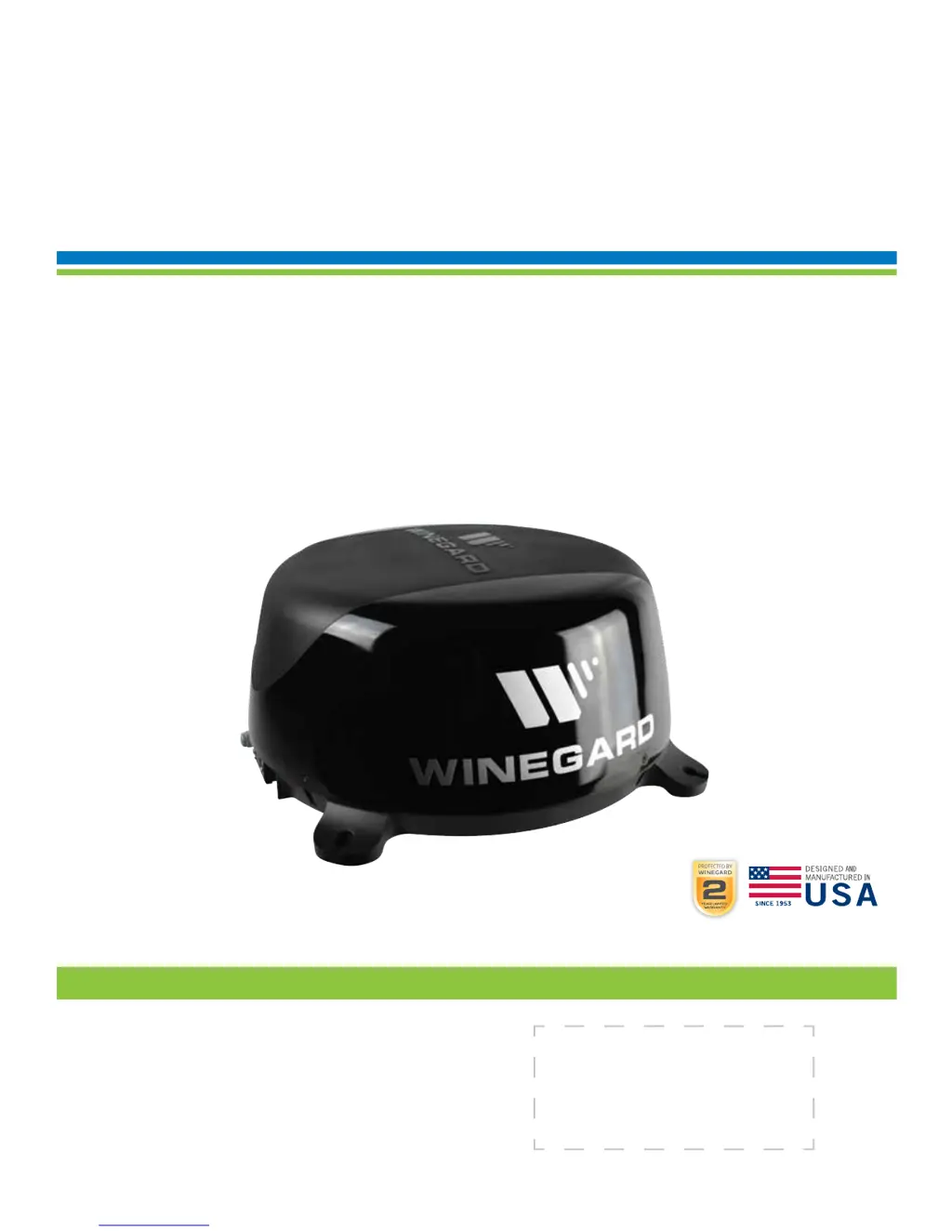
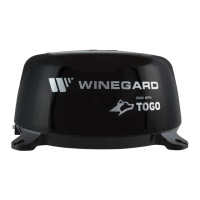
Winegard ConnecT 2.0 WF2-335 - User Manual

Winegard ConnecT 2.0 WF2-335
12 pages
Print Icon
To Next Page IconTo Next Page
Loading...
Place label here
Register your product at winegard.com/myantenna
WINEGARD
®
ConnecT
2.0
WF2-435
LONG RANGE, HIGH PERFORMANCE 4G LTE + WIFI EXTENDER
WF2-335
LONG RANGE, HIGH PERFORMANCE WIFI EXTENDER
Installation / Operation Manual
www.winegard.com/connect
Manuel disponible en français au www.winegard.com/connect
For help, email help@winegard.com
or call 1-800-320-9992
2452399
Rev0 10 /17

Questions and Answers

  • G
    garyayalaAug 8, 2025
    Why aren't web pages loading even though Winegard Extender is connected to WiFi?
    • P
      Patricia HarrisAug 8, 2025
      If web pages aren't loading even though your system software indicates a WiFi connection, it might be because the WiFi source requires an action before granting network access, even without a password. These pages might open in your device's default browser instead of your selected browser. Try browsing to a webpage to see if a splash page appears.
  • H
    hwebbAug 14, 2025
    How to fix Winegard ConnecT 2.0 WF2-335 Extender if SSID is not showing up?
    • S
      Scott OrozcoAug 14, 2025
      If you are not seeing the SSID for your Winegard ConnecT system, first check if the LED under the SIM card cover entry plate is lit. If it's not, use a voltage meter to check if 12V is getting from the vehicle power to the dome. If the LED is lit but you still don't see the SSID, reset the unit by holding the reset button under the SIM Card Cover Plate for 30 seconds.
  • L
    Laurie Johnson DVMAug 20, 2025
    What to do if 10.11.12.1 does not bring up the Winegard ConnecT 2.0 WF2-335 Extender login screen?
    • T
      Todd KleinAug 20, 2025
      If 10.11.12.1 does not bring up the login screen for your Winegard Extender, first check the WiFi signal your device is connected to. If it's not the Winegard ConnecT SSID, this address won’t work. If you are connected to the correct network, the address may have been changed; perform a factory reset to resolve this.
  • J
    Jamie GriffinAug 27, 2025
    Why won't Winegard ConnecT 2.0 WF2-335 Extender connect after switching from WiFi to 4G?
    • A
      Amanda MilesAug 27, 2025
      If the Internet Status field won't connect after switching from WiFi to 4G or vice versa on your Winegard Extender, verify that your device is still connected to the ConnecT. When switching between 4G and WiFi, your device might lose the connection. To prevent this, set your device to auto-connect to the ConnecT when nearby.
  • W
    williamballSep 1, 2025
    How to find the default SSID and password for Winegard ConnecT 2.0 WF2-335?
    • J
      Jerry ScottSep 1, 2025
      To recover your Winegard Extender SSID or password: 1. Check the white label inside the SIM card/LED cover plate on the side of the dome for your factory preset SSID and password. 2. Contact Winegard at 1-800-320-9992. If you've changed your password: 1. Press and hold the reset button inside the SIM card/LED cover plate for 30 seconds to restore the unit to factory settings, then use the factory SSID and password. 2. Power cycle the unit to restore factory defaults. 3. Contact Winegard at 1-800-320-9992.

Summary

Operation Guide

Operating Features

Change Network Name (SSID)

Recommended steps to change the Wi-Fi network name for improved security and identification.

Change Network Password

Guide for changing the Wi-Fi password to enhance network security and prevent unauthorized access.

Advanced Settings

Change Administration Password

Steps to change the administration password for system security and access control.

Reset to Factory Defaults

Updating the Software

Winegard Connect 2.0 Support

Troubleshooting Common Issues

Provides solutions to common problems and questions regarding the Winegard Connect 2.0.

Winegard ConnecT 2.0 WF2-335 Specifications

General IconGeneral
ModelWF2-335
Product TypeExtender
CategoryExtender
Wi-Fi Standard802.11ac
Wireless Standards802.11a/b/g/n/ac
Max Wi-Fi Speed1200 Mbps
Maximum Data Rate1200 Mbps
Ports1 x Gigabit Ethernet
Power Supply12V DC
Frequency Bands2.4 GHz and 5 GHz
SecurityWPA/WPA2
Operating Temperature-4°F to 140°F (-20°C to 60°C)
Antennas2 external antennas

Related product manuals