EasyManua.ls Logo

Winegard WF2-95B - User Manual

Winegard WF2-95B
16 pages
Print Icon
To Next Page IconTo Next Page
Loading...
Place label here
Register your product at winegard.com/login
WINEGARD
®
ConnecT
2.0
+
WF2-35B, WF2-135
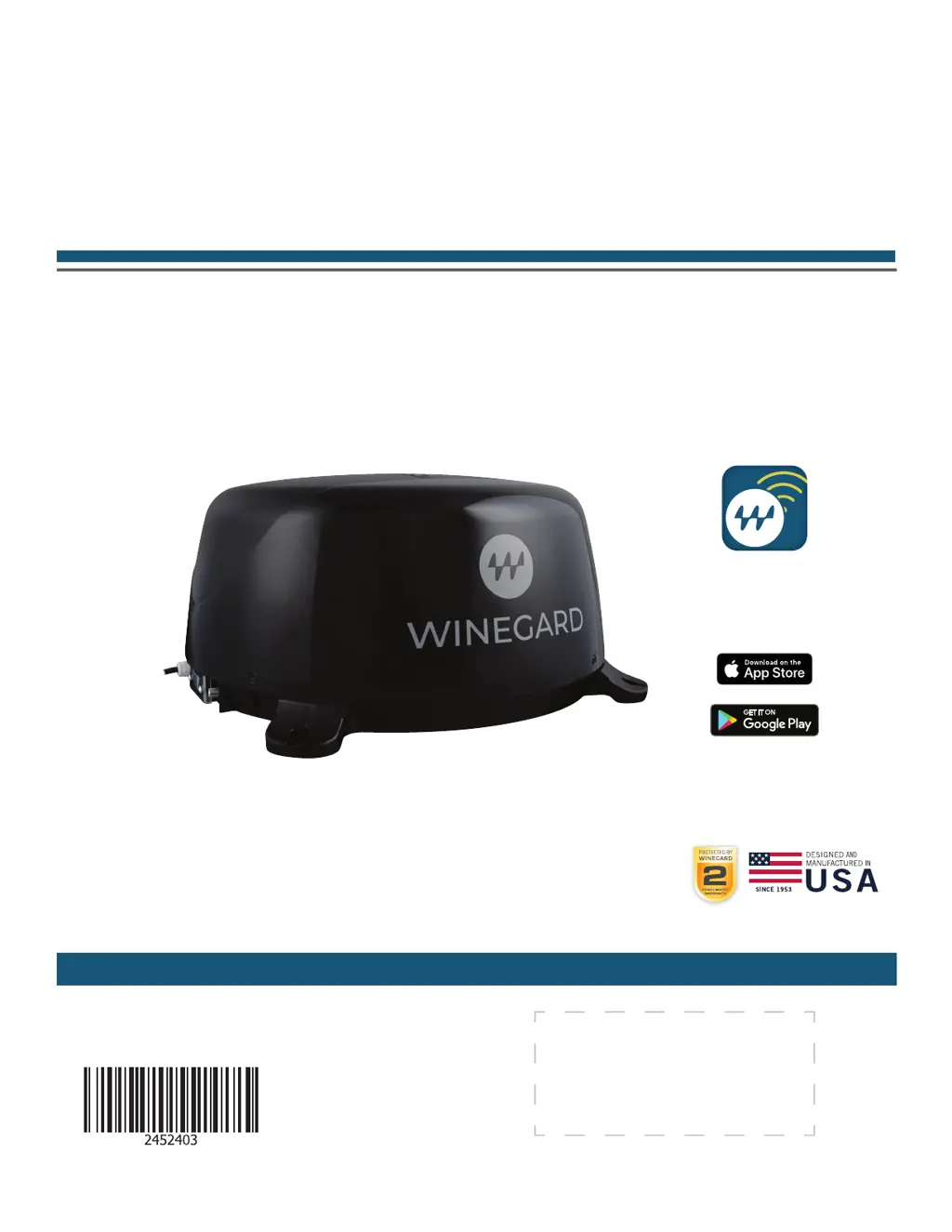
4G LTE + WIFI EXTENDER with TV/FM ANTENNA
WF2-95B, WF2-695
4G LTE + WIFI EXTENDER with TV/AM/FM ANTENNA
WF2-85B, WF2-685
WIFI EXTENDER with TV/AM/FM ANTENNA
OEM Installation / Operation Manual
www.winegard.com/connect
For help, email help@winegard.com
or call 1-800-320-9992
2452403
Rev4-22
DOWNLOAD
Winegard Connected App
FREE
DOWNLOAD

Questions and Answers

  • O
    okelleyAug 14, 2025
    What to do if my Winegard WF2-95B Extender shows SSID but won't connect with the correct password?
    • A
      Anthony MorrisonAug 14, 2025
      If your Winegard Extender device displays the SSID but fails to connect after entering the correct password, try resetting the ConnecT 2.0+ to see if your device will then connect.
  • C
    Cheryl ThomasAug 17, 2025
    What happens if my Winegard WF2-95B firmware update failed?
    • J
      Jonathan WalkerAug 18, 2025
      If your Winegard Extender firmware update failed, connect to a WiFi source, go to the Update Software drop-down, select it, and click the Recover Modem button. This action will reconfigure your modem.
  • S
    Stephanie BallardAug 21, 2025
    Why am I not seeing the SSID for my Winegard ConnecT Extender system?
    • J
      Jordan Schultz MDAug 21, 2025
      If you are not seeing the SSID for your Winegard ConnecT system, check that the LED under the SIM Card/LED cover entry plate is on. If it's not, use a voltage meter to confirm 12V power is reaching the dome from the vehicle power. If the LED is on but you still don't see the SSID, reset the unit by holding the reset button under the SIM Card/LED cover plate for 30 seconds.
  • S
    shawn08Aug 25, 2025
    How to find Winegard WF2-95B SSID or password if I lost the manual?
    • L
      Luis ShawAug 25, 2025
      If you lost your manual and cannot find your Winegard Extender SSID or password, check the white label located inside the SIM card/LED cover plate on the side of the dome for your factory preset SSID and password.
  • H
    Heather JacksonAug 27, 2025
    What to do if Winegard WF2-95B Extender says 'NO SIM Detected'?
    • K
      Kara MartinezAug 27, 2025
      If the Status page displays a 'NO SIM Detected' message on your Winegard Extender, power off the ConnecT 2.0+, remove the SIM card, inspect and clean the metallic contacts if necessary, reseat the SIM card, and restart the device. If the issue persists, contact Winegard at 1-800-320-9992.
  • L
    Linda ChenAug 31, 2025
    Why are web pages not loading even when my Winegard WF2-95B Extender is connected to WiFi?
    • T
      Theresa WilliamsAug 31, 2025
      If the system software indicates a connection to a WiFi source, but web pages aren't loading, it might be due to a 'SPLASH' page. Some WiFi sources require agreement to their rules or password entry on this page before granting network access.
  • R
    Robin YatesSep 3, 2025
    How to stop monthly billing for Winegard Connect 2.0+ when not in use?
    • L
      Laura BradleySep 4, 2025
      If your Winegard ConnecT 2.0+ is being billed every month despite not being in use, log in to your account and navigate to 'View Winegard ConnecT Subscriptions' to ensure that auto-renew is set to 'Off'.
  • J
    James MillerSep 6, 2025
    Why won't the Winegard WF2-95B system process my credit card?
    • S
      Steven WilliamsSep 6, 2025
      If the Winegard Extender system fails to process your credit card, ensure that the billing address matches the address associated with the credit card being used.
  • M
    Michelle BurtonSep 12, 2025
    What to do if Winegard Extender Internet Status won't connect after switching from WiFi to 4G?
    • A
      Alicia SnyderSep 12, 2025
      If the Internet Status field on your Winegard Extender doesn't connect after switching from WiFi to 4G or vice versa, verify that your device is still connected to the ConnecT. The connection may have been interrupted during the switch.

Summary

Parts List and Warnings

Warnings

Important safety precautions and installation guidelines for the device.

Exterior Installation

Choosing a Location for Antenna & Power Supply

Guidelines for selecting optimal mounting locations on the vehicle for the antenna and power supply.

Option A: WP2-600 Wall Plate Installation

Step-by-step instructions for installing Option A with the WP2-600 wall plate.

Exterior Installation (Continued)

Option B: WP2-6 DC Wall Plate Installation

Step-by-step instructions for installing Option B with the WP2-6DC wall plate.

WiFi;4 G Operation

Updating the Software

Swapping the SIM Card

Antenna Operation and Troubleshooting

Troubleshooting Common Issues

Solutions for common problems including LED definitions and status screen messages.

Winegard WF2-95B Specifications

General IconGeneral
BrandWinegard
ModelWF2-95B
CategoryExtender
LanguageEnglish

Related product manuals