38
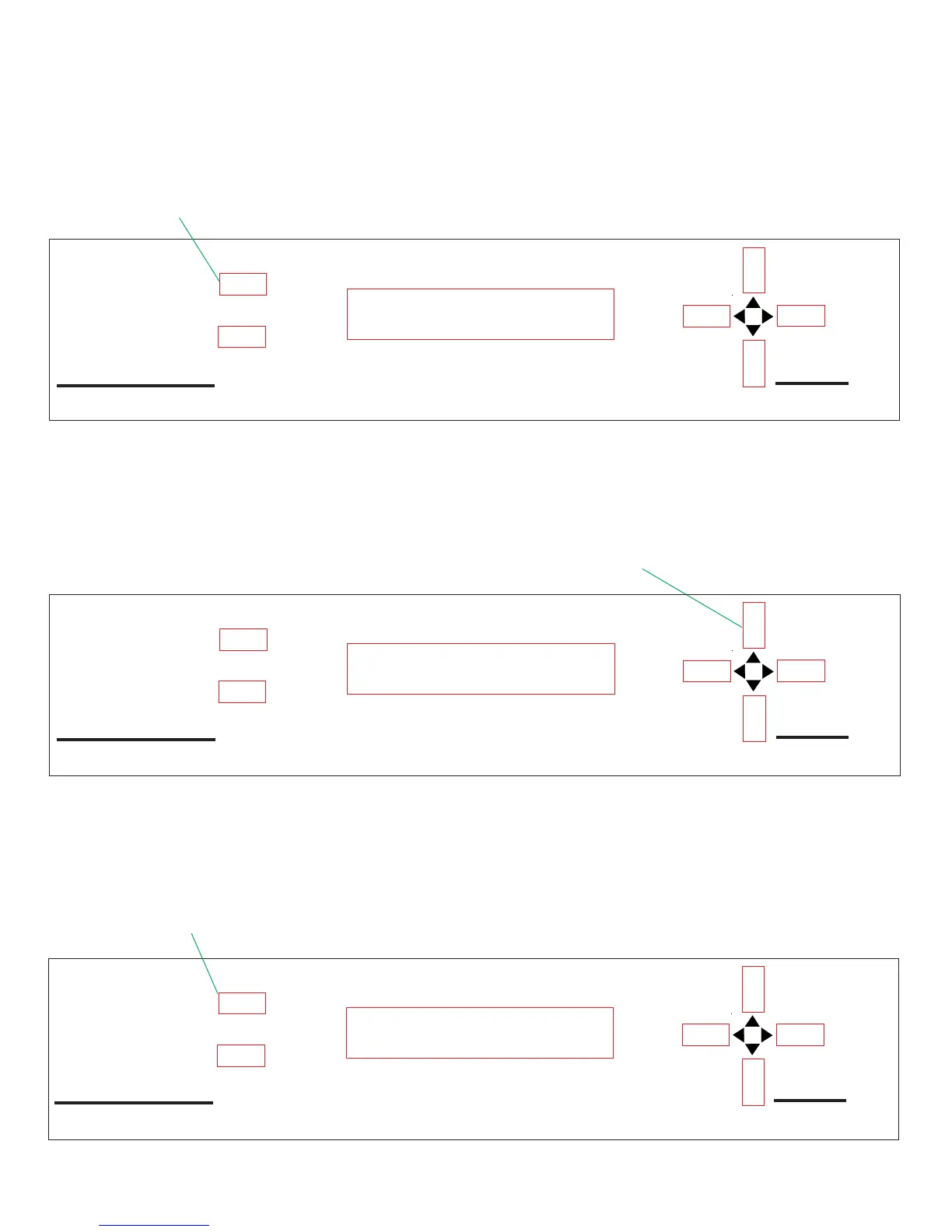
Figure 32
Model RD-9900
PINNACLE
POSITIONER
by WINEGARD
SELECT B
SELECT A
2. Press UP arrow key to
scroll to next satellite
DSS 101.0
Edit
Select Search Satellite
The Select Search Satellite allows you to perform the following: Select which
DBS satellite the system will search for, or edit the satellite name and position.
To change the search satellite, proceed as follows:
1. Press [SELECT A] Select Search Sat, see Figure 31.
Model RD-9900
PINNACLE
POSITIONER
by WINEGARD
SELECT B
SELECT A
Figure 31
1. Press SELECT A
Select Search Sat
Set Motor Positions
2. The display will show the current search satellite (factory default is the
DSS
®
satellite(s) at 101.0 orbital position). Press [UP] arrow to scroll to next
satellite, Figure 32.
3. If you want to search for EchoStar
®
Dish Network
TM
satellite, press [SELECT
A] to enter this satellite into the positioner memory as the search satellite, Figure
33. If this not the satellite you want to search for, press [UP] arrow key until you
get the satellite you want, then press [SELECT A]. If the satellite you want is
not in the positioner memory, proceed to Add/Edit Search Satellite, page 20.
Figure 33
Model RD-9900
PINNACLE
POSITIONER
by WINEGARD
SELECT B
SELECT A
3. Press SELECT A
ECHOSTAR 119.0
Edit



 To Next Page