42
REMOTE PANEL OPERATION
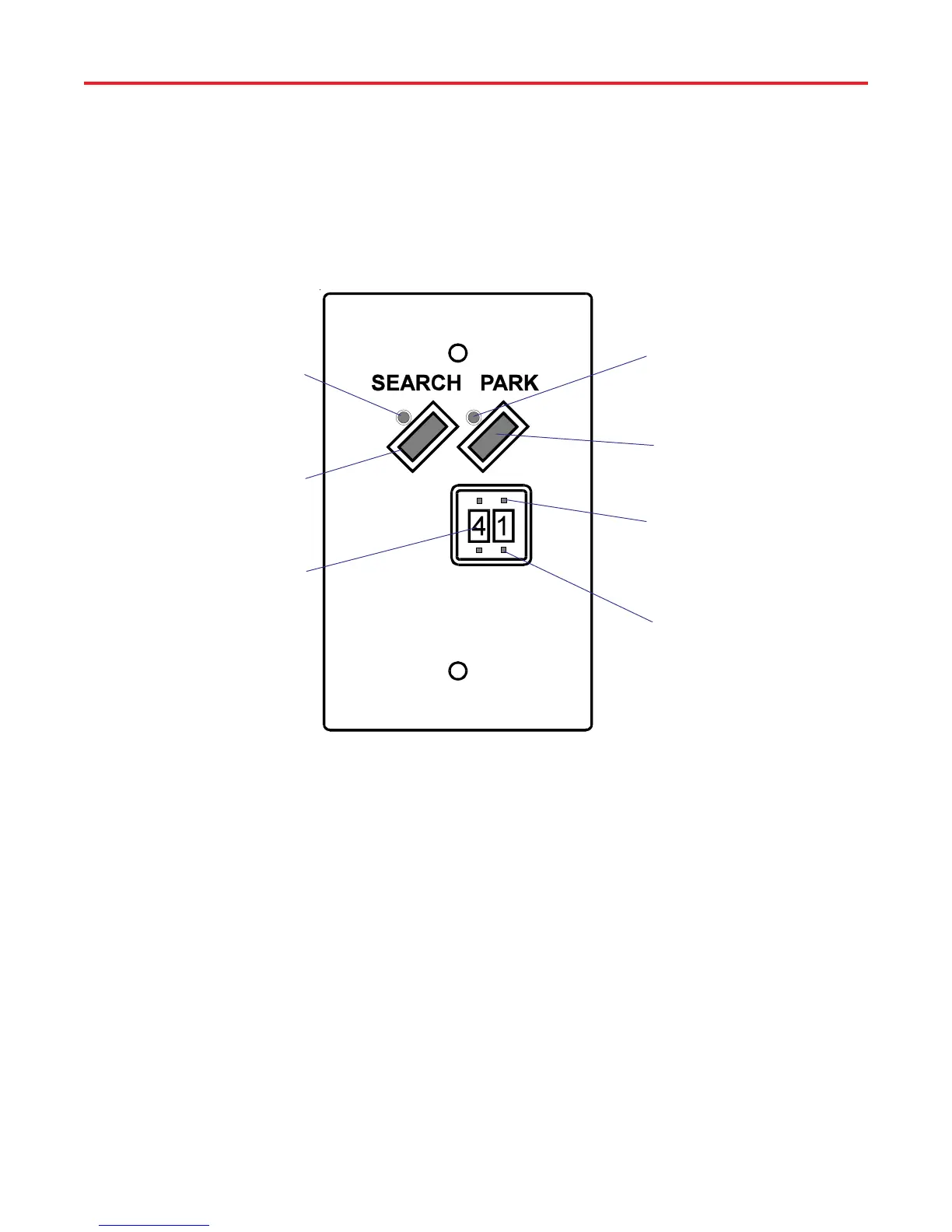
Park Button - When pressed
positioner will put antenna into
park position
(+)Elevation Push Button(s) -
When pressed increases
number by 1
(-)Elevation Push Button(s) -
When pressed decreases
number by 1
Search LED - Lights when
system has found satellite or
when positioner is moving
antenna
Search Button - When pressed
system will search for satellite at
elevation angle entered
Elevation Angle - Indicates
elevation angle
Remote Control Panel
Model RD-9901
To search for the satellite using the remote control proceed as follows:
1. Turn TV ON and tune to channel 3 or 4 (output channel of receiver).
2. Press [POWER] on receiver remote to turn satellite receiver on. Determine
correct elevation angle by entering your locations ZIP code into receiver (refer
to receiver manual).
3. On remote panel press [+/-] elevation buttons until you have the correct
elevation angle, Figure 39.
4. Press [SEARCH] button to begin search function. Both LED's will light
while antenna is moving. Only the search LED will light when the satellite is
found.
NOTE: If the wrong satellite was found, press [SEARCH] to start the
search routine again.
NOTE: If both LED's go out, the system has not found a satellite. Verify
that you have entered correct angle, and there is a clear view of the
satellite.
Figure 39
Search For Satellite
Park LED - Lights when antenna
is in park position or when
positioner is moving antenna
NOTE: All commands will be shown in bold with brackets, example
[SELECT A].
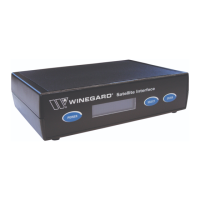
The Remote Panel allows you to "hide" the positioner and still operate the
system from the remote panel. Figure 39 shows the remote panel controls and
operations.
NOTE: Remote Control Panel will not work if the positioner is performing/
accessing any menu. Example: City menu, Manual Movement, Edit Menu,
etc.
Rev. 1/97



 To Next Page