10
Flight
● Only fly in an open area and always fly your aircraft within line of sight.
● Always fly at locations that are clear of buildings, crowds, trees, power lines, and
locations where it may have a chance of strong magnetic interference.
● Do not fly the aircraft within areas such as airport, no-fly zones. Observe local laws
and regulations. Keep the aircraft flight range and height within 100 meters.
● Do not use the aircraft in severe weather conditions: snow, rain, smog, wind speeds
exceeding 5m/s, etc.
● Be very careful when flying at 6000 meters or more above sea level. The aircraft
Functions may be affected by the environmental conditions.
● Mobile device and flight battery are fully charged before flight.
● Make sure that the Wingsland Fly application and flight control firmware are the
latest version.
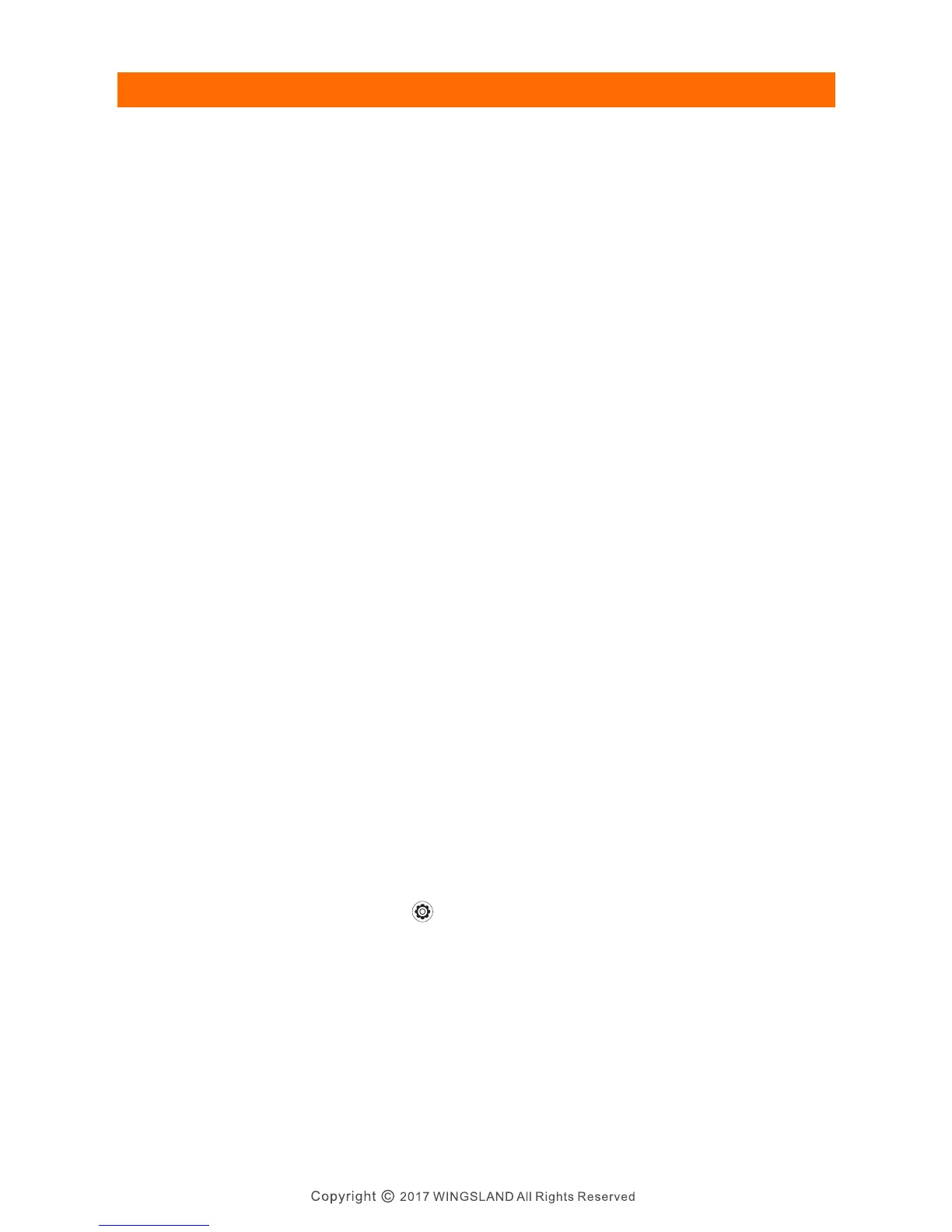
● Unfold the 4 folding arms to maximum position. Propellers are mounted correctly
and firmly.
● Micro-SD card has been inserted. The maximum capacity is 32G.
● Flying in a new location or in a location that is different from the last flight.
● A drift occurs when the aircraft is hovering.
Flight Safety Notice
Preflight Checklist
Fli gh t Co ntrol
Make sure to calibrate the compass every time when flying in a new location. The
compass is very sensitive to electromagnetic interference that may cause abnormal
compass data and lead to flight failure. Regular calibration is required for optimal
performance.
Tap into the general setting menu and select the compass calibration icon ①.Place
the aircraft on a flat ground ② and confirm to start the calibration and follow the APP
prompt to rotate the aircraft 360 degree clockwise in the same altitude for at least
6 times ③. Place the aircraft on a flat ground and waiting for the prompt shows
Calibrating Data Updating. After prompt shows calibrating is successful, tap yes to
finish the calibrating. If a Gyroscope Error prompt shows up, please redo the above
process.
When to calibrate:
Calibration
Calibration procedures
S6 User Manual


 To Next Page