EasyManua.ls Logo

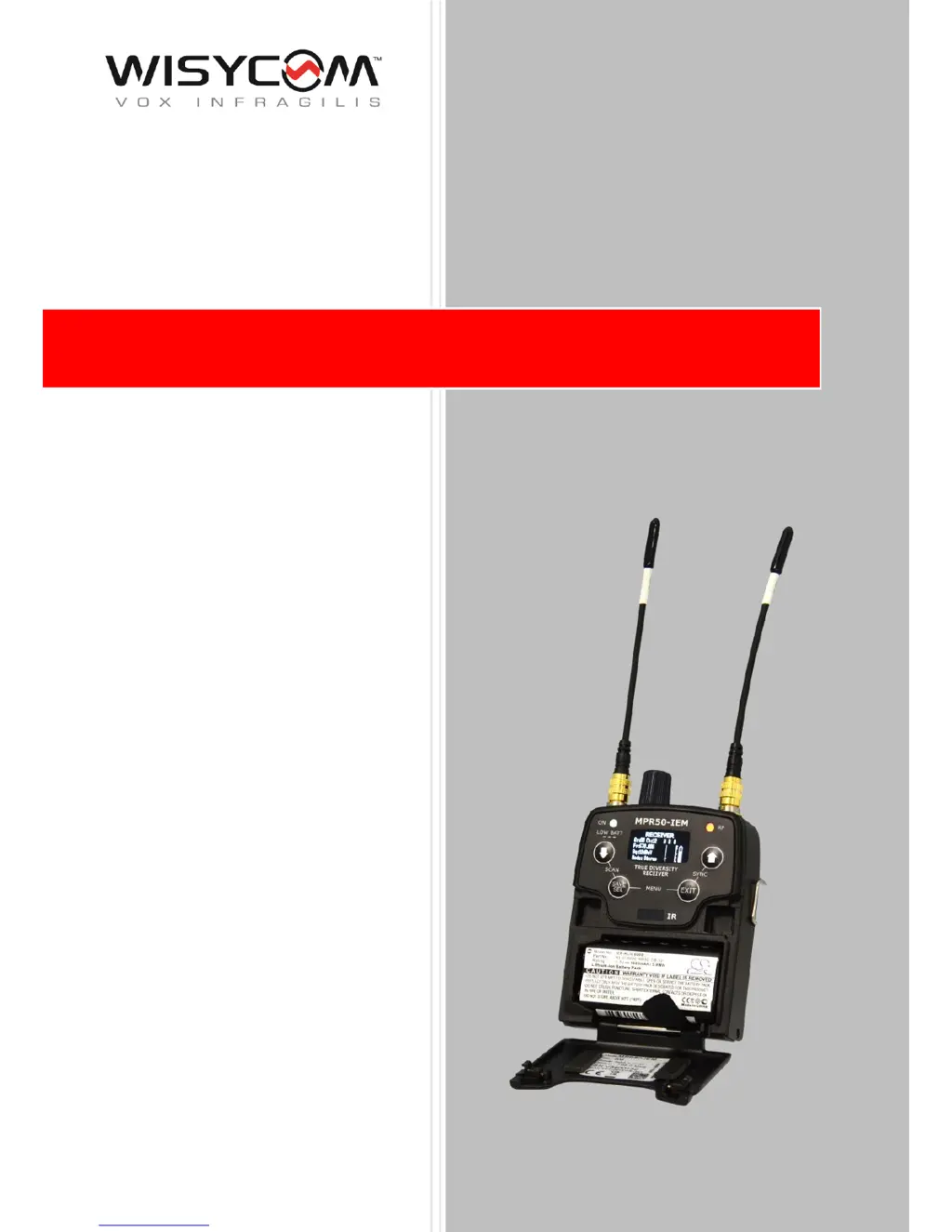
WisyCom MPR50-IEM - User Manual

WisyCom MPR50-IEM
32 pages
Print Icon
To Next Page IconTo Next Page
Loading...
MPR50-IEM User Manual
High performance
True diversity IEM
Receiver
SN: ________________
Rev. 01 (ref. FW v1.1)
Date: 01 February 2018

Questions and Answers

  • K
    Kimberly GonzalezSep 12, 2025
    What does it mean if the Serial Number of the WisyCom MPR50-IEM Receiver is UNCAL?
    • R
      Rachel KingSep 12, 2025
      If the Serial Number of the receiver in the Info menu is UNCAL, it means there was an error during the initialization phase, and the CRC-16 check of device data (copy 1 and copy 2) detected an error. Send the device to the Wisycom Repair Centre.
  • S
    Steven LindseySep 13, 2025
    What should I do if errors 87 and 88 appear on my WisyCom MPR50-IEM?
    • C
      Chad WardSep 13, 2025
      If errors 87 (Device ID copy 1 ) and 88 (Device ID copy 2) appear in the errors list, it indicates an error during the initialization phase. The CRC-16 check of device data (copy 1 and copy 2) detected an error. If the Serial Number in the Info menu is UNCAL, send the device to the Wisycom Repair Centre. If the Serial Number in the Info menu is not UNCAL, continue to use the receiver.
  • N
    Nicholas HarrisonSep 15, 2025
    What does it mean if the frequencies of all channels are equal on my WisyCom Receiver?
    • P
      Patricia BeltranSep 15, 2025
      If the frequencies of all the channels and groups is equal to the lower frequency of the receiver (according to the receiver 470 MHz for MPR50-IEM-N 566 MHz for MPR50-IEM-M), it indicates an error in the channel memory during the initialization phase. If the error code 85 appears on the errors list, load a new frequency file (wdf) in the frequency memory of the receiver.

Summary

Safety Instructions

Batteries and Powering

Product Overview

Upper Panel Overview

Details and labels for the controls and connectors on the upper part of the receiver.

Front Panel Details

Description of buttons, OLED display, and LED indicators on the front panel.

Initial Operation and Setup

Display Menu System

Audio Settings

Configuration options for audio output modes, equalization, and volume boost.

Edit RX Settings

Radio frequency settings including group, channel, squelch, and scanning options.

Error List

Troubleshooting

RX Manager Software

WisyCom MPR50-IEM Specifications

General IconGeneral
Tuning Steps25 kHz
TypeIEM Receiver
Frequency Range470 - 960 MHz
Audio Frequency Response20 Hz - 20 kHz
Audio Outputs1 x Unbalanced
Battery LifeUp to 8 hours

Related product manuals