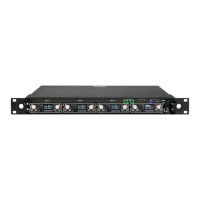
MRK16 16 channels ultra-wideband rack unit
13
PTT MANAGEMENT
It sounds like the PTT (Push To Talk) feature on the Wisycom system allows for remote control
of receiver outputs by pressing the PTT button on compatible Wisycom transmitters (e.g.,
MTH410 with PTT305 accessory or MTP60 with ADT30 accessory).
To configure the PTT functionality on the MRK16, follow these steps:
- Connect the MRK16 to the Wisycom Manager.
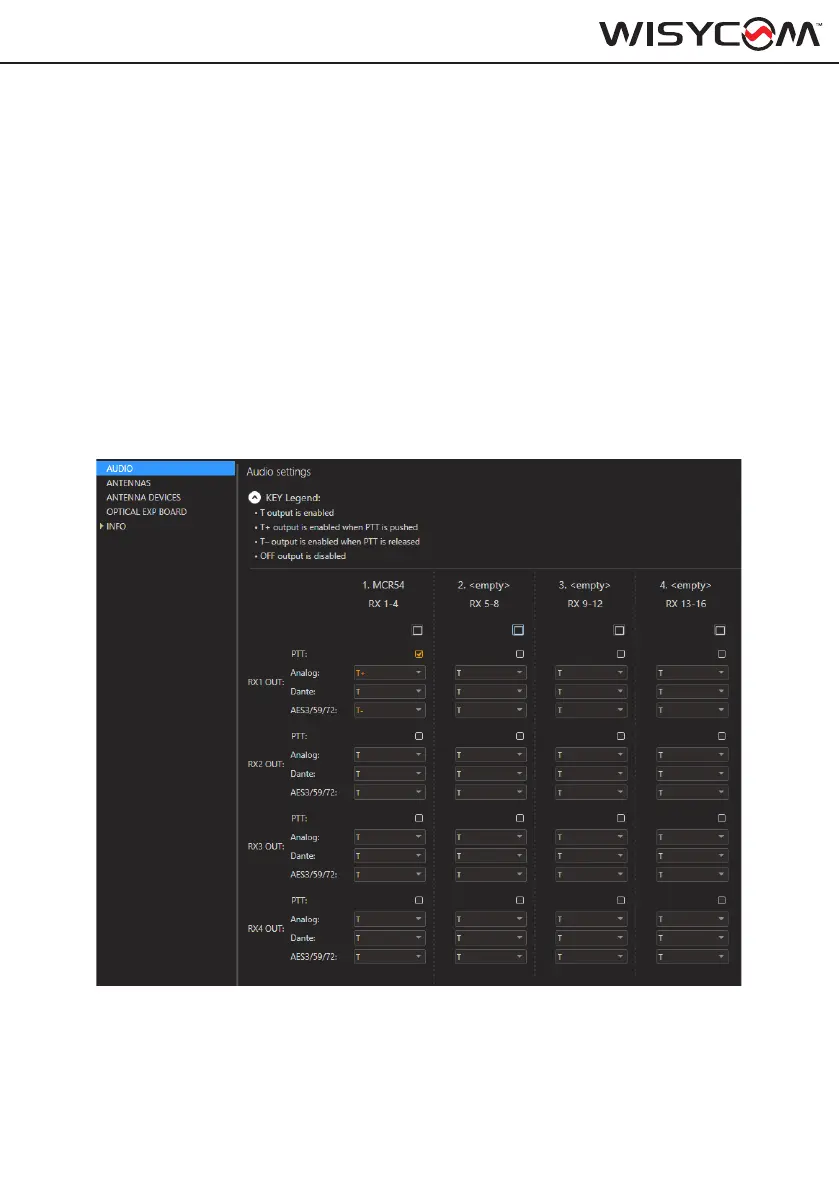
- Navigate to Settings > AUDIO in the Wisycom Manager interface.
- Enable or disable the outputs (Analog, Dante, or Digital) independently based on the status of
the PTT button (pushed or released) for each of the receivers.
The legend provided in the image below explains the settings and options available for config-
uring the PTT feature. This setup allows for flexible control over audio outputs depending on
the PTT status, enhancing operational convenience and control in professional audio applica-
tions.
Note: This feature requires firmware versions MRK16 v1.4.0, MCR54 v2.5.0, and Wisycom
Manager v3.8.2 or later to be implemented. Please ensure your devices are updated to these
versions to utilize the PTT functionality effectively.


 To Next Page