BWT901CL | manual v0707 | http://wiki.wit-motion.com/english
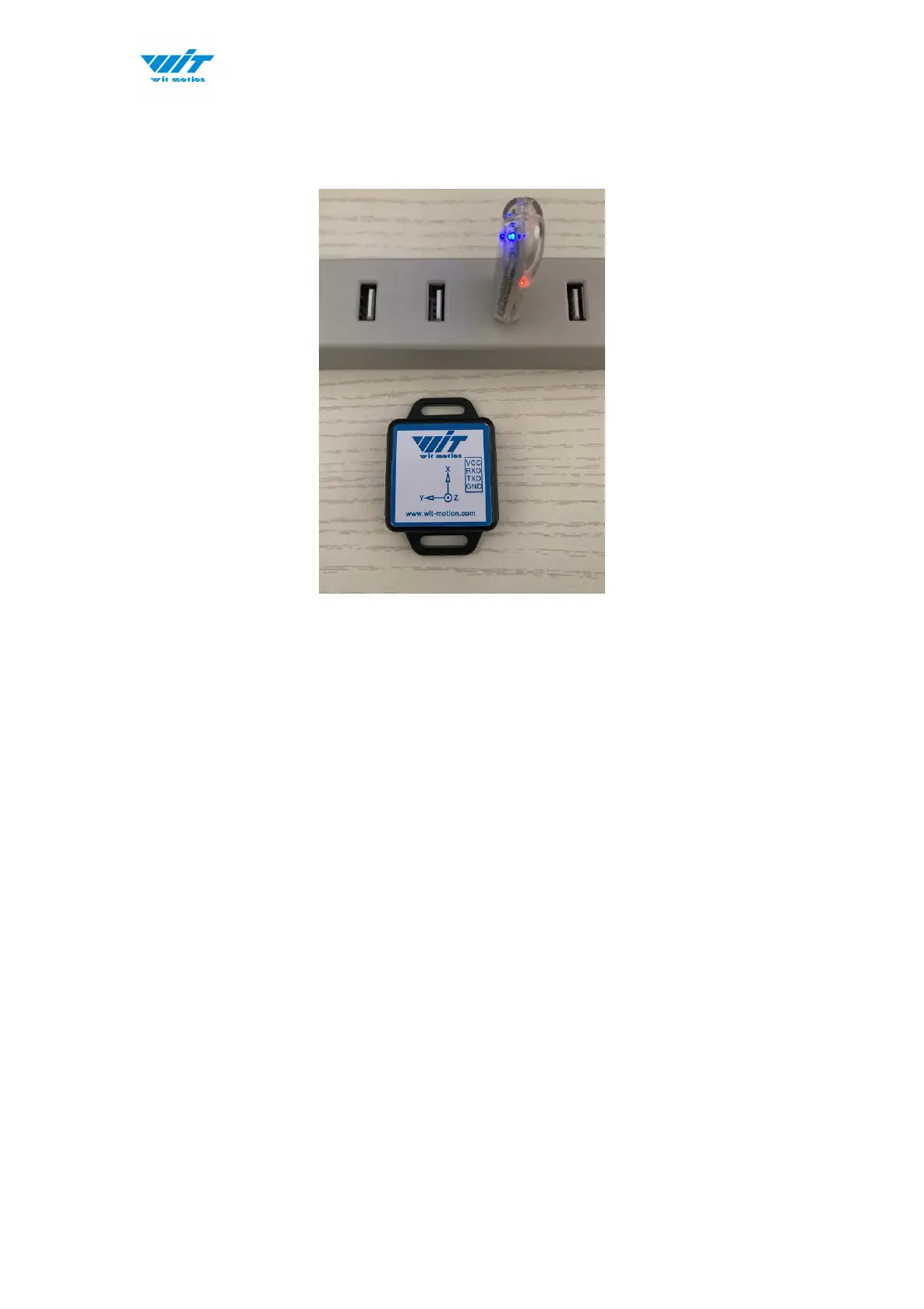
2.1.2 USB-HID Connection
Step 1. Insert the USB-HID adapter into USB slot of computer
Step 2. Turn on the sensor after red light of HID adapter flashes
Step 3. Wait till the sensor's blue LED light remains on--means pairing
succeeded
Step 4. Open the software, Minimu.exe
Step 5. Data will appear once the auto-search finishes



 To Next Page