BWT901CL | manual v0707 | http://wiki.wit-motion.com/english
3.3 Calibration
BWT901CL Playlist
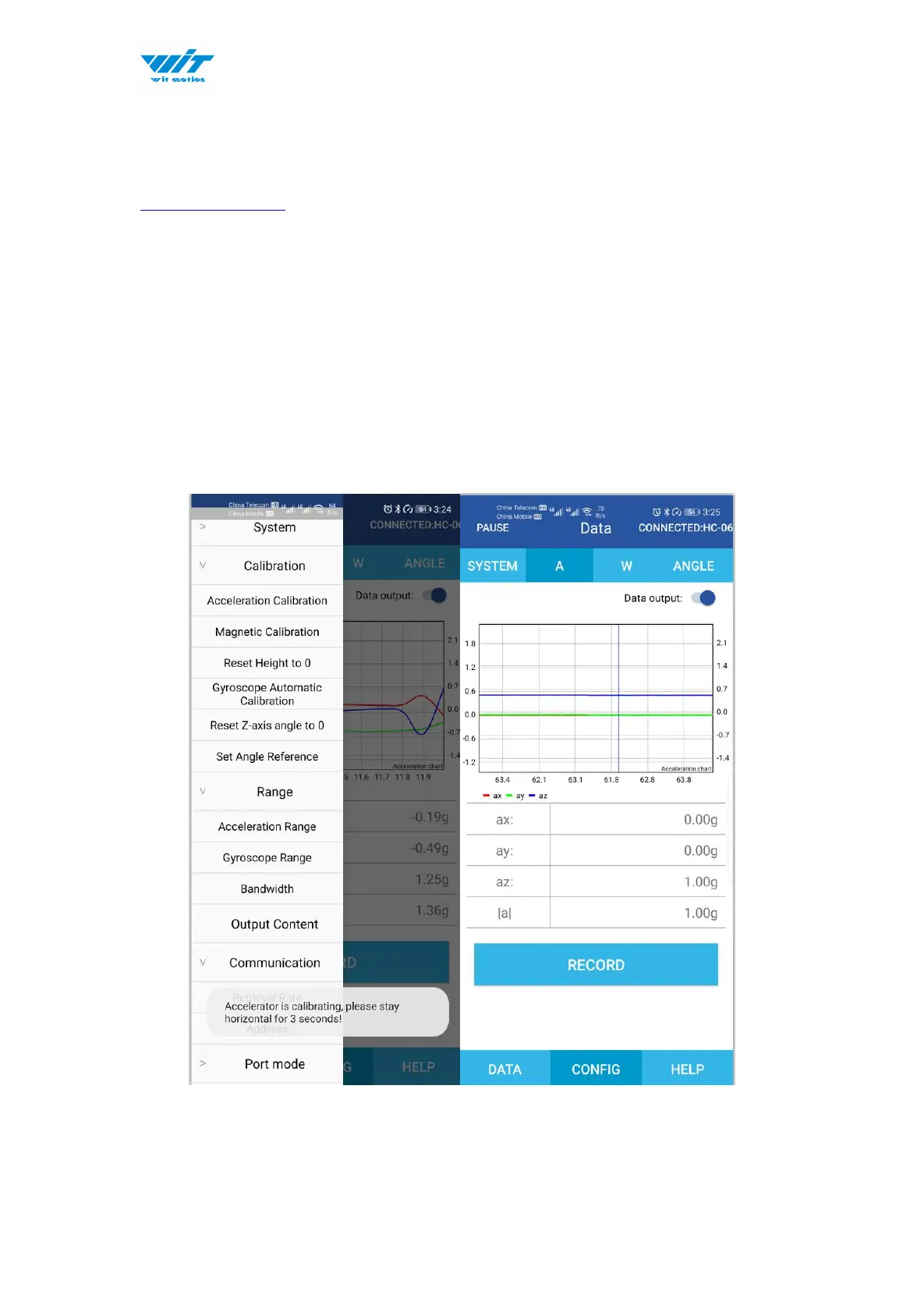
3.3.1 Acceleration Calibration
Step 1. Keep the module horizontally stationary
Step 2. Click the “Calibration” menu
Step 3. Click the “Acceleration Calibration” and wait for 3 seconds
Step 5. Judge the result--confirm if there is 1g on Z-axis acceleration



 To Next Page