BWT901CL | manual v0707 | http://wiki.wit-motion.com/english
2.3.4 Reset Z-axis Angle
Note
:
If you want to avoid magnetic interference, you can change the algorithm
to 6-axis
,
function of resetting Z-axis angle can be used.
The z-axis angle is an absolute angle, and it takes the northeast sky as the
coordinate system can not be relative to 0 degree.
Z-axis to 0 is to make the initial angle of the z-axis angle is relative 0 degree.
When the module is used before and z-axis drift is large, the z-axis can be
calibrated. When the module is powered on, the z-axis will automatically return
to 0.
Calibration methods as follow:
Step 1: Keep the module static.
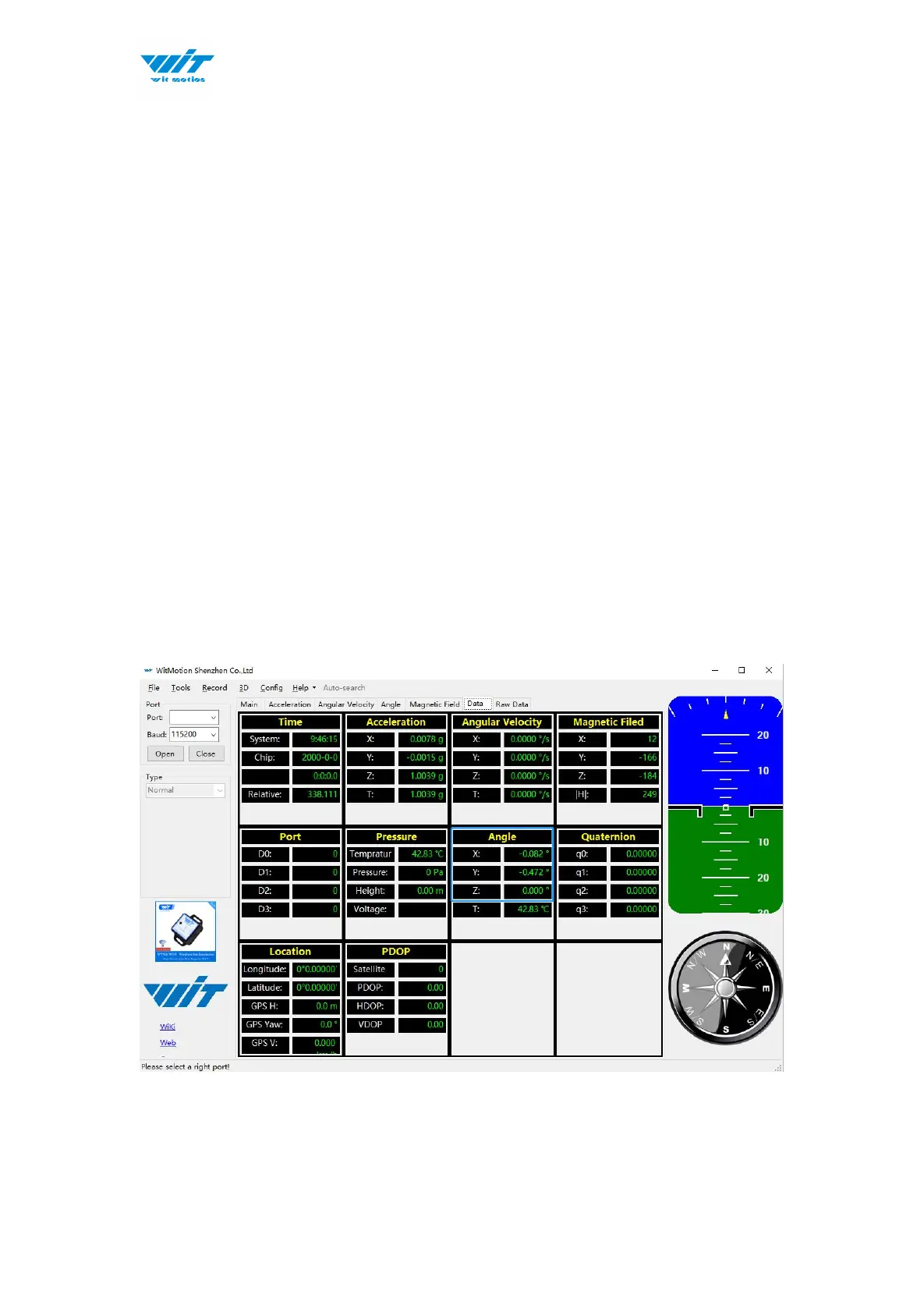
Step 2: Open the “Config” and then click the “Reset Z-axis Angle” option, you
will see the angle of the Z-axis backs to 0 degree in the ”Data”.



 To Next Page