2 Use Instructions with Android Phone
For APP configuration introduction, please referring to the link.
https://drive.google.com/file/d/122Es4QPLi5R-O4TjN43FMFRcaNK9eSY8/view
?usp=share_link
2.1 APP Installation
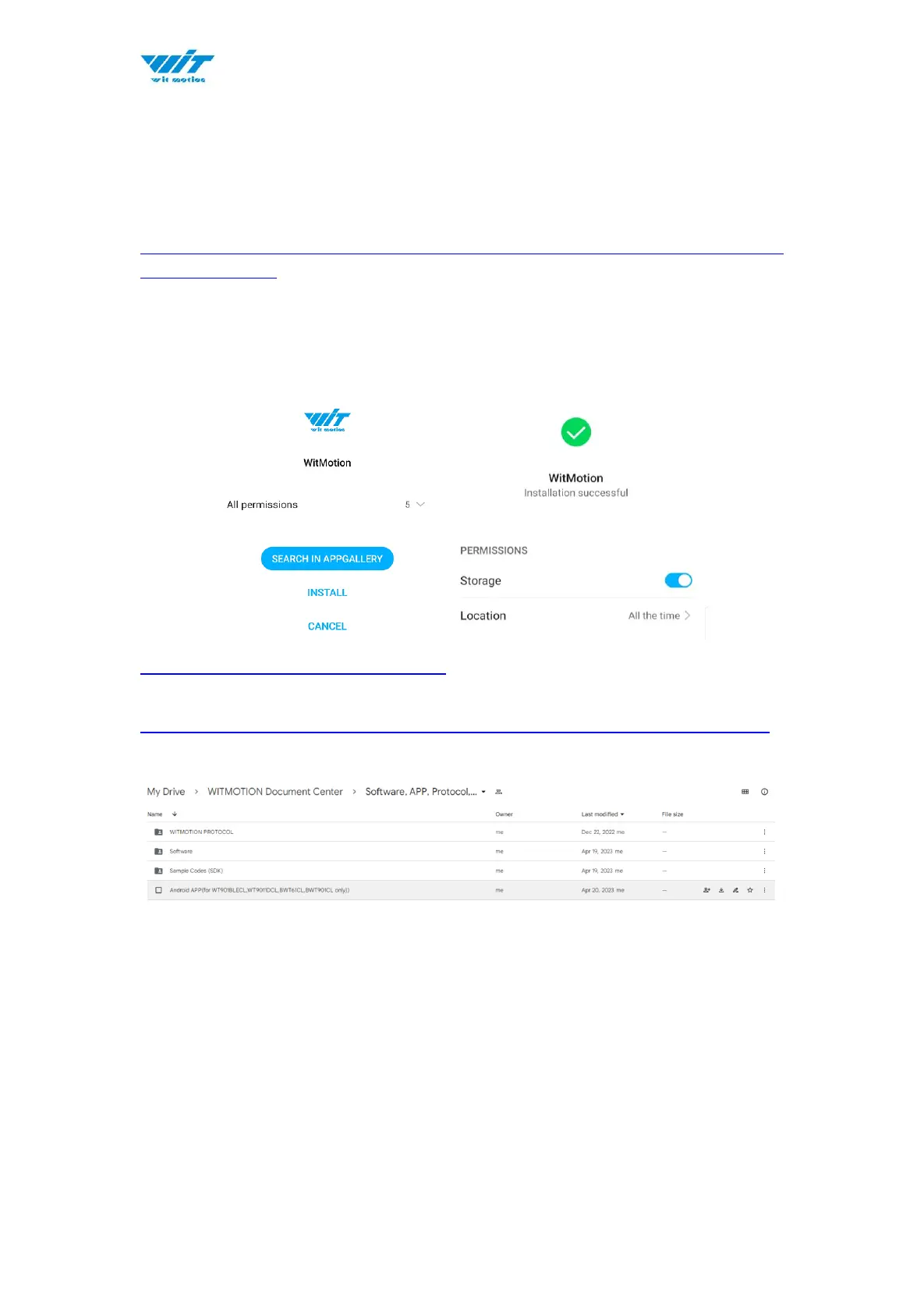
Install the APK file, give permission of Location and Storage
WITMOTION 2023v New Android APP
Link to check the tutorial video.
https://youtube.com/playlist?list=PL43tdDrVL_VBMU2CrEZfC0MxA0aRz-EY1
About Android APP:
1. It is required to allow for application positioning (Always allowed), and turn
on the positioning function and Bluetooth.
Note: Paired devices can be searched without turning on positioning, but
according to Google's requirements, if APP installed on a higher version of
Android (6.0) mobile phone is paired with a Bluetooth device, positioning must
be allowed when using Bluetooth at the same time.
2. After turning on Bluetooth, it takes about one minute to search for
authorization to find Bluetooth.


 To Next Page