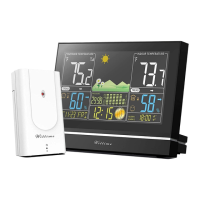
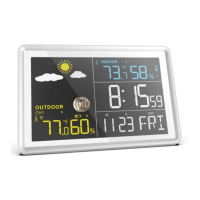
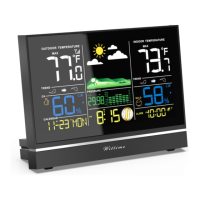
- The wireless sensor is protected against moisture but must be protected against water, e.g. rain.
General
The base unit and wireless sensor exchange information over a radio frequency. For this reason, the
location is important for the range of the wireless connection. Note:
• The maximum distance between the base station and wireless sensor is 262.5 ft (80 meters). However,
this range is only possible in open area.
• Shielding building materials such as reinforced concrete reduce or prevent the radio reception between
the base station and wireless sensor.
• Devices such as televisions, cordless phones, computers and fluorescent tubes can also interfere with the
wireless reception.
• Do not place the base unit and wireless sensors directly on the floor. This restricts the range.
• In low temperatures in winter the battery performance of the wireless sensors can be significantly reduced.
This reduces the transmitter range.
Base unit
DANGER
When installing the device on a wall, there must be no electrical cables, gas or water pipes in the wall at the
installation site. Otherwise there is a risk of electric shock!
• You can put the base unit on the desk or hang it up. It’s better to put on the desk.
Wireless sensor
• Place or hang the wireless sensor in a place where it is protected from direct weather (rain, sun, wind,
etc.). Suitable locations include e.g. under a porch or in a carport.
Display indicators
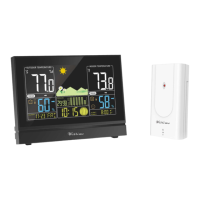
Base unit


 To Next Page