EasyManua.ls Logo

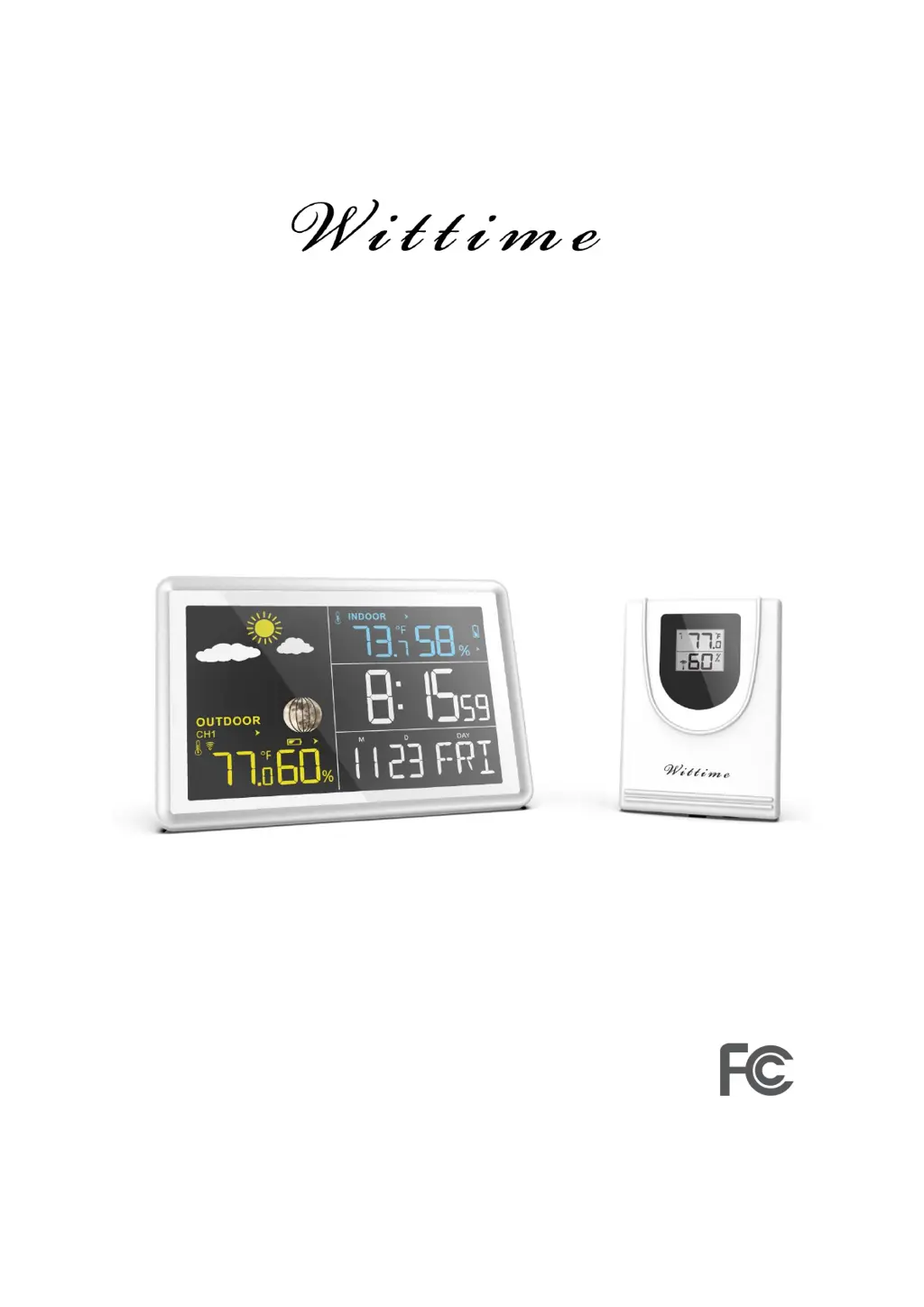
Wittime WT2039A - User Manual

Default Icon
17 pages
Print Icon
To Next Page IconTo Next Page
Loading...
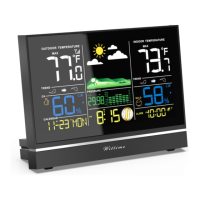
Digital Wireless Weather Station
OPERATING INSTRUCTION
Base unit: WT2081
Wireless sensor: WT2039A
Remove the protective film from the display before use.

Questions and Answers

Summary

Safety Precautions

Electrical Safety and Adapter Use

Warnings and precautions related to electrical hazards when using the adapter.

Product Contents and Features

Base Unit Component Identification

Base Unit Control Buttons

Explains the function of each button on the base unit.

Wireless Sensor Component Identification

Initial Setup and Sensor Configuration

Wireless Sensor Battery Installation

Step-by-step guide for installing batteries in the wireless sensor.

Base Unit Power and Operation Modes

AC Adapter Powering

Guide for operating the base unit using the AC power adapter.

Battery Powering

Instructions for powering the base unit using batteries.

Time and Date Manual Setting

Base Unit Display Information

Alarm System Management

Setting and Activating Alarms

Instructions for setting and managing the alarm times.

Weather Data Display Interpretation

Temperature and Humidity Readings

Explanation of temperature and humidity readings and their indicators.

Interpreting Weather Trends

Understanding the Weather Forecast

Temperature Alarm and Air Pressure Insights

Mold, Dew-Point, and Heat Index Display

Detailed Display Indicator Explanations

Low Battery Notification System

Resetting the Weather Station to Defaults

Troubleshooting Common Issues

Technical Specifications - Base Unit

Technical Specifications - Wireless Sensor

Wittime WT2039A Specifications

General IconGeneral
Display TypeLCD
Humidity Range20% to 95%
Humidity Accuracy±5%
Temperature Accuracy±1°C
Power Source (Remote Sensor)Battery
Wireless Range100 meters
Indoor Temperature Range-10°C to 50°C
Outdoor Temperature Range-50°C to 70°C

Related product manuals