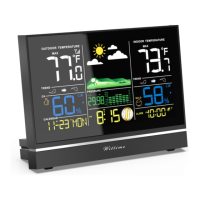
Setting the time and date manually
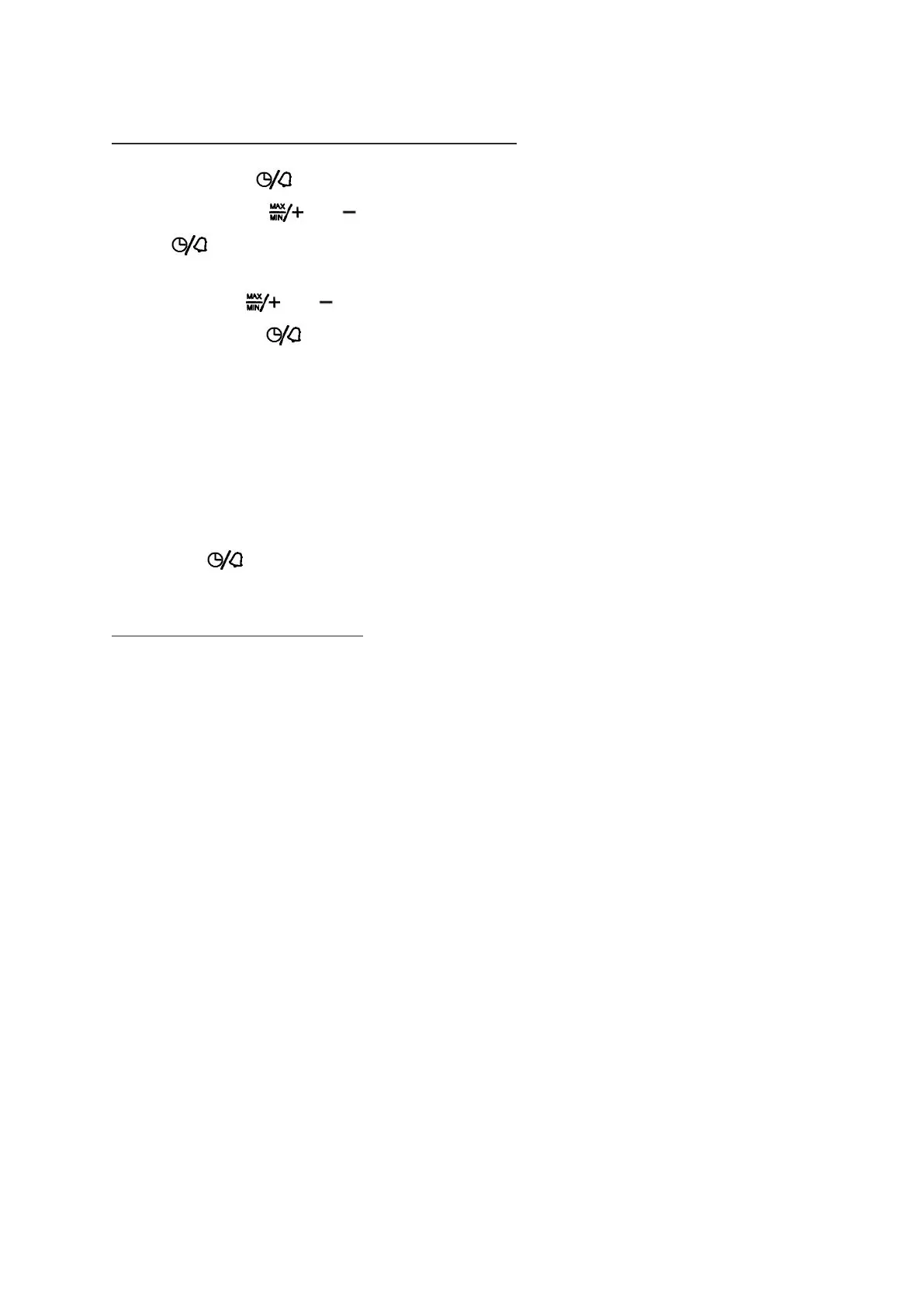
1. Press and hold the button until the display for the year begins to flash.
2. Set the year with the and buttons.
3. Press to store the setting.
4. Continue as described:
- Set a value with and .
- Store a setting with .
5. Set the following settings one after another:
- Month
- Day
- Hours
- Minutes
- Hour format (in the 12-hour format, the afternoon hours are shown with “PM” on the display)
- DST (on or off)
- Temperature unit (°C or °F)
6. Then press to store the changed setting.
Choosing the location
ATTENTION
- Protect the base unit and wireless sensor from dust, shocks, extreme temperatures and direct sunlight.
- Protect the base unit from moisture. Only place the base unit in a dry, enclosed space.
- The wireless sensor is protected against moisture but must be protected against water, e.g. rain.
General
The base unit and wireless sensor exchange information over a radio frequency. For this reason, the
location is important for the range of the wireless connection. Note:
• The maximum distance between the base station and wireless sensor is 328 ft (100 meters). However,
this range is only possible in open area.
• Shielding building materials such as reinforced concrete reduce or prevent the radio reception between
the base station and wireless sensor.
• Devices such as televisions, cordless phones, computers and fluorescent tubes can also interfere with the
wireless reception.
• Do not place the base unit and wireless sensors directly on the floor. This restricts the range.
• In low temperatures in winter the battery performance of the wireless sensors can be significantly reduced.
This reduces the transmitter range.



 To Next Page