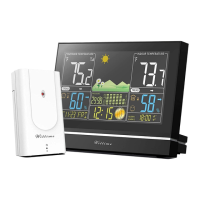
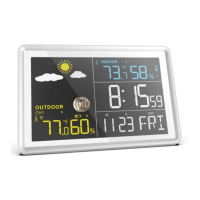
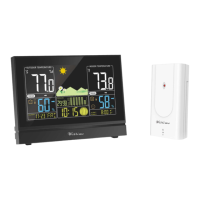
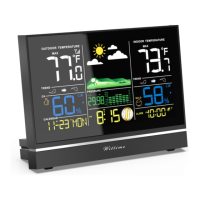
Base unit
DANGER
When installing the device on a wall, there must be no electrical cables, gas or water pipes in the wall at the
installation site. Otherwise there is a risk of electric shock!
• You can put the base unit on the desk or hang it up. It’s better to put on the desk.
Wireless sensor
• Place or hang the wireless sensor in a place where it is protected from direct weather (rain, sun, wind,
etc.). Suitable locations include e.g. under a porch or in a carport.
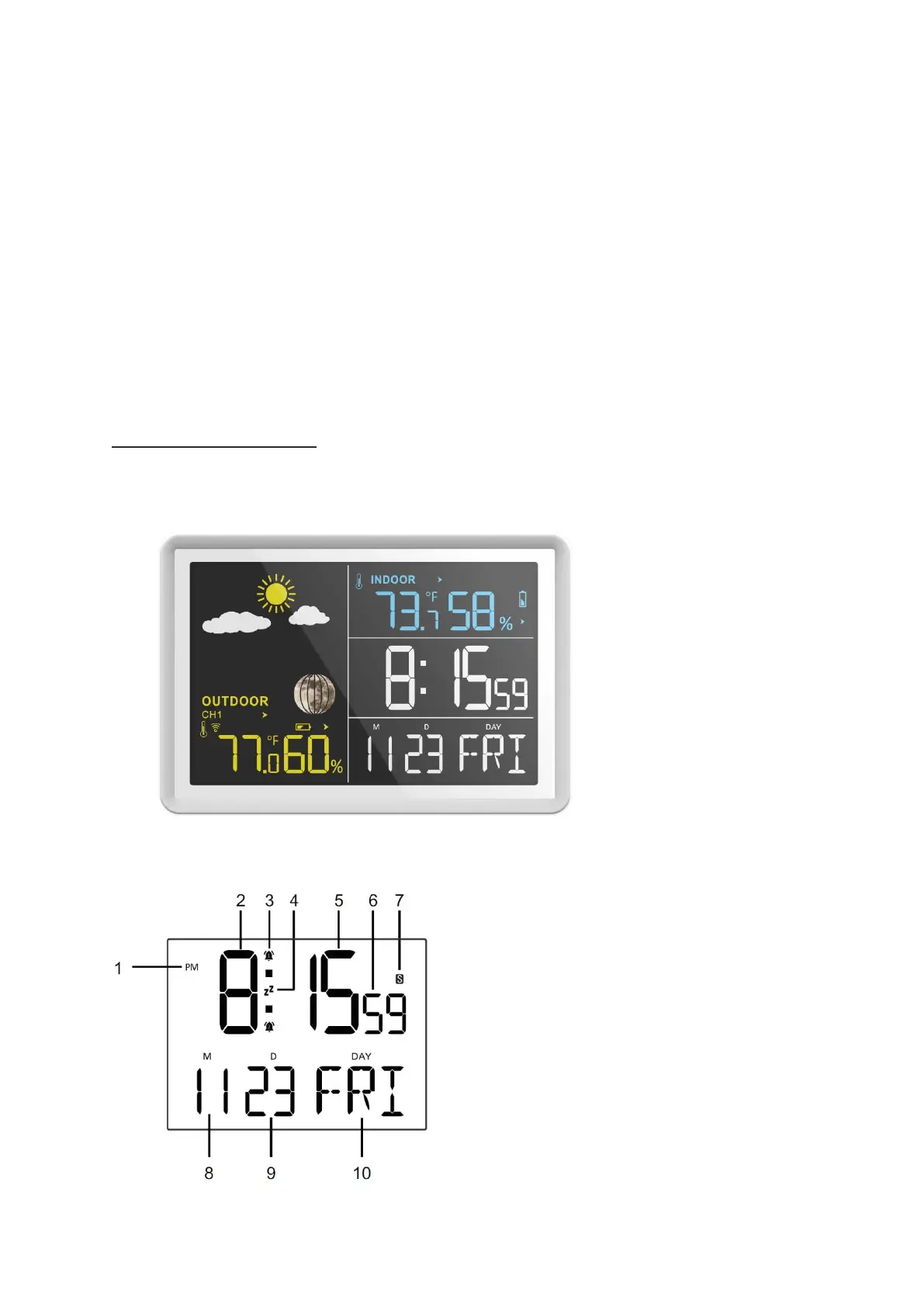
Display indicators
Base unit
Time function



 To Next Page