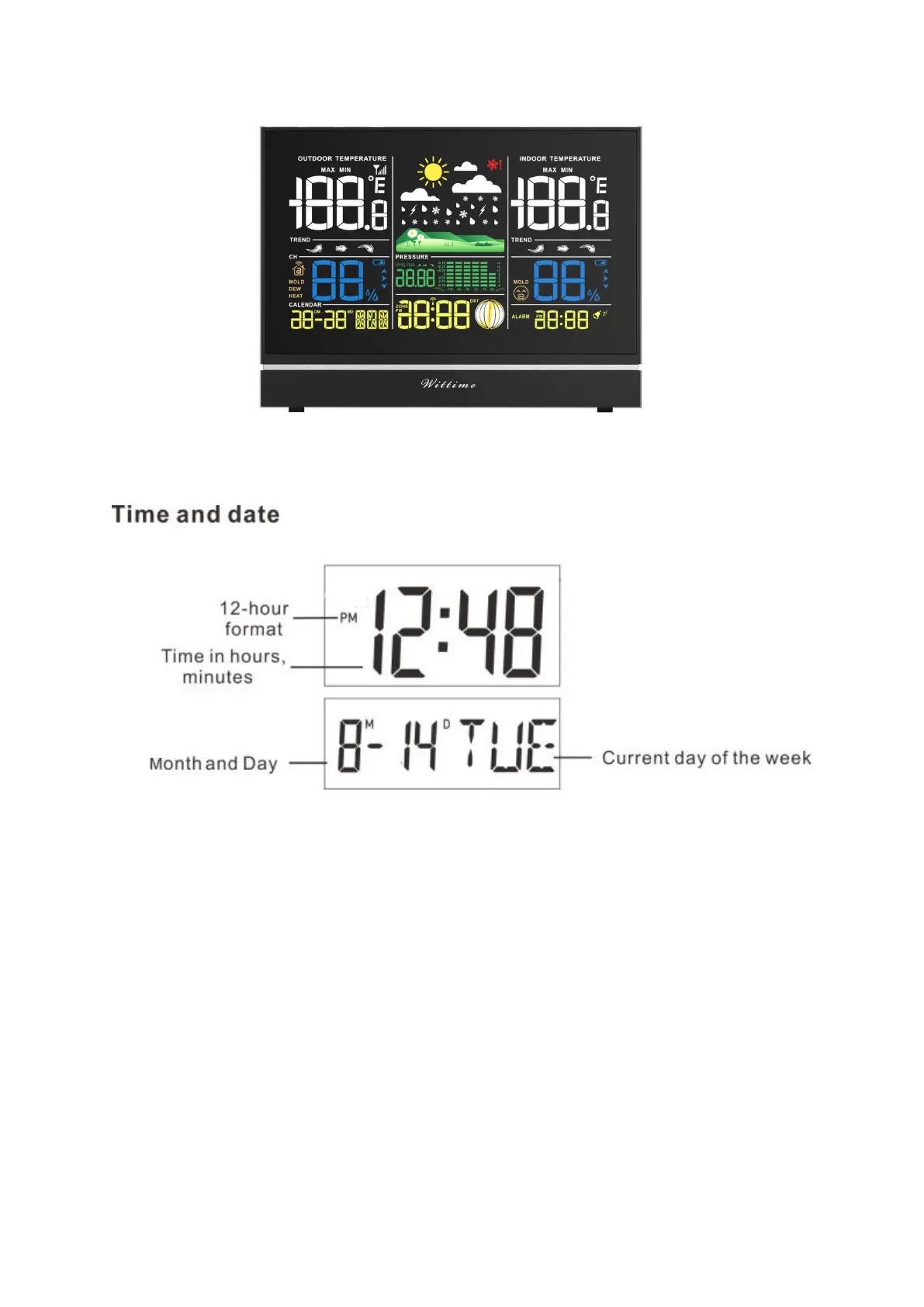
Time function
Setting the alarm
There is alarm on the weather station. You can set it through below steps.
1. Long press the ALARM button till the time starts flashing.
2. Set the desired hour for the alarm with the UP and DOWN button.
3. Press ALARME button to store the setting and enter the minute setting.
4. Set the desired minute for the alarm with the UP and DOWN button.
5. Press ALARM button to store the setting. Now the alarm is set.
Note:
The default of the alarm is off.
When the alarm symbol appears in the screen, the alarm is on activated status.


 To Next Page