• Do not modify the items or the power cable. Only allow repairs to be carried out by a specialist workshop
as improperly repaired devices endanger the user.
Unpacking and checking
1. Remove the weather station from the packaging, remove all protective films and keep the packaging
materials out of the reach of children.
2. Dispose of the materials separately according to type.
3. Check that all the items that should be included in the delivery are present and whether the weather
station displays any damage.
Items included in the delivery
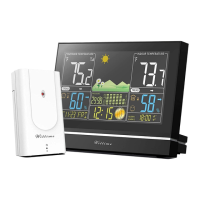
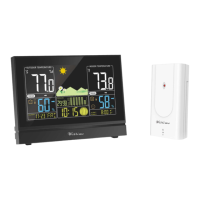
• The weather station, consisting of base station and wireless sensor
• 3 batteries - LR03 type (AAA) / 1.5 V (base unit)
• 2 batteries - LR6 type (AA) / 1.5 V (wireless sensor)
• Switching adapter for base unit
• Operating instructions
Product functions
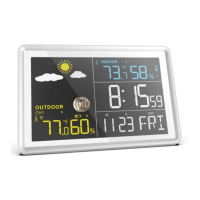
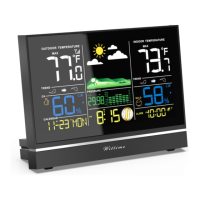
Weather station
• High-definition colour display
• 12- or 24-hour display
• Date, time and day of week display
• Alarm with snooze function
• Indoor temperature display in °C/°F
• Indoor and outdoor humidity display
• Outdoor temperature display in °C/°F with up to three wireless sensors at different measurement sites
(delivery includes one wireless sensor)
• Minimum/maximum display for temperature and humidity
• Humidity and temperature trend display
• Current and previous air-pressure tendency display
• Weather forecast symbols
• Moon phase display
• Mold indicator
• Dew-point display
• Heat index
• Comfort indicator
• Low battery indicator
• Battery or mains operation


 To Next Page