which the 802.1x Authentication will be activated. Make sure
the same password is used on client's end.
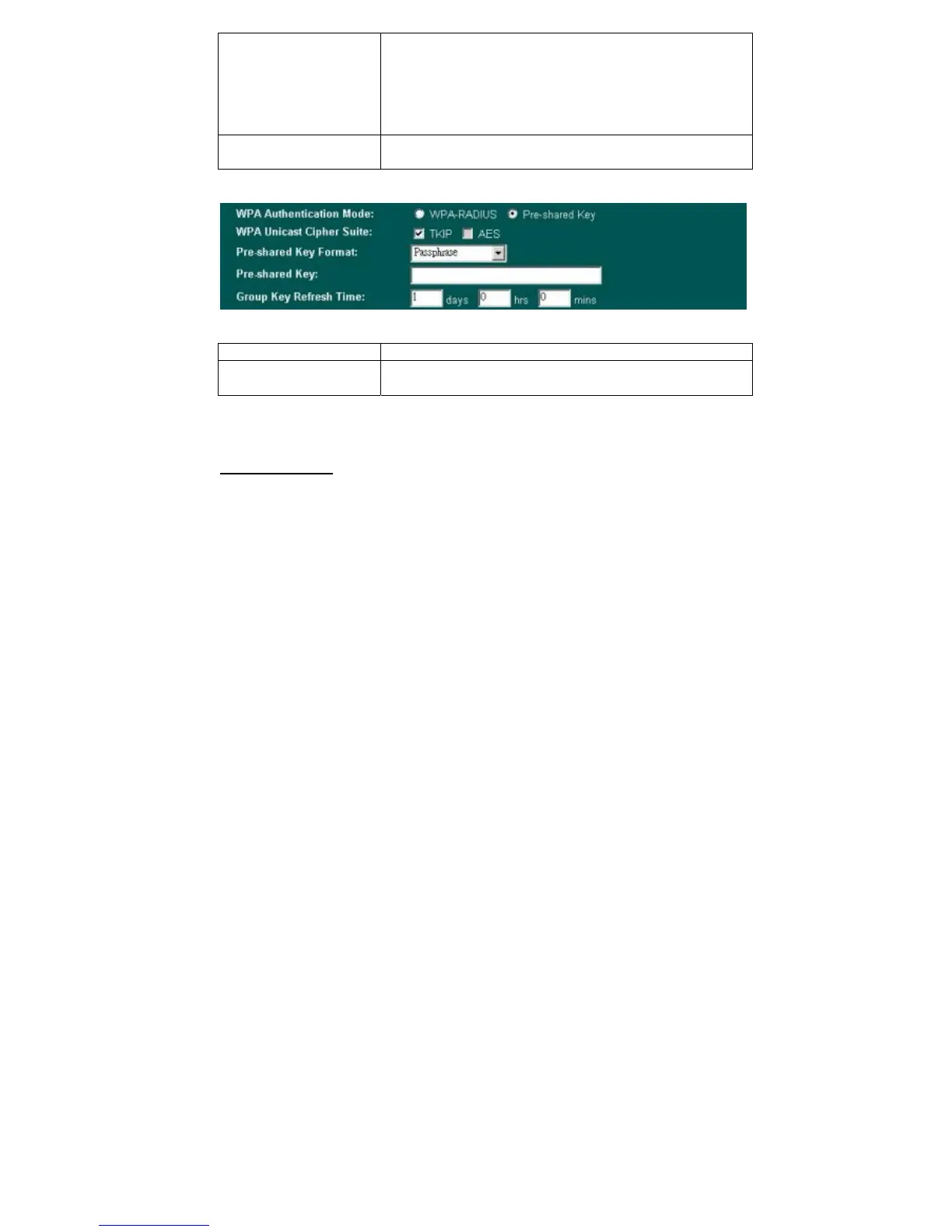
There are two formats for choice to set the Pre-shared key, i.e.
Passphrase and Hex. If Hex is selected, users will have to
enter a 64 characters string. For easier configuration, the
Passphrase format is recommended.
Group Key Refresh
Time
Enter the number of seconds that will elapse before the group
key change automatically. The default is 300 seconds.
Apply Change
Press to save the new settings on the screen.
Reset
Press to discard the data you have entered since last time you
press Apply Change.
Access Control
When Enable Wireless Access Control is checked, only those clients whose wireless
MAC addresses listed in the access control list can access this Access Point. If the list
contains no entries with this function being enabled, then no clients will be able to access
this Access Point.
23



 To Next Page