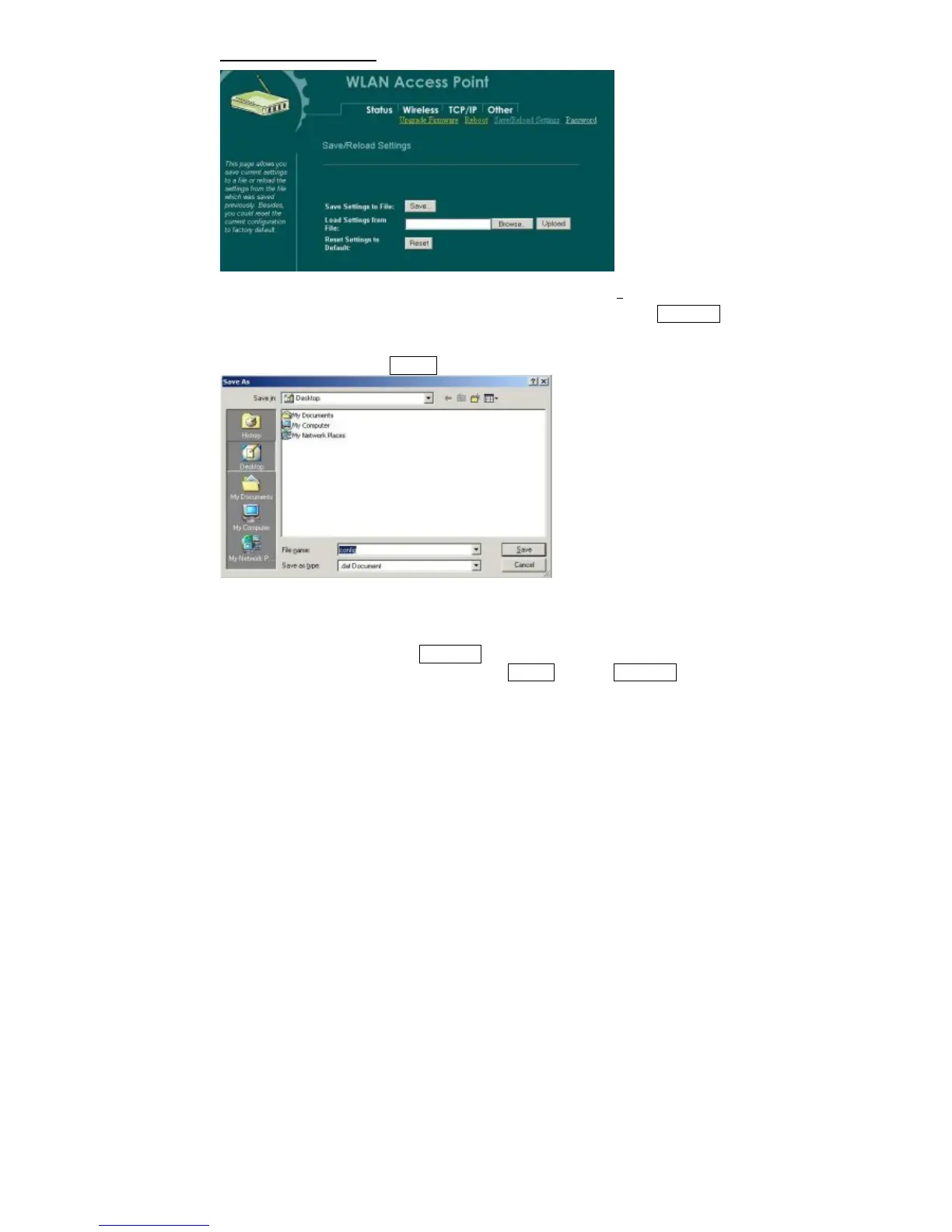
Save/Reload Settings
This function enables users to save the current configurations
as a file (i.e.
config.dat) To load configuration from a file, enter the file name or click Browse…
to find the file from your computer.
Save Settings to File: Click SAVE.. to save the current configuration to file.
When prompted the upper left screen, select “Save this file to disk”, and the upper
right screen will prompt you a dialog box to enter the file name and the file location.
Load Settings From File: Click Browse… if you want to load a pre-saved file, enter the
file name with the correct path and then click on Upload. Or click Browse… to select the
file.
34



 To Next Page