33
Other
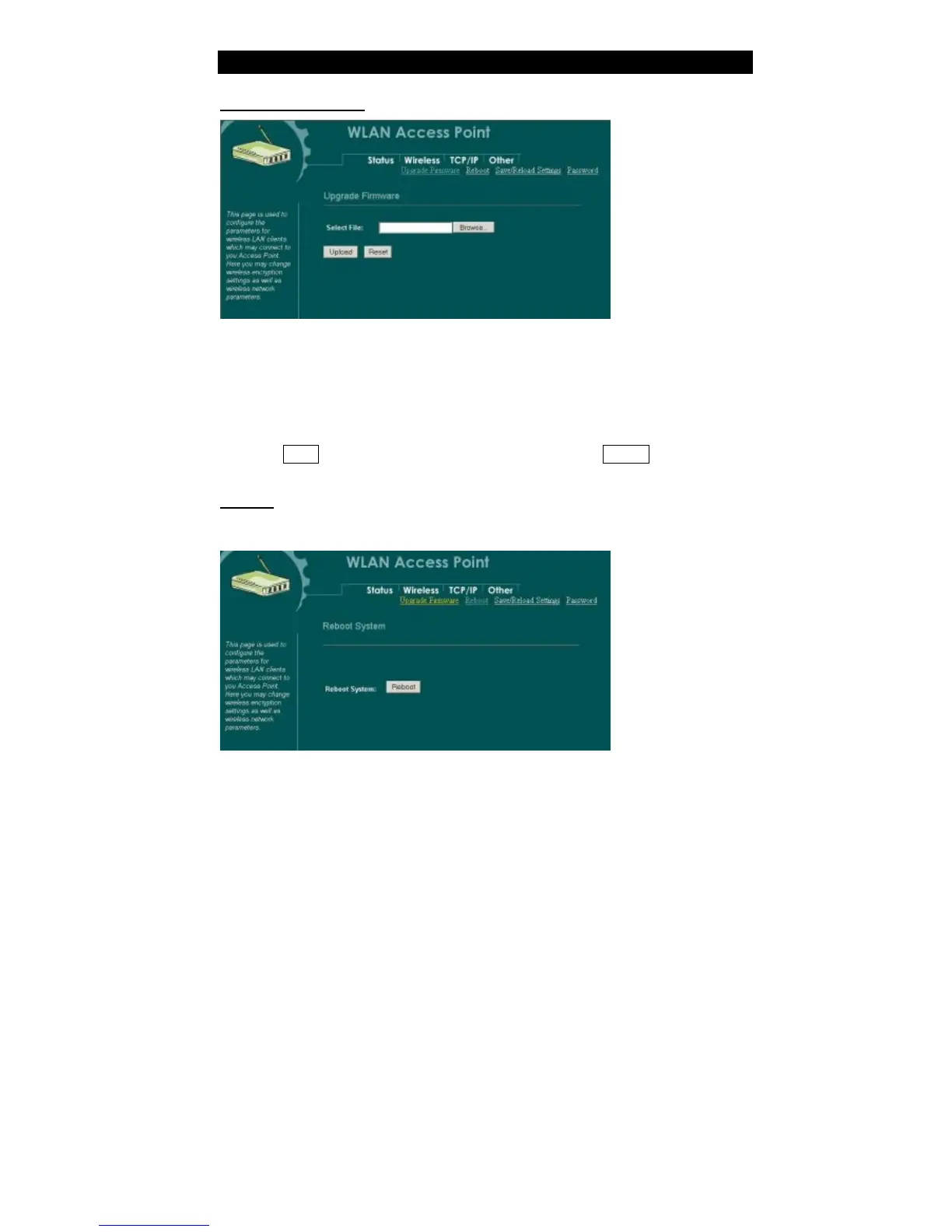
Upgrade Firmware
1. Download the latest firmware from your distributor and save the file on the hard
drive.
2. Start the browser, open the configuration page, click on Other, and click
Upgrade Firmware to enter the Upgrade Firmware window. Enter the new
firmware’s path and file name (i.e. C:\FIRMWARE\firmware.bin). Or, click the
Browse button, find and open the firmware file (the browser will display to
correct file path).
3. Click Reset to clear all the settings on this page. Or click Upload to start the
upgrade.
Reboot
Click “Reboot” button to do warm system reboot of this device.



 To Next Page