10
Client Mode (Ad-hoc)
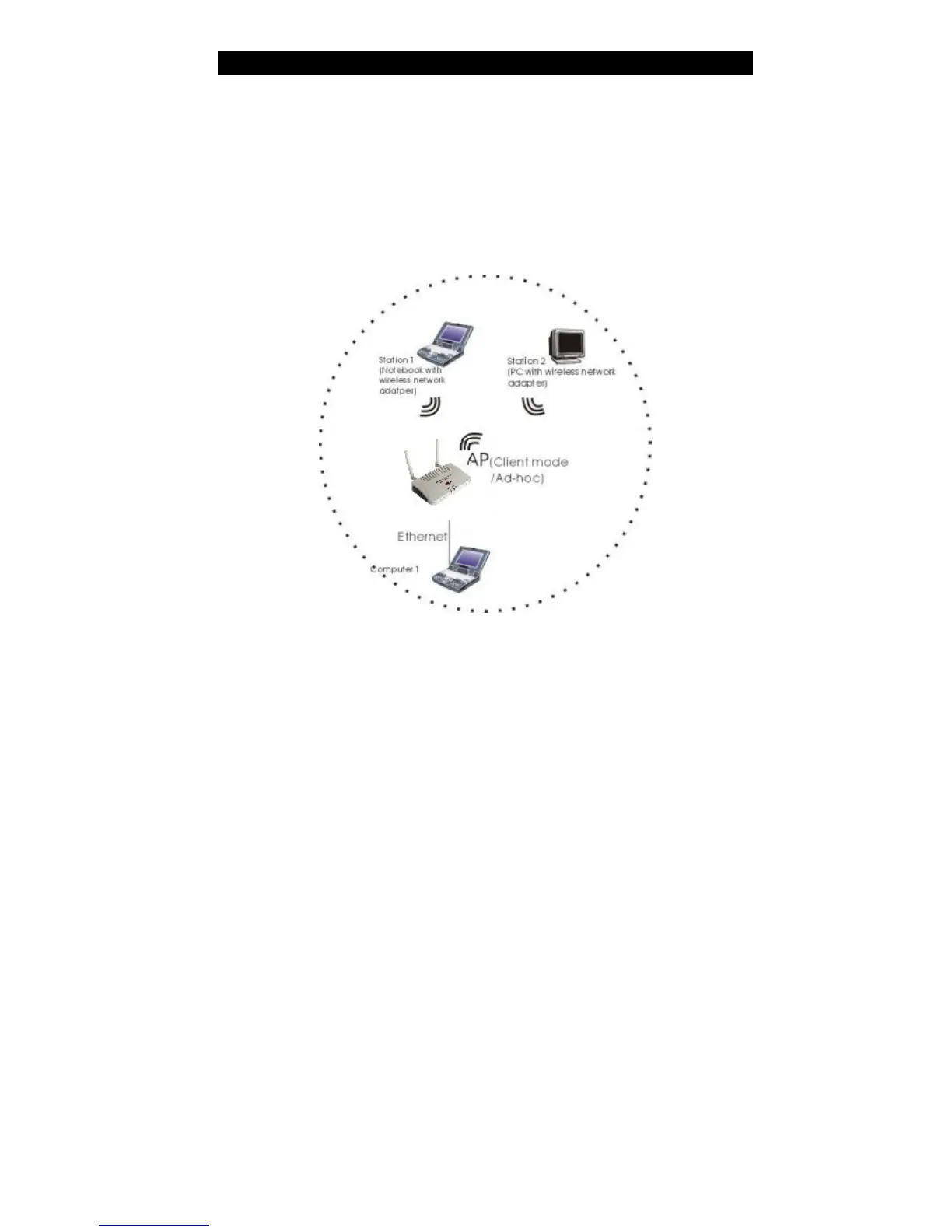
If set to the Client (Ad-hoc) mode, this device can work like a wireless station when it is
connected to a computer so that the computer can send packets from wired end to wireless
interface. You can share files and printers between wireless stations (PC and laptop with
wireless network adapter installed).
See the sample application below.
To set the operation mode to Client (Ad-hoc), please go to “Wireless ?? Basic Settings”,
in the “Mode” field click the down arrow ? to select Client mode, and then select
Network Type as “Ad-hoc”.



 To Next Page