9
Client Mode (Infrastructure)
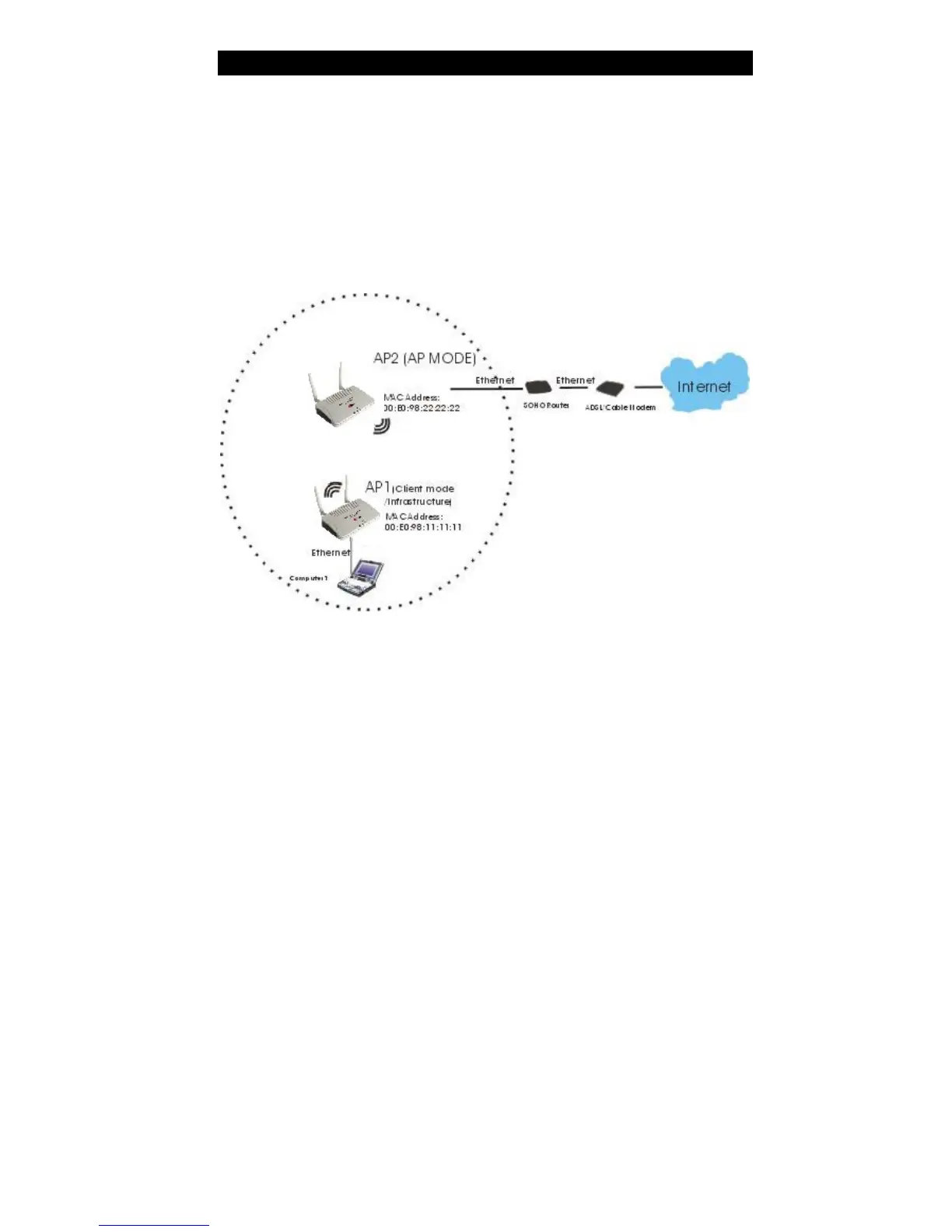
If set to Client (Infrastructure) mode, this device can work like a wireless station when it’s
connected to a computer so that the computer can send packets from wired end to wireless
interface.
Refer to the illustration below. Th is station (AP1 plus the connected computer 1) can
associate to another Access Point (AP2), and then can have the Internet access if the other
Access Point (AP2) has the Internet connection.
To set the operation mode to Client (Infrastructure), please go to “Wireless ?? Basic
Settings”, in the “Mode” field click the down arrow ? to select Client mode, and then
select “Network Type” as “Infrastructure”.



 To Next Page