ABOU T TH E OPERATION MODES
This device provides four operational applications with Access Point, Bridge, Client
(Ad-hoc) and Client (Infrastructure) modes, which are mutually exclusive.
This device is shipped with configuration that is functional right out of the box. If you
want to change the settings in order to perform more advanced configuration or even
change the mode of operation, you can use the web-based utility provided by the
manufacturer as described in the following sections.
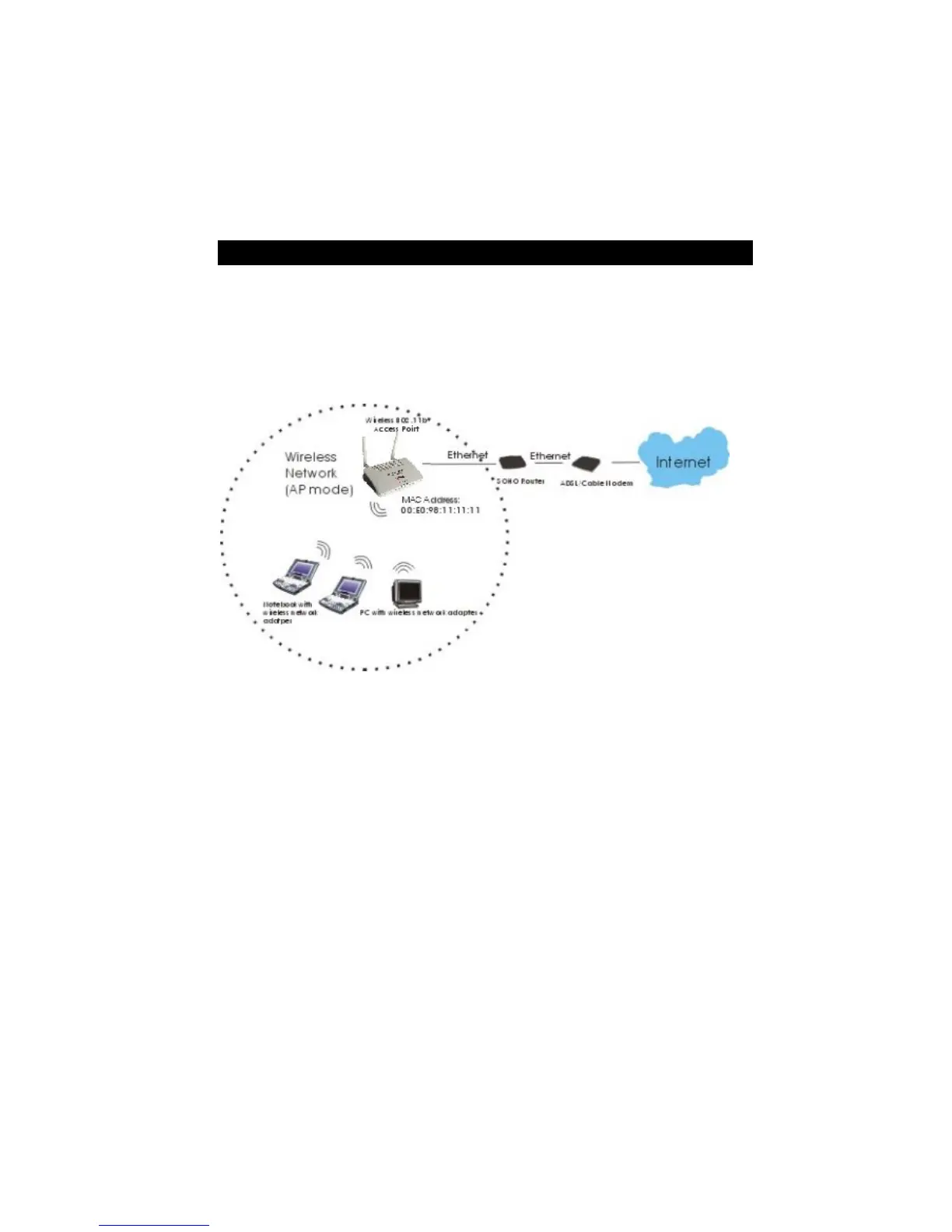
Access Point Mode
When acting as an access point, this device connects all the stations (PC/notebook with
wireless network adapter) to a wired network. All stations can have the Internet access if
only the Access Point has the Internet connection.
See the sample application below.
To set the operation mode to Access Point, please go to “Wireless ?? Basic Settings”, in
the “Mode” field click the down arrow ? to select AP mode.
7



 To Next Page