27
TCP/IP
Basic
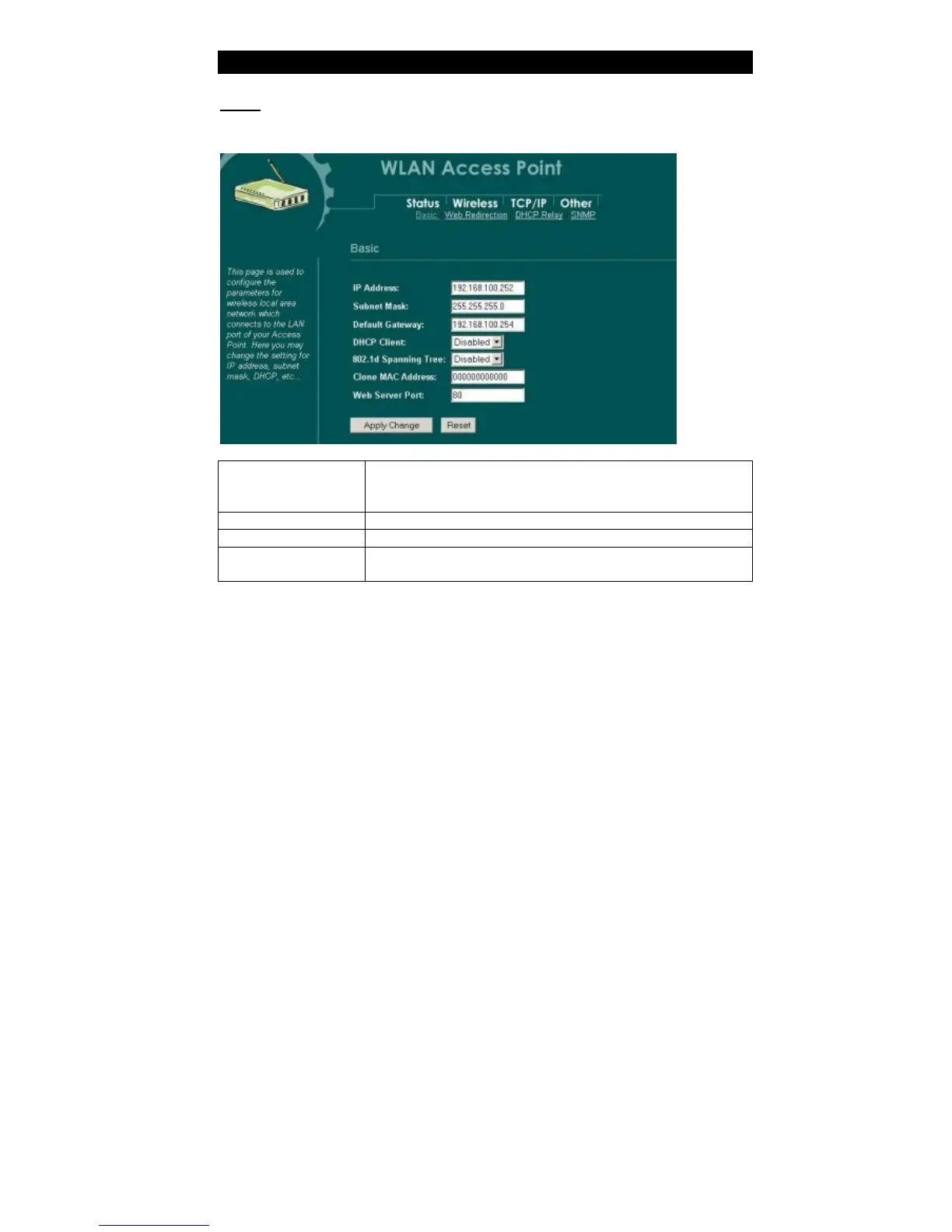
In this page, you can change the TCP/IP settings of this Access Point, select to
enable/disable the DHCP Client, 802.1d Spanning Tree, and Clone MAC Address.
IP Address
This field can be modified only when DHCP Client is disabled.
If your system manager assigned you static IP settings, then you
will have to enter the information provided.
Subnet Mask
Enter the information provided by your system manager.
Default Gateway
Enter the information provided by your system manager.
DHCP Client
To en able the DHCP Client will let the Access Point obtain
IP address automatically from DHCP Server in the network.



 To Next Page