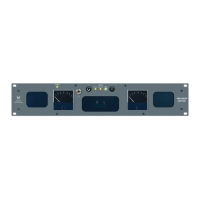
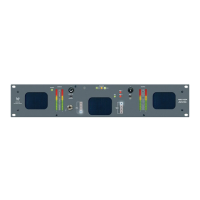
821016: AMPx-E8 Series User Guide
© 2011 Wohler Technologies, Inc. All rights reserved.
vi
Speaker Assign/Preset Buttons
(Presets 1 through 4 Only)........................................45
Saving a Preset .................................................46
Recalling a Preset ..............................................46
Overwriting a Preset...........................................46
Chapter 5. Dolby. . . . . . . . . . . . . . . . . . . . . . . . . . . . . . . . 49
Introduction..................................................................49
Overview................................................................49
Topics ....................................................................49
Dolby Input Source Selection ..........................................50
Dolby Decoding.............................................................50
PCM.............................................................................51
Dolby Metadata.............................................................52
Chapter 6. Setup Menu . . . . . . . . . . . . . . . . . . . . . . . . . . . 55
Introduction..................................................................55
Overview................................................................55
Topics ....................................................................55
Accessing Setup Mode....................................................56
Analog Output Preference Mode.......................................58
Recalling a Preset..........................................................58
Saving a Preset.............................................................59
Creating a New Preset .............................................60
Overwriting an Existing Preset...................................61
Preset Mode..................................................................63
Erasing a Preset ............................................................63
SDI Delay.....................................................................64
Startup ........................................................................65
Surround Gain ..............................................................65
Bitstream Detection.......................................................66
Phase Bits ....................................................................67


 To Next Page