821016: AMPx-E8 Series User Guide
© 2011 Wohler Technologies, Inc. All rights reserved.
50
Chapter 5 Dolby
Dolby Input Source Selection
Dolby Input Source Selection
1. Enter Dolby Decode mode by pressing the Dolby button.
2. Press the Input button to select the source. (The selection is
enabled when it appears in the LCD screen.) Each press of the
Input button cycles through each of the four selections:
• BSt1 (Bitstream 1)
• BSt2 (Bitstream 2)
• SDI (not available in the DA model)
• Auto.SDI or Auto.SDI2 if no signal is present
• SD.SDI (signal is present and auto-detected)
• HD.SDI (signal is present and auto-detected)
• 3G.SDI (signal is present and auto-detected)
3. If one of the SDI inputs is selected, pressing the
Group button
selects the de-embedded SDI pair to be decoded.
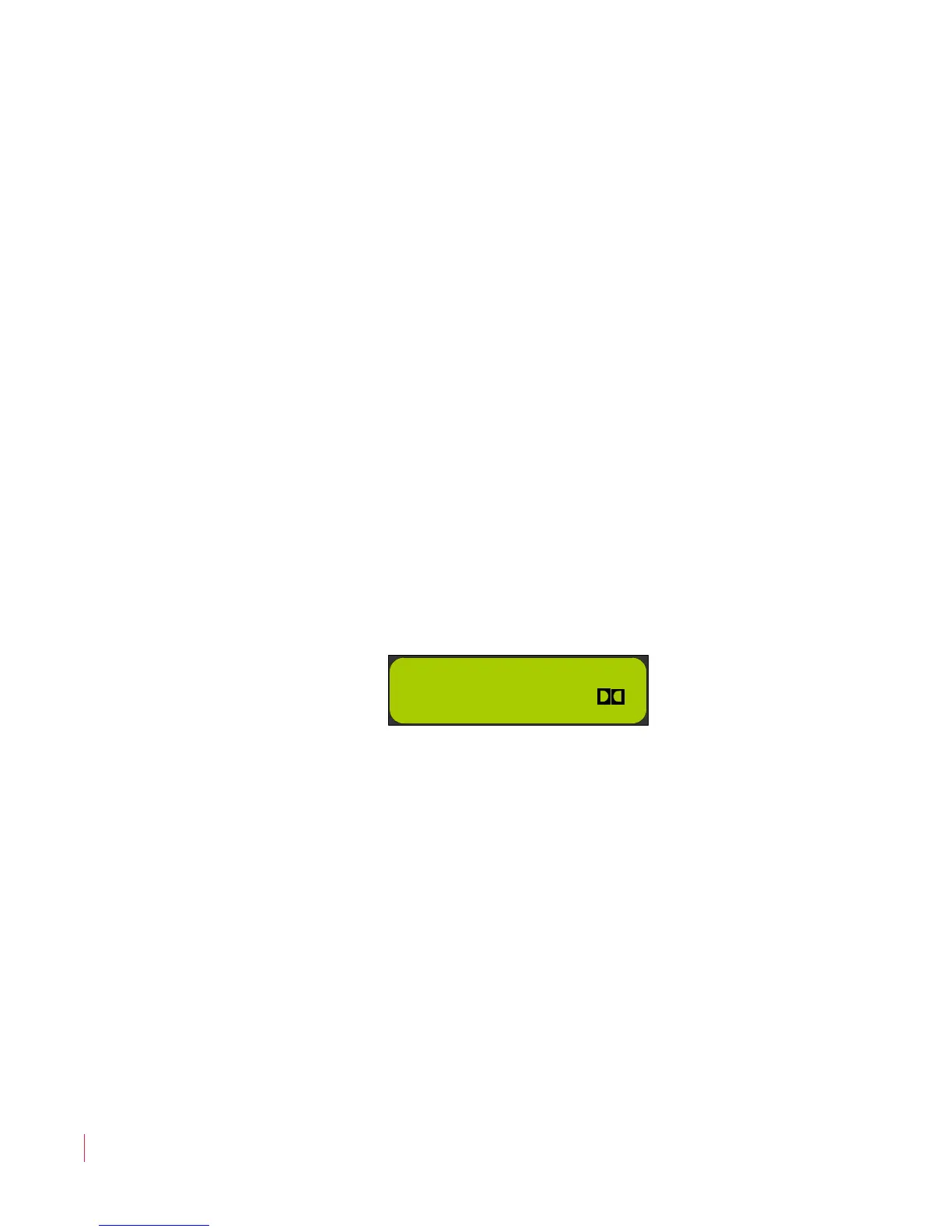
Figure 5–1 Dolby Input Source Selection
Dolby Decoding
When you connect a valid bitstream containing at least one multi-
channel program (such as a 5.1 or 7.1 channel surround type) to the
AMPx-E8 Series unit, it enters a default multi-purpose monitoring
mode, the Auto-Monitor Multi-Channel Mode. While this mode initially
sends a downmix to the unit's speakers, this mode also allows you to
select pairs of channels from the multi-channel program in a Dolby
bitstream.
Note:
You can only enter this mode as described below; it cannot
be selected.


 To Next Page