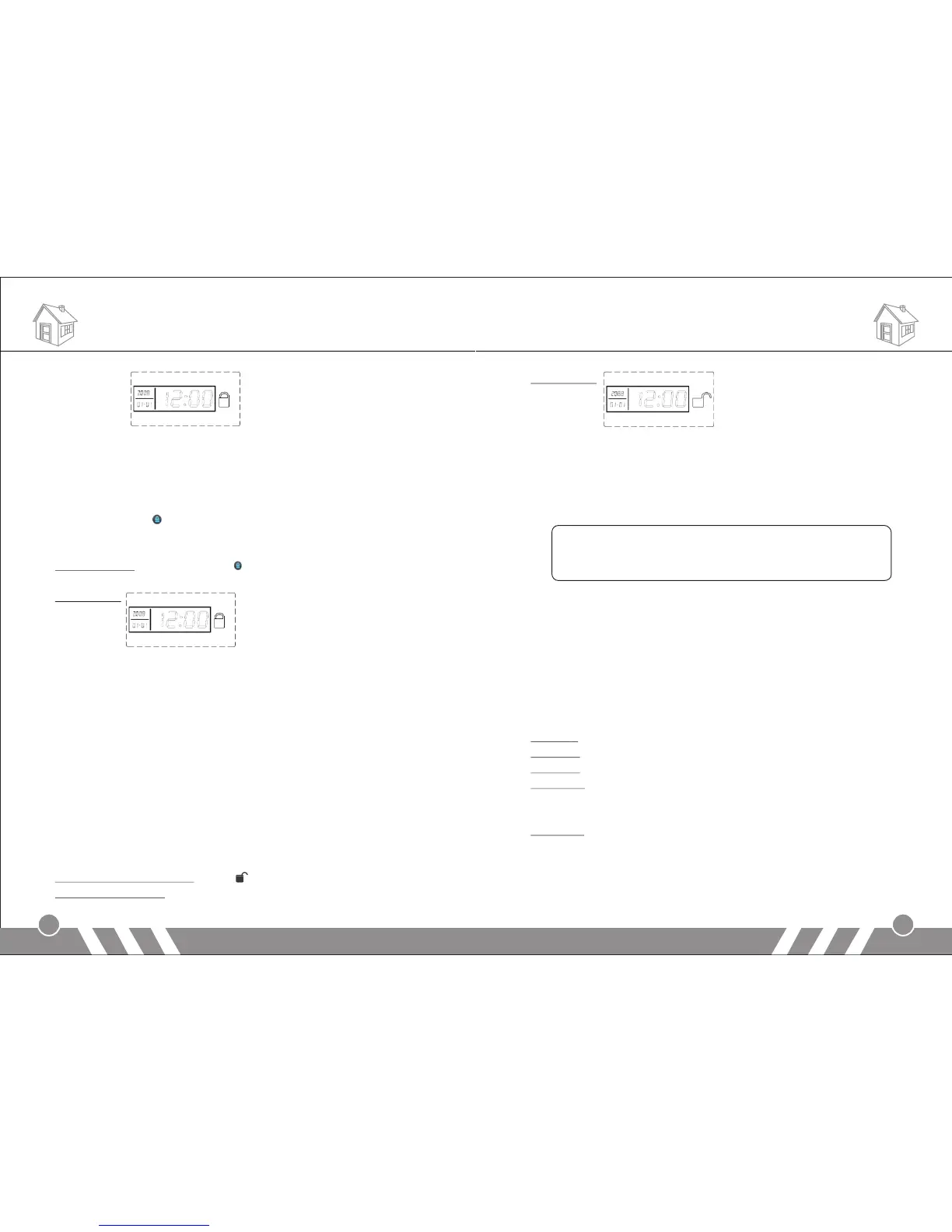
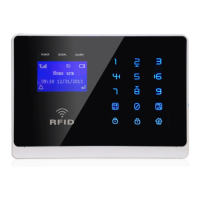
LCD display:
4.Out Arm
It means to guard all around your house while everyone is going out;
all the detectors of the host are always working; when the detector is
triggered by detecting source (anti-theft, fire prevention, gas leak, etc.),
the alarm system will sound the alarm.
Press [Out Home ] button on keypad, system will make a beep per
second and totally 60 beeps. The [OUT ARM] indicator will be on
without flashing. It means Out Arm is set successfully.
Arm Operation: Press [Out Home ] button, the system will enter arm
status 60seconds later.
LCD display:
You can also set out arm by SMS remotely. The SMS command is:
Remote Control Password (Default: 1234) + [1]
After the setting, the host makes a "Di" sound, ARM LED is on and you
will receive a SMS: System armed.
5.Disarm
It means to stop the alarm when the main unit sounds the alarm or
make the alarm system in the state of non-warning. After disarming,
even if you trigger the detector, the main unit would not sound alarm
(excluding 24-hour defense areas).
Use keypad to input system password, then press [#] button. [Out
Home] or [At Home] lights will be off. It means disarm setting
successful.
Remote Control Operation: Press [ ] button on remote controller
Main Unit Operation: input system password + [#]
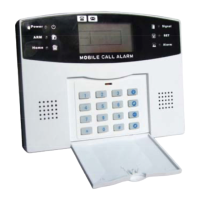
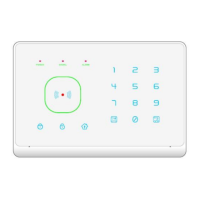
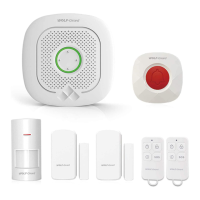
Components List
LCD display:
You can also set disarm by SMS remotely. The SMS command is:
Remote Control Password (Default: 1234) + [2]
After the setting, the host makes "Di" Di" sound, ARM LED is off and
you will receive a SMS: System disarmed.
Note:
If you send arm or disarm SMS by the mobile phone number
stored in the system before (refer to “SMS Receiving Number
Setting), you will receive two arm/disarm SMS.
6.Answer Alarm Call
When the main unit sounds alarm, it will dial the preset numbers. If no one
answers the call, the system will call the next user number automatically.
The system will call each preset numbers for 3 times in order.
If you answer the call, you will hear the pre-record voice. You can set
system via your telephone or mobile phone keypad.
If you hang-up directly without answering the call, the system will call
each preset number for 3 times circularly.
Press [*]: Read the alarm information.
Press [1]: Main unit stops alarming and Arm; it stops calling users.
Press [2]: Main unit stops alarming and Disarm; it stops calling users.
Press [3]:Siren off and monitors the scene for 30 seconds; for
continued monitoring, press [3] again to monitor for another 30
seconds.
Press [4]: Main unit starts a 30-second two-way intercom. It cannot be
controlled by the mobile during the time of intercom.
19
20
Operating Instructions


 To Next Page