Operating method: [20] [A] [#]
A indicates: 1~8 remote controllers number. You can add maximum 8
remote controllers.
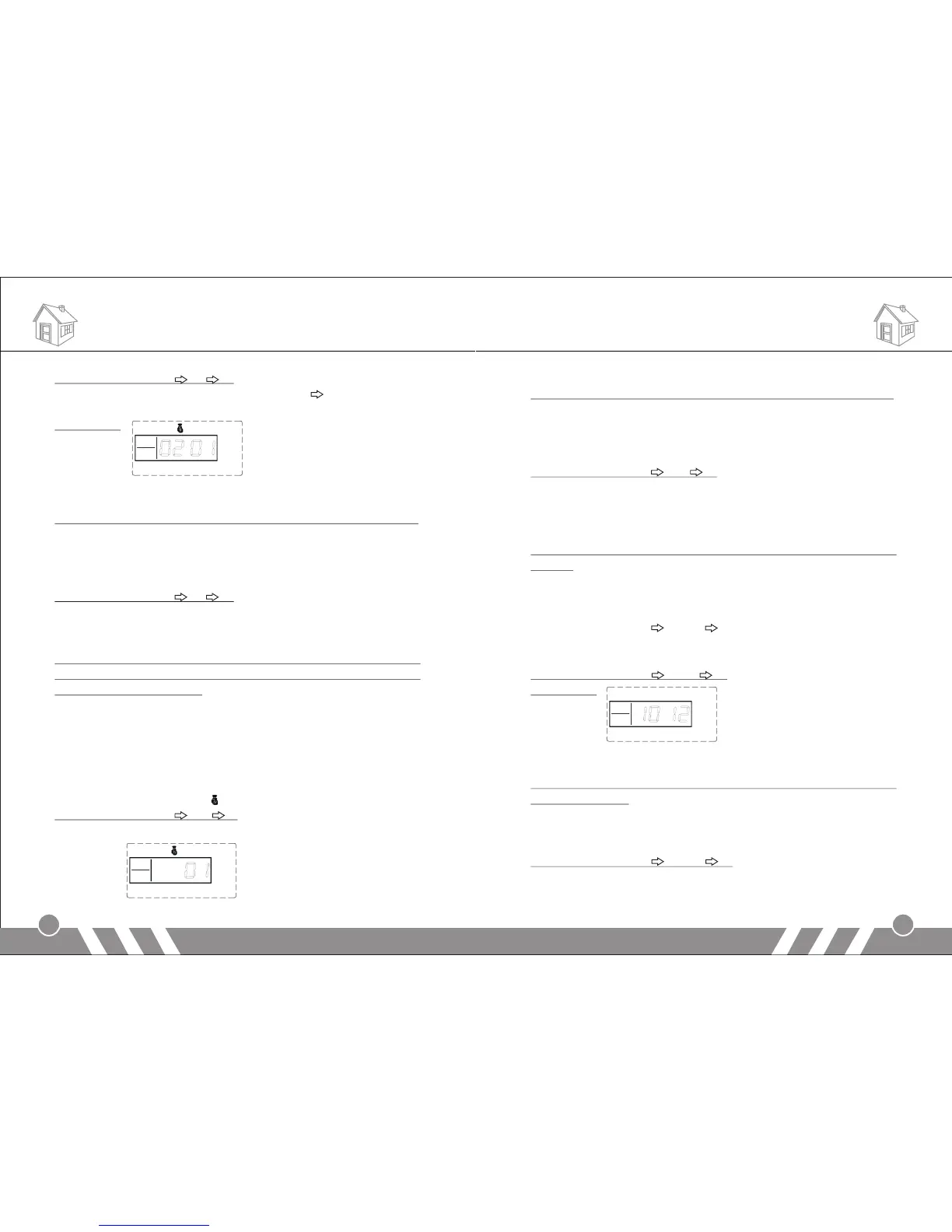
LCD display:
6.Delete Remote Controller
The remote controller can’t control the main unit after it’s deleted.
In setup state, use keypad to input [21], then input the remote
controller number [1-8], and then press [#] to confirm. The main unit
emits a long beep and the [Signal] indicator flickers once. You will hear
a voice prompt “delete completed”.
Operating method: [21] [A] [#]
A indicates: 1~8 remote controllers number.
7.Coding of Defense Zone
Wireless detectors have to be coded to the main unit in order to
trigger it alarm. The wireless PIR and door sensor in the standard
package have been coded.
In setup state, use keypad to input [23], input the defense zone
number you want to code [01~99], and then input [#] to confirm. The
main unit emits a long beep and the corresponding defense zone is
displayed on the screen. You will hear a voice prompt “detector
coding”. Then trigger a wireless detector to emit a wireless signal; after
receiving the signal, the main unit makes a long beep, and you will
hear “coding completed”, the [ ] indicator goes out at the same time.
Operating method: [23] [XX] [#]
XX indicates: 01 ~99 defense zones number
LCD display:
Functions Settings Functions Settings
7
8
8.Delete Defense Zone
The wireless detector can’t control the main unit after it’s deleted.
In setup state, use keypad to input [24], then input the defense zone
number you want to delete [01~99], and then input [#] to confirm. The
main unit emits a long beep and the defense zone indicator flickers
once. You will hear a voice prompt “delete completed”.
Operating method: [24] [XX] [#]
XX indicates: 01 ~99 defense zones number
9.Change Password
1) Change Operation Password
Operation password is the password used to disarm or remote
control.
In setup status, use keypad to input [30], then input the 4-digit new
password, and then press [#] to confirm. The main unit will make a
long beep and you will hear a voice prompt “setting completed”.
Operating method: [30] [XXXX] [#]
XXXX indicates: the new 4-digit password
For example: change the system password to 1012
Operating method: [30] [1012] [#]
LCD display:
2) Change Program Password
Program password is the password you should input in order to
setup the system.
In setup status, use keypad to input [31], then input the 4-digit new
password, and then press [#] to confirm. The main unit will make a
long beep and you will hear a voice prompt “setting completed”.
Operating method: [31] [XXXX] [#]
XXXX indicates: the new 4-digit password
For example: change the system password to 2846


 To Next Page