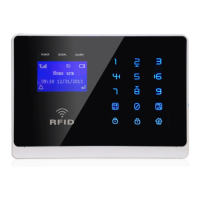
Functions Settings
5
6
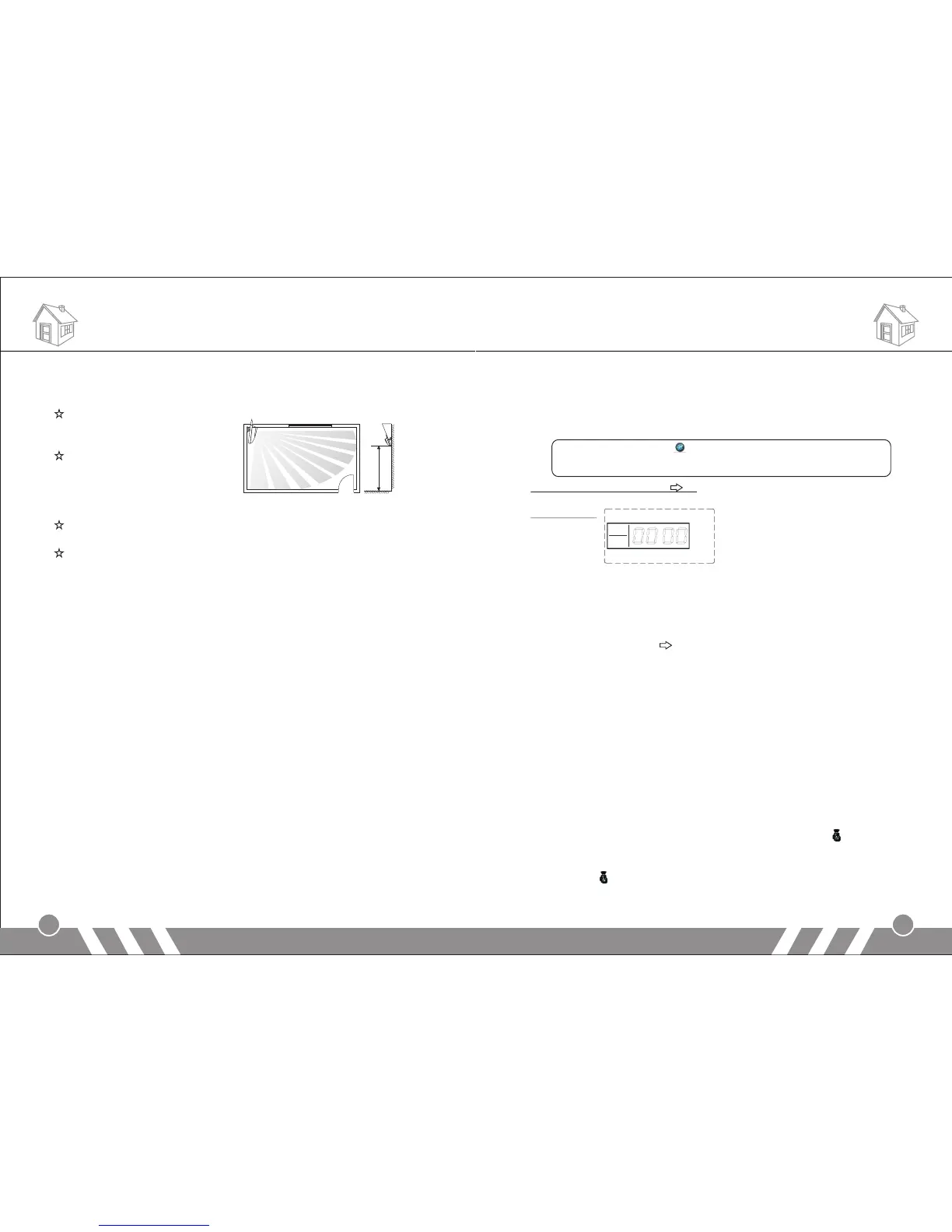
[Wireless PIR detector]
PIR detectors are used to detect the movement within a certain range.
Fix the adjustment bracket on
the wall with the provided
s c r e w s a n d a t t a c h t h e
detector to the bracket. It is
recommended to mount it at a
height of 2-2.2m above the
floor.
Effect of the PIR detection is best when the detection direction is in
90° angle with the walking direction of the intruder. Choose the most
suitable installation place and angle according to actual situation and
taking the following installation diagram as reference to ensure the
detection effect is best.
Please do not fix it under direct sunlight or other strong lights and
also keep it away from places with frequent strong air stream.
If the low-power indicator is on, please change the battery.
[Function Settings]
1.Initialization
Please insert SIM card and plug in power adaptor, and then power on
the system, all the LED lights will be on for 2 seconds and you will hear
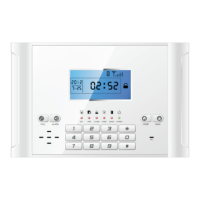
a long beep; the system comes into initialization. After the time clock
displays on the LCD screen, the [G M] starts flashing and the main
unit starts to detect the G M network until a long beep. Then the
[ SM] indicator goes out indicating the system comes into disarm
status.
Finally, turn on the backup battery switch.
2.Enter Settings
In the state of disarm, input 4-digit password by the keypad on the
main unit and press [#] button to confirm. You will hear a voice prompt:
please enter instruction. At the same time, [SET] indicator is on without
flashing and [0000] displays on the screen, indicating the system
enters setting status. You can perform different settings repeatedly as
S
S
G
long as the system keeps in setting status. The system will exit
setting mode and return to disarm status if you don’t press any
keypad button for 40 seconds.
Note:
In setting status, press can delete the numbers input.
The system default password is [8888].
Operating method: [XXXX] [#]
X indicates the new 4-digit password.
LCD display:
3.Exit Settings
Press [ * ] and [#] buttons, the main unit emits a long beep and exits
settings. The [SET] indicator goes out and the system returns to
disarm state.
Operating method: 【*】 【#】
4.Factory Reset
In disarm status, use keypad to input [95175308246] and press [#] to
confirm, all the LED indicators will be on for 2 seconds and you will
hear a long beep. The main unit gets all its settings cleared and
restores to its factory settings successfully.
Operating method: [95175308246] + [#]
5.Coding of Remote Controller
Extra remote controller has to be code to the alarm host in order to
perform normally. The one in the standard package has been coded.
In setup state, use keypad to input [20], input the remote controller
number [1~8], and then press [#] to confirm. The main unit emits a
long beep and you will hear “remote control coding”. The [ ] indicator
is on without flashing; press any button on the wireless remote
controller, the main unit makes a long beep and you will hear “coding
completed”, [ ] indicator goes out, indicating the remote controller
succeeds in coding.
Installation
door
2m-2.2m
10-30℃
Window


 To Next Page