12.Wireless Transmission Control
This function is optional. We can make the control panel with built-in
transmitter, so that it would be more convenient to work with wireless
siren. Only the panel with built-in transmitter has this function.
In setup status, use keypad to input [41], then input the number [1/0],
and then input [#] to confirm. You will hear a long beep and a voice
prompt “setting completed”. The factory default is off.
Operating method: [41] [0/1] [#]
0: turn off the function of wireless transmission
1: turn on the function of wireless transmission
For example: turn on the function of wireless transmission
Operating method: [41] [1] [#]
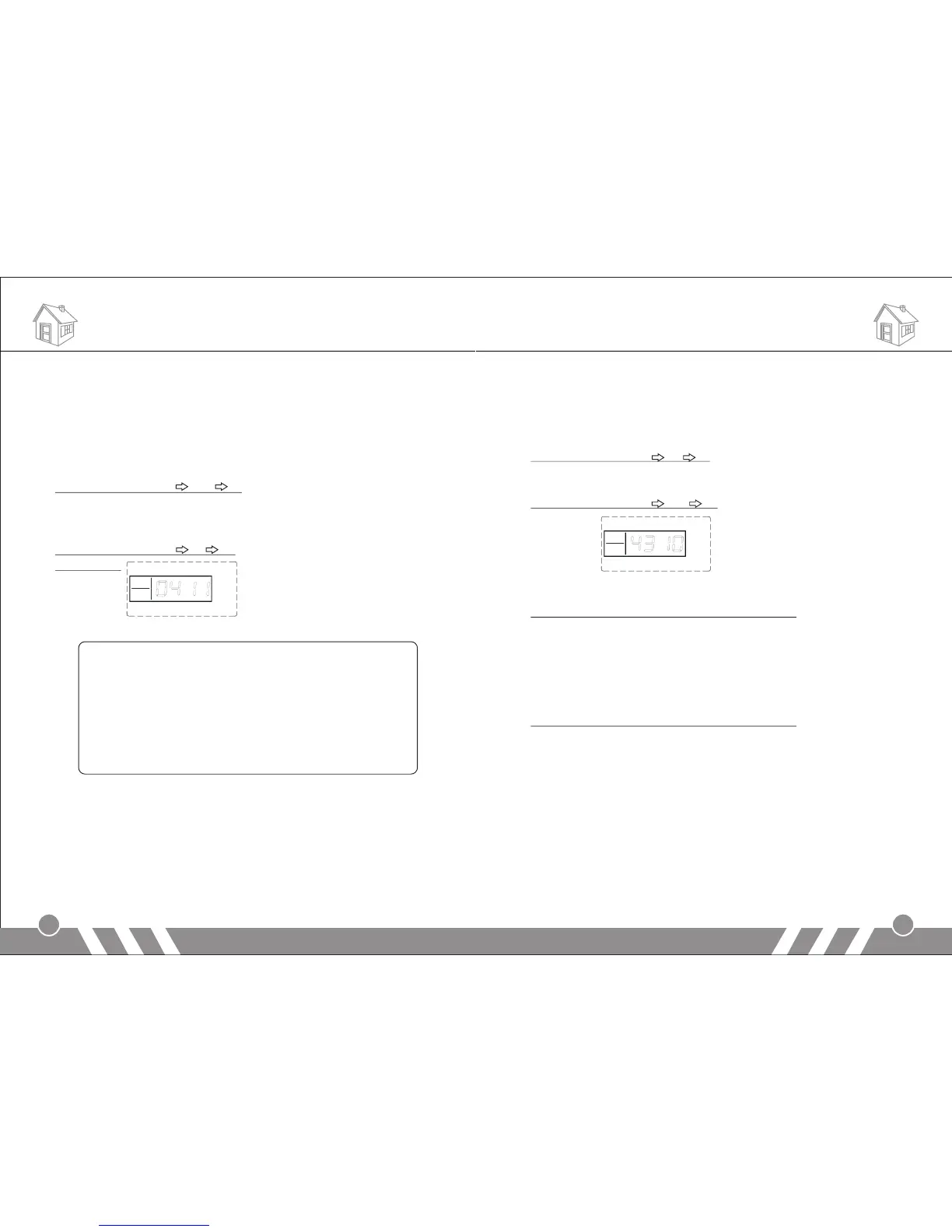
LCD display:
Note:
after activating this function, do as follows to set the wireless
siren with the alarm panel.
Input [411#], and then make the siren you want to set into
coding status, finally press [0#] on the panel.
Pressing [0#] means the panel will make coding signal to the
siren, this signal will last for 3 seconds. So please make sure
the siren is in coding status during this 3-second period.
13.Wireless Siren Coding Encryption
Only the panel with built-in transmitter has this function.
The signal used to code with the wireless siren is sent from the internal
transmitter of the main panel. The signal codes of this product from our
company are the same. If you and your neighbor both are using this
product, the alarm signal from your neighbor may cause your siren sound.
11
So it is recommended to encrypt the wireless siren to avoid the
interference.
In setup status, use keypad to input [43], then input the number [01] ~
[99], and then input [#] to confirm. You will hear a long beep and a
voice prompt “setting completed”.
Operating method: [43] [A] [#]
A indicates: the code number 01~99
For example: set the wireless coding number as 10
Operating method: [43] [10] [#]
LCD display:
14.Time Setting of Out Arm Delay (Default: 60 sec)
In setup state, input the command: [44] + [XX] +[ # ]
XX indicates: the delay time of out arm; XX= 01-99: 1 sec to 99 sec
Note: The setting is effective only with the panel keyboard operation.
The operation by remote controller or SMS is immediate arm without
delay.
15.Time Setting of Alarm Delay (Default: 40 sec)
In setup state, input the command: [45] + [XX] + [#]
XX indicates: the delay time of alarm; XX= 01-99: 1 sec to 99 sec
Note: The setting is effective only when a zone is set as Alarm Delay
Zone.
Note: Before the system enters arm or alarm status it will emit a "Di"
sound per second.
16.Alarm Number Setting
In setup state, input [51] ~ [56], then input the voice alarm-receiving
number (mobile number or telephone number), and then press [#] to
confirm. The main unit will make a long beep, the [Signal] indicator will
flicker once, and you will hear “setting completed”, which indicate voice
alarm-receiving number is set successfully.
12
Functions Settings Functions Settings


 To Next Page