7
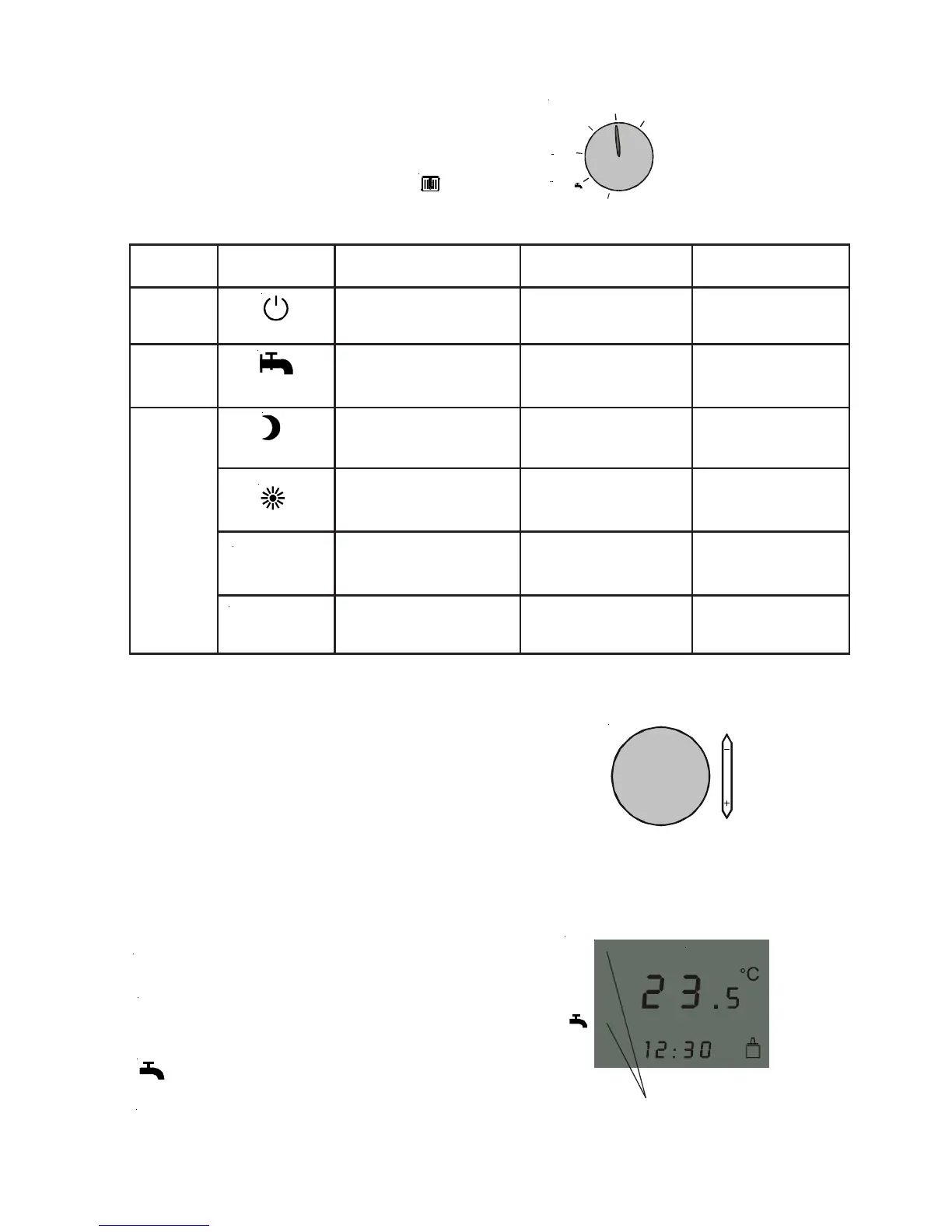
Program selector / heating temp. selection mode / status display
i
C
B
B
i
q
CB
q
Operating
mode
Program
display
Central
heating
Domestic hot water
Boiler
Domestic hot water
Combination boiler
Central heating OFF /
Frost protection
Summer
mode
Central heating OFF /
Frost protection
Economy mode
Heating mode
Heating or economy mode
acc. to the day program
Heating mode or central
heating OFF acc. to the
day program
DHW loading OFF,
DHW cylinder frost
protection ensured
DHW cylinder loading
acc. to the day program
DHW loading OFF,
DHW cylinder frost
protection ensured
Enable DHW loading
DHW cylinder loading
acc. to the day program
DHW cylinder loading
acc. to day program
DHW QuickStart
OFF
Winter
mode
DHW QuickStart acc.
to the day program
Standby
Important: For gas fired boilers with pro-
gram
selector, this must be set to .
Program selector (l.h. rotary selector)
ART program selector
B
i
q
C
B
q
B
Heating mode active
Economy mode active
DHW loading or DHW QuickStart
enabled
Central heating OFF (frost protection)
and DHW loading or DHW QuickStart
OFF
Status (display)
C
i
N
C
N
N
N
i
B
Arrows displaying the current
operating status
Heating mode temp. selection (r.h. rotary selector)
Turning the selector changes the display from
current room temperature to set room
temperature.
Then you can change the desired room
temperature for heating mode. If no change is
made after more than 2 s, the display will again
show the current room temperature.
Temperature selection –
heating mode
Central heating OFF /
Frost protection



 To Next Page