9
Day program setting / 1 x DHW
0
12h
12 18 24h14
C
BB
C
108426
222016
Reset
q
C
1
x
i
i
/
/
DIP switch
1 x DHW Contractor level
0
12h
12 18 24h14
C
BB
C
108426
222016
Reset
q
C
1
x
i
i
/
/
Day program example
Heating ON from 06.00 - 22.00 h
Heating OFF/economy from 22.00 - 06.00 h
For boilers with DHW cylinder loading
enabled from 6.00 - 22.00 h
DHW cylinder loading disabled
from 22.00 - 06.00 h
q
C
1
x
Key combination for “1 x DHW“
N
C
N
N
i
B
Display during “1 x DHW“
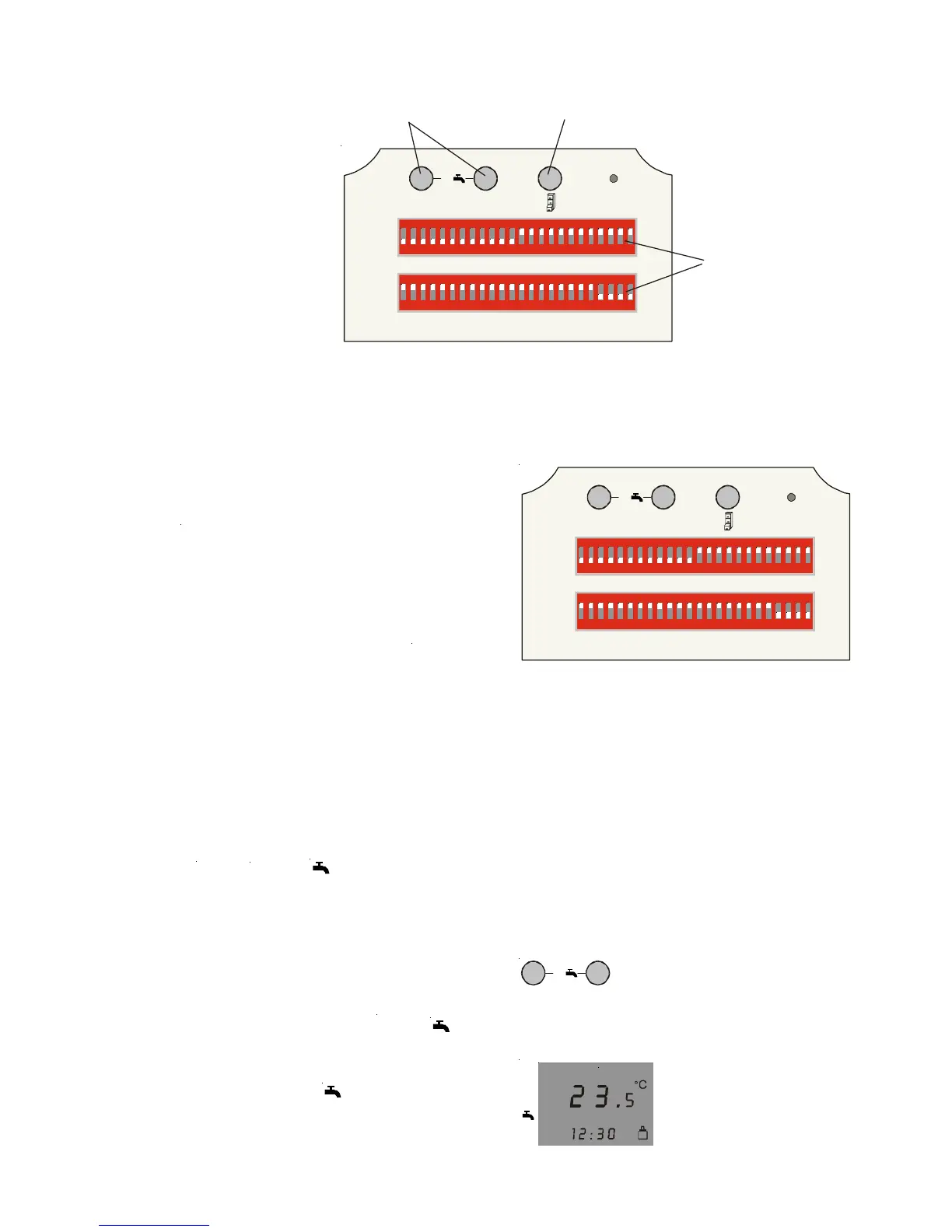
Day program setting
Day programs for central heating and DHW
cylinder loading (for boilers with DHW
cylinders) or DHW QuickStart are set using the
DIP switches under the front flap.
Heating mode settings and enabling DHW
cylinder loading/DHW QuickStart: push the DIP
switch up for the required period.
The set room temperature for heating mode
will be used.
Economy mode or central heating OFF (subject
to the program selector setting):push the DIP
switches for the required period down .
The selected set room temperature for economy
mode is used or the central heating is switched
OFF. DHW loading or DHW QuickStart are
disabled.
The shortest switching period is 30 minutes.
Note: The day program settings will only
be active, if the program selector has
been set in accordance with the day
program , or .
B
i
q
C
B
q
C
i
B
q
1 x DHW
If DHW is required outside the period where
DHW loading is enabled, the DHW cylinder can
be heated to the set temperature by means of
function “1 x DHW“. Pressing keys and
simultaneously either activates or deactivates
this function. In the activated state, a flashing
arrow appears on symbol . Function “1 x
DHW“ will be deactivated automatically after
one hour.



 To Next Page