THREE WAYS TO SET THE TIMER (cont.)
SETTING THE OVEN TO “STAY ON”
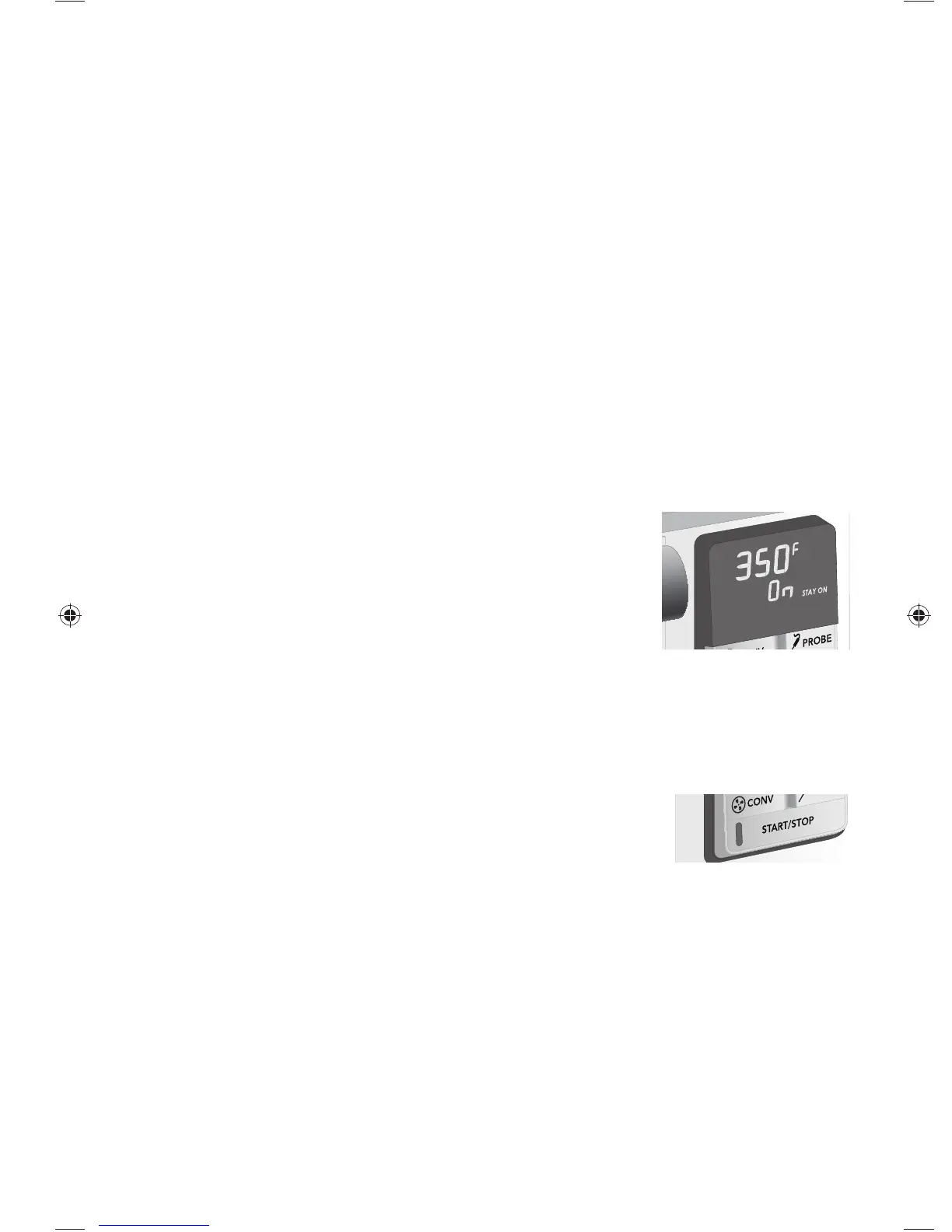
• To set the oven to stay on, turn the Time/Slice knob to the left
until “ON STAY ON” is displayed. No timer can be set.
• Press START/STOP to activate.
• Once the Stay On feature is set and activated, the oven will
stay on with the set temperature for 4 hours, then
automatically shut off. If desired, turn oven off before 4 hours
by pressing START/STOP.
• Once the Stay On feature is set, the oven defaults to Stay On for that mode. To cancel
Stay On, simply turn the Time/Slice knob to the right to set the timer.
USING START/STOP
• Press the START/STOP button to start the oven mode selected.
The light will be illuminated in red and a chime will sound when
the cycle is started.
• Press START/STOP to start the timer or wait 5 seconds for timer to start automatically.
• To stop the cycle at any point during the cycle, press START/STOP. “OFF” will be
displayed.
• At the end of the cooking time, the START/STOP light will flash and a chime will
sound. Press START/STOP to stop flashing and chime. Press START/STOP again to
turn off oven.
• If no action is taken or if only the timer is turned off, the oven will stay on for 4 hours
and then it will turn off automatically. “OFF” will blink and sound chimes; then “OFF”
will become solid.
10
|
Wolf Gourmet Customer Care 800.222.7820
1. Set Temperature.
2. Press START/STOP to start oven. Chime will sound and button light is steady.
3. Chime sounds when oven reaches set temperature.
4. Set Timer by turning Time/Slice knob to the right to increase time or to the left to
decrease time.
5. START/STOP button light flashes twice, then becomes solid. After 5 seconds,
timer begins to count down.
6. Once timer completes countdown, chime will sound and the button light and
“00:00” will flash.
7. Press START/STOP to stop flashing and chime.
8. Press START/STOP again to turn off oven.
9. If START/STOP is pressed before timer reaches “00:00,” oven will turn off.
Set Timer After Preheat Cycle
GETTING STARTED
840249401 ENv02.indd 10840249401 ENv02.indd 10 12/23/14 1:01 PM12/23/14 1:01 PM



 To Next Page