wolfgourmet.com
|
13
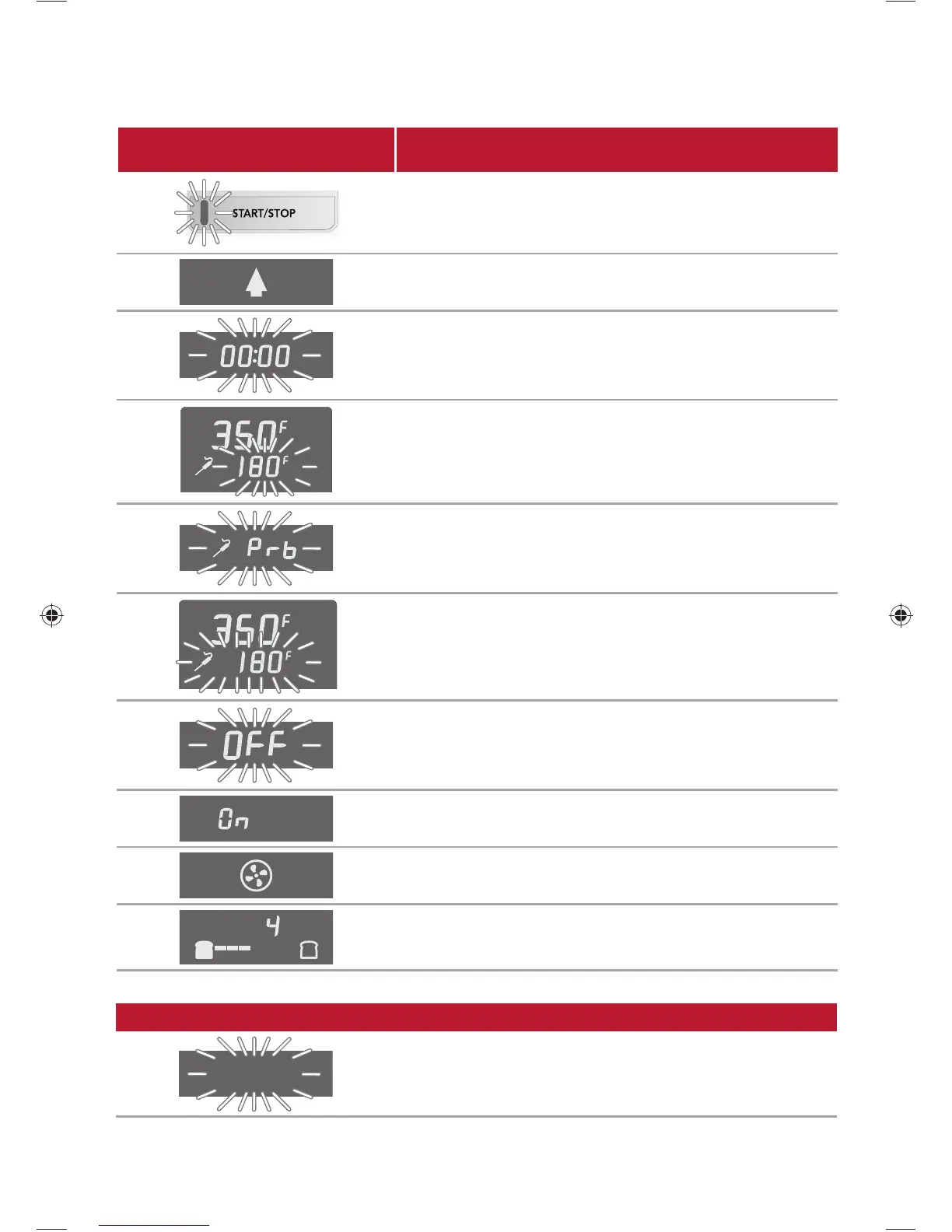
PROMPT/MESSAGE CONDITION/ACTION REQUESTED
Press START/STOP.
Temperature is rising.
Set time is reached.
SLICES
TIMER
Adjust probe temperature setting.
Plug in probe.
SLICES
TIMER
Probe temperature is reached.
Operation is completed.
STAY ON
Stay On feature is on.
Convection can be started and stopped at any time during
the BAKE and ROAST modes by pressing the CONV button.
LIGHT DARK
SLICES
TIMER
Turn TEMP/DARKNESS and TIME/SLICE knobs left or right
to select shade and number of slices.
DISPLAY PROMPTS AND MESSAGES
LEGEND
Indicates a flashing display.
840249401 ENv02.indd 13840249401 ENv02.indd 13 12/23/14 1:01 PM12/23/14 1:01 PM



 To Next Page