Rev AB Using the Tools Page 4-11
Wolke m600 Universal Operator Manual
Working with Printhead Diagnostics
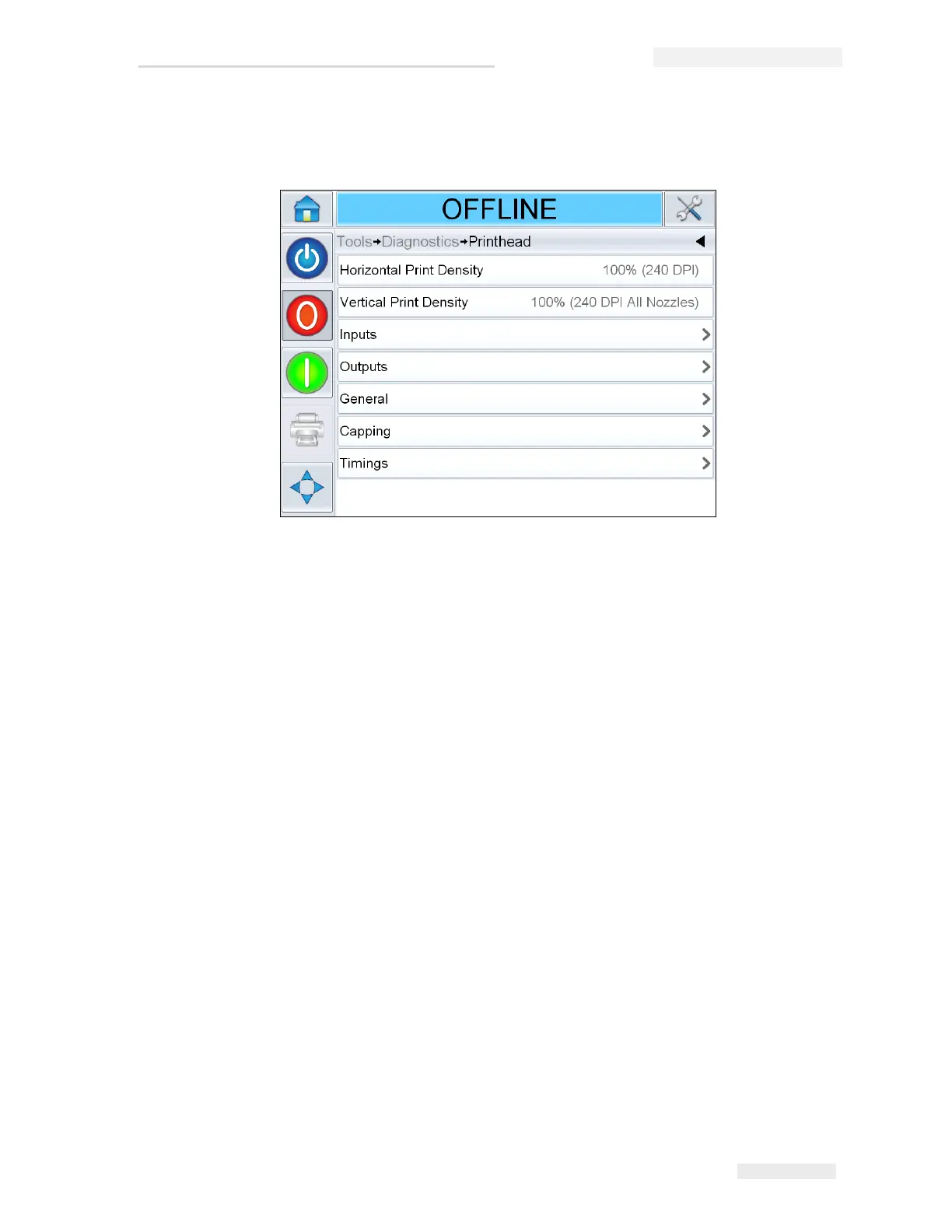
Navigate to Tools > Diagnostics > Printhead (see Figure 4-8).
The Printhead diagnostics page allows the user to view the following
parameters:
• Horizontal Print Density
• Vertical Print Density
•Inputs
•Outputs
•General
• Capping
• Timings
Figure 4-8: Printhead Diagnostics Page



 To Next Page