EasyManua.ls Logo

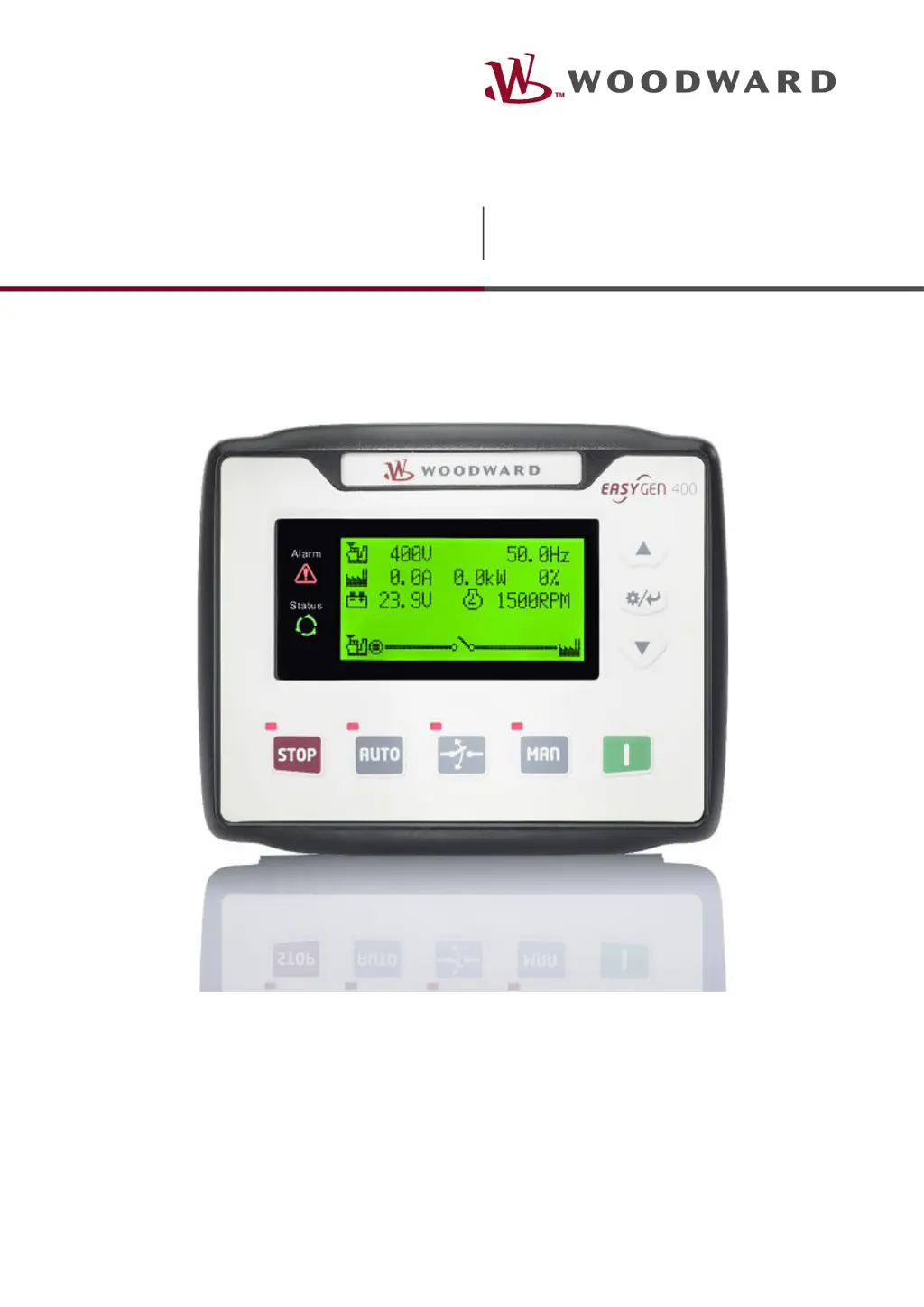
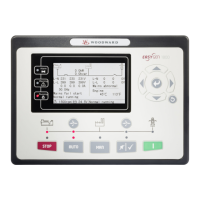
Woodward easYgen-400 - User Manual

Woodward easYgen-400
31 pages
Print Icon
To Next Page IconTo Next Page
Loading...
Operation Manual
easYgen-400
Genset Control
easYgen-400
Version 2.1.0.6
Document ID: B37890A, Revision D - Build 50635

Other manuals for Woodward easYgen-400

Questions and Answers

  • K
    kristenjacksonSep 23, 2025
    What to do if Shutdown Alarm occurs in running with Woodward Controller?
    • D
      Devin CastilloSep 23, 2025
      If the Woodward Controller displays a shutdown alarm while running, check the switch and its connections according to the information on the LCD. Also, check the auxiliary input ports.
  • J
    Jennifer TorresAug 23, 2025
    What to do if my Woodward easYgen-400 Control Unit has no power?
    • J
      James LoweAug 23, 2025
      If your Woodward Control Unit has no power, check the starting batteries, controller connection wiring, and the DC fuse.
  • R
    ruizpamelaAug 25, 2025
    What to do if Woodward easYgen-400 starter no response?
    • M
      Margaret Kane DDSAug 26, 2025
      If the starter of your Woodward Control Unit doesn't respond, check the starter connections and the starting batteries.
  • M
    mullenfrederickAug 27, 2025
    Why does my Woodward Control Unit genset shutdown?
    • K
      Karla ScottAug 27, 2025
      If your Woodward Control Unit's genset shuts down, check if the water/cylinder temperature exceeds the limits, the genset AC voltage, and the DC fuse.
  • L
    Linda GibsonAug 27, 2025
    What to do if my Woodward Control Unit experiences a shutdown alarm while running?
    • M
      Melissa GordonAug 28, 2025
      If your Woodward Control Unit displays a shutdown alarm while running, check the switch and its connections according to the information on the LCD. Also, check the auxiliary input ports.
  • P
    pswansonSep 18, 2025
    What to do if Woodward Controller shows High water temp. alarm after crank disconnect?
    • C
      Caitlin MccoySep 18, 2025
      If the Woodward Controller triggers a high water temperature alarm after crank disconnect, check the temperature sensor and its connections.
  • D
    Dwayne SteinSep 15, 2025
    How to troubleshoot Woodward Controller starter no response?
    • R
      Roger BuckSep 15, 2025
      If the Woodward Controller's starter is not responding, check the starter connections and the starting batteries.
  • S
    Sarah WadeSep 16, 2025
    What to do if Woodward Controller shows Low oil pressure alarm after crank disconnect?
    • R
      Rick ShannonSep 16, 2025
      If the Woodward Controller triggers a low oil pressure alarm after crank disconnect, check the oil pressure sensor and its connections.
  • M
    Mark DavisSep 6, 2025
    What to do if Woodward Controller causes Genset shutdown?
    • S
      Samuel PattersonSep 7, 2025
      If the Woodward Controller experiences a genset shutdown, verify if the water/cylinder temperature is within acceptable limits. Also, check the genset AC voltage and the DC fuse.
  • W
    william28Sep 3, 2025
    How to fix ECU communication failure in Woodward easYgen-400?
    • A
      adavisSep 4, 2025
      To address an ECU communication failure in your Woodward Control Unit: * Check the CAN connections for high and low polarity. * Verify the 120 ? resistor is connected properly. * Confirm the engine type is correct. * Ensure the connections from the controller to the engine and the output ports settings are correct.

Summary

General Information

About this Manual

Provides an overview of the manual's content and purpose.

Revision History

Details changes and updates across different software versions.

Symbols Used in this manual

Explains the meaning of symbols used for safety and instructions.

Copyright And Disclaimer

Outlines copyright, liability limitations, and usage terms.

Service And Warranty

Details warranty terms and conditions for the product.

Safety

Covers essential safety precautions for operating the equipment.

Intended Use

Defines the proper and intended application of the easYgen unit.

Personnel

Specifies qualifications and requirements for personnel operating the equipment.

General hazard warnings

Highlights potential dangers and risks associated with the system's operation.

System Overview

HMI Status Screens

Describes the various screens displayed on the Human Machine Interface.

ToolKit-SC Status Screens

Details the status information accessible through the ToolKit-SC software.

Operation

Front Panel: Operating and Display Elements

Explains the function of buttons and display elements on the front panel.

Warning;Alarm Signaling

Describes how warnings and alarms are indicated on the controller.

Operation Modes

Outlines the different operational modes available for the controller.

START;STOP Operation

Covers the procedures for starting and stopping the genset.

Transition Procedures

Covers procedures for transitioning between operating states.

Trouble Shooting

Provides guidance on diagnosing and resolving common issues.

Appendix

Alarm Classes

Categorizes different types of alarms and their behavior.

Warnings

Lists and describes specific warning conditions and their effects.

Shutdown Alarms

Describes alarm conditions that cause the genset to shut down.

Glossary and List of Abbreviations

Index

Woodward easYgen-400 Specifications

General IconGeneral
ModeleasYgen-400
Digital Inputs8
Digital Outputs6
Analog Inputs4
AC Frequency45-65 Hz
Communication PortsRS-485, Ethernet
DisplayLCD
Protection ClassIP20
Supported ProtocolsCANopen

Related product manuals