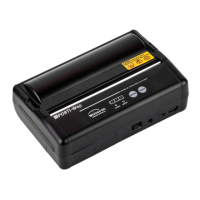
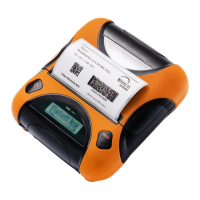
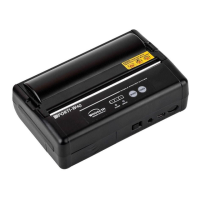
WSP-W40 Rev. 3.2
http://www.woosim.com
6
CONTENTS
1. Outline ......................................................................................................................................................................... 7
1.1. Model classifications ......................................................................................................................................... 7
1.2 Symbol .................................................................................................................................................................. 7
1.3. Product Part Number System .......................................................................................................................... 8
1.4. Specifications. ..................................................................................................................................................... 9
2. Setting up the printer ............................................................................................................................................ 10
2.1. Printer & Accessories ...................................................................................................................................... 10
2.2. Printer Features ................................................................................................................................................ 11
2.2.1. Part name ................................................................................................................................................ 11
2.2.2. Dimensions .............................................................................................................................................. 11
2.4. Replacing the paper roll ................................................................................................................................. 12
2.5. Power supply .................................................................................................................................................... 13
2.5.1. Internal power supply............................................................................................................................ 13
2.5.2. Installing the Battery ............................................................................................................................. 1 3
2.5.3. Recharging the battery ......................................................................................................................... 14
2.6. Set operation mode ........................................................................................................................................ 15
3. Interface ..................................................................................................................................................................... 17
3.1. UART(RS-232C or TTL) or USB ...................................................................................................................... 17
3.2. Bluetooth ........................................................................................................................................................... 17
4. Using the printer ..................................................................................................................................................... 18
4.1. Control panel .............................................................................................................................
....................... 18
4.2. The self test ...................................................................................................................................................... 18
5. Consumable Parts ................................................................................................................................................... 19
5.1. Recommended paper ..................................................................................................................................... 19
5.2. Printing position .............................................................................................................................................. 19
6. Revision History ...................................................................................................................................................... 20


 To Next Page
 Loading...