Commissioning
6 720 811 922 (2014/07) 29
6.4 STARTING THE APPLIANCE
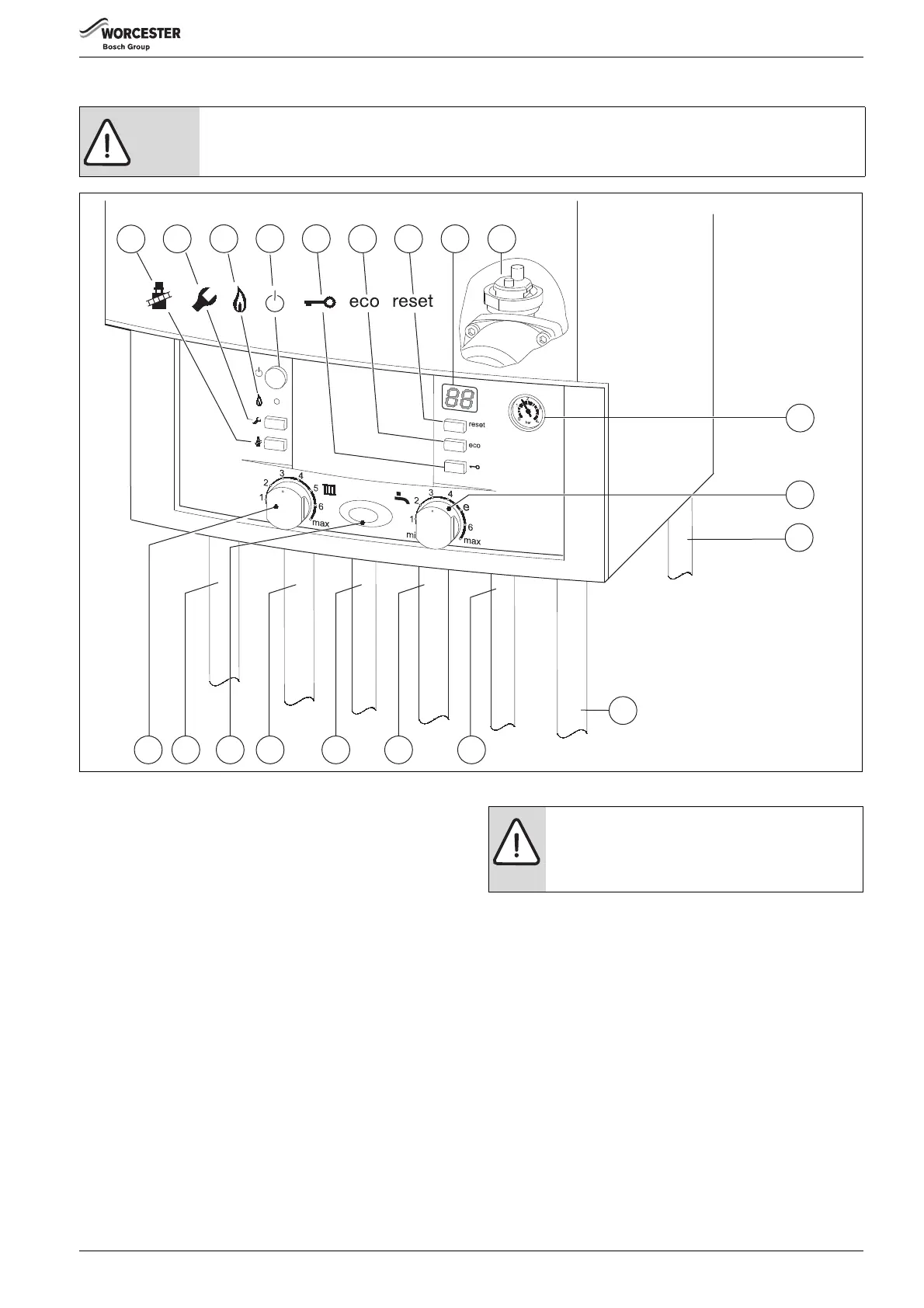
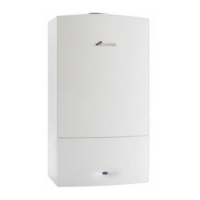
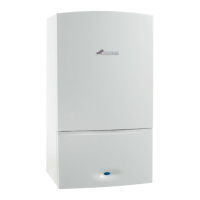
Fig. 47
[1] Performance test button
[2] Service button
[3] Burner ON/OFF indicator light (green)
[4] ON/OFF button
[5] Key lock
[6] Eco button
[7] Fault reset button
[8] Display
[9] Auto air vent
[10] System pressure gauge
[11] DHW temperature control
[12] PRV drain
[13] CH temperature control
[14] CH flow
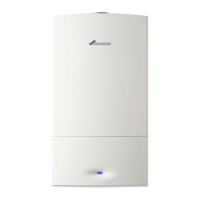
[15] Mains ON/OFF indicator/diagnostic light (blue)
[16] DHW outlet
[17] Gas
[18] DCW in
[19] CH return
[20] Condensate
CAUTION: RUNNING THE APPLIANCE
▶ Never run the appliance when the appliance/system is empty or partially filled.
6720800945-07.1Wo
7
6
5
4
3
2
1
8
9
10
11
20
18
17
1614
12
13
15 19
NOTICE: RESET
▶ Do not press the blue Mains ON/OFF indicator [15]
to reset the boiler.
▶ To reset the boiler, press the RESET button [7]



 To Next Page