7 Settings
7.1 Enter the setting mode
• Press SETUP for 5 seconds while no program running, relevant LED will light up. LCD
will show you:
1. CF CARD ↓
2. ASSIGN CH.
( 3.P/T FADE ONLY 4.DISPLAY MODE 5.MIDI CH. )
Use UP/DOWN” to scroll, “RECORD” to enter, and “ESC” to exit.
7. 2 Save data to the CF card
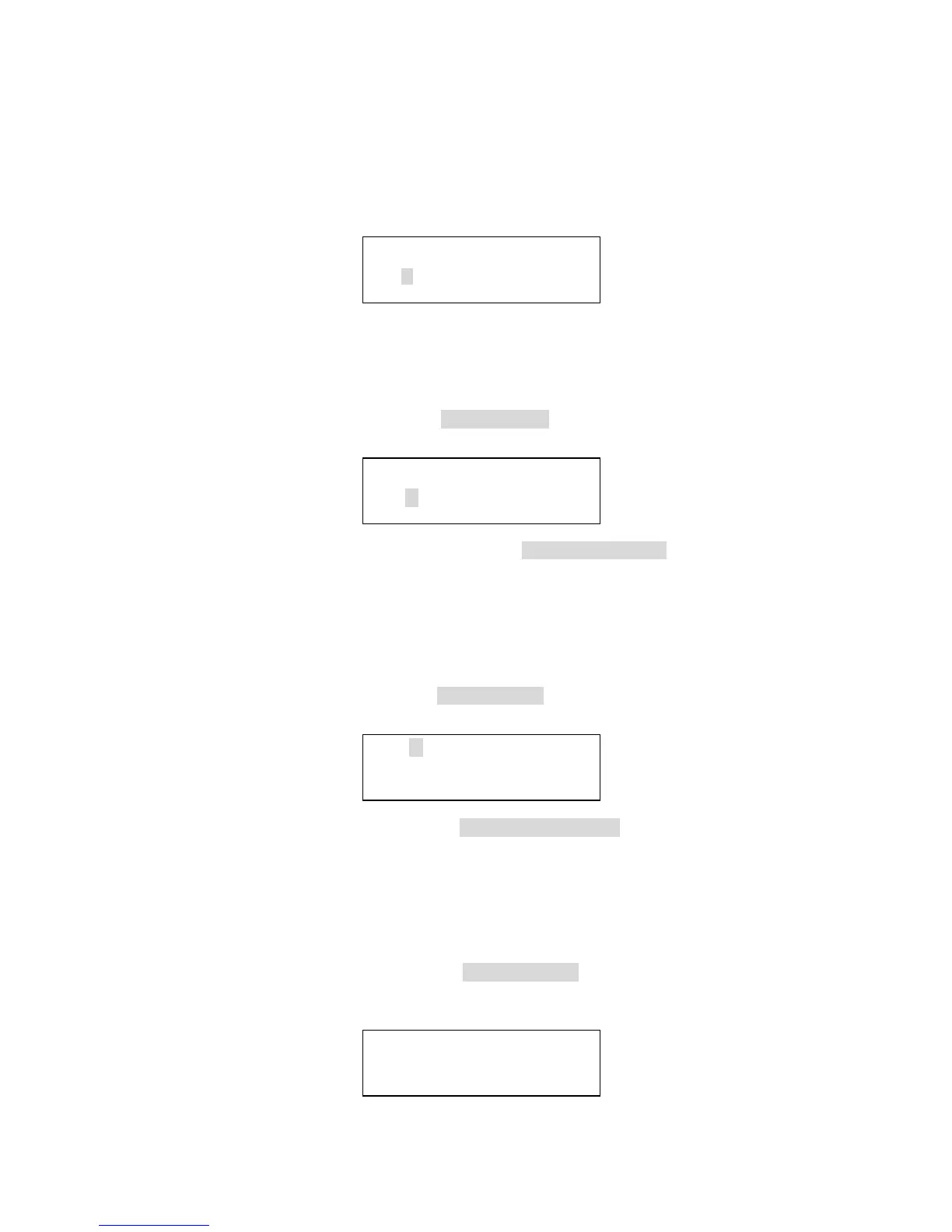
• Enter the setting mode, choose 1. CF CARD and press RECORD button , LCD
will show you:
1. READ FROM CF
2. STORE TO CF
Then please press “UP/DOWN” to choose 2 .STORE TO CF , press “RECORD”
again for further operation.
• Select relevant location (1-99) by UP/DOWN buttons to save the data, and then press
the RECORD button for recording , press ESC button to exit.
7. 3 Read from the CF card
• Enter the setting mode, choose 1. CF CARD and press RECORD , LCD will show
you:
1. READ FROM CF
2. STORE TO CF
• Use UP/DOWN buttons to choose 1. READ FROM CF , and press the RECORD
button to enter.
• Select relevant location (1-99) by UP/DOWN buttons, and press the RECORD button
for data reading, use ESC to cancel or exit.
7. 4 Patch channel (assign)
• Enter the setting mode to choose 2. ASSIGN CH. , and press RECORD to enter
channel distributing mode. LCD shows:
CHANNEL1 > OUT1
OK ESC SEL ADJ
12


 To Next Page