• Outputting of DMX would be stopped during the reading or storing to CF card. And so
does to “ASSIGN CH.” mode.
• CF card may become hot during use. Please observe due caution when removing
memory cards from this device.
• Take good care of the CF card, and keep it in good conditions.
9 MIDI Implementation
This unit can receive and transmit MIDI NOTE information according to the relevant
channels. Please keep the following list for reference.
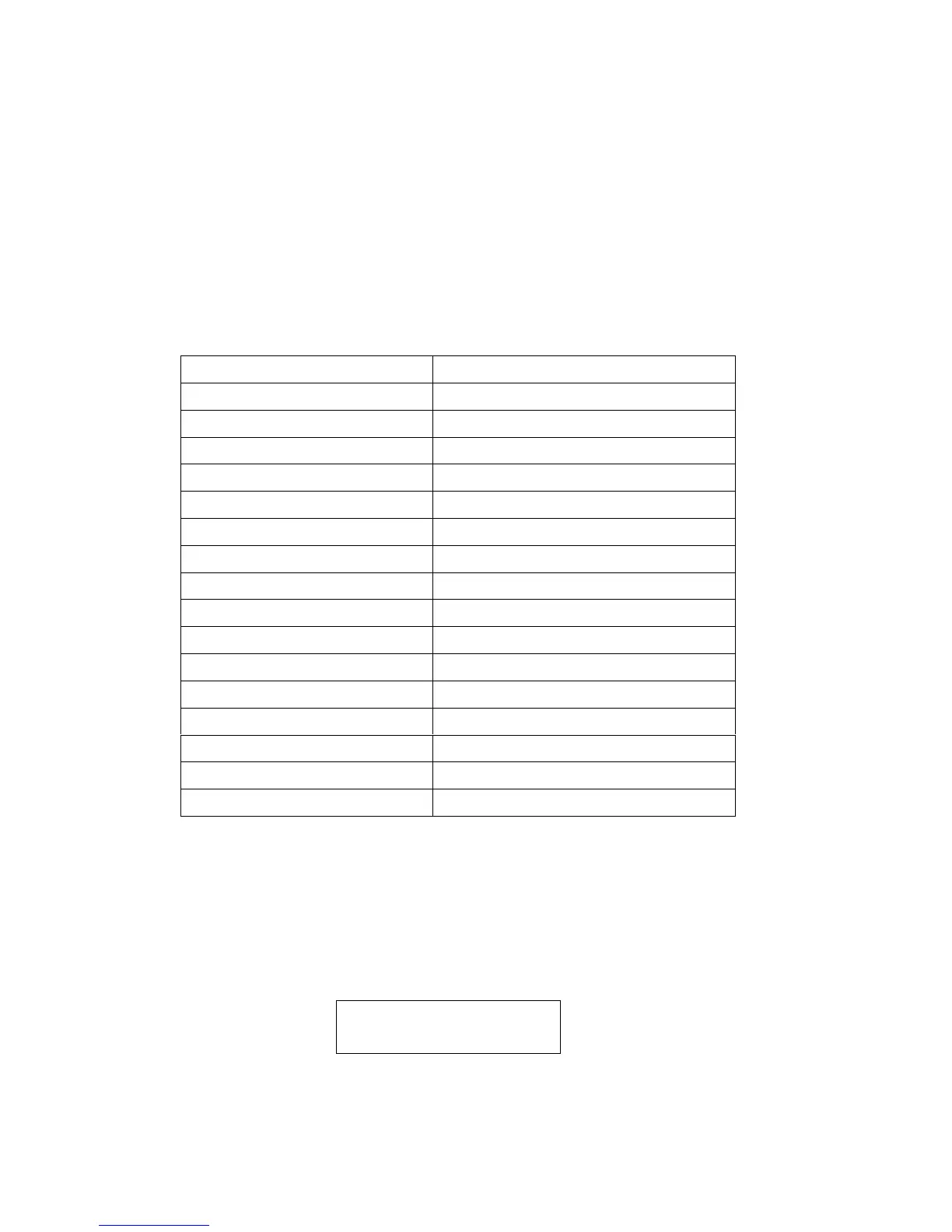
NOTE NUMBER FUNCTION
23-34 FIXTURE PAGE 1-12
35-50 PAR PAGE 1-16
51-58 FIXTURE SCENE 1-8
59-66 FIXTURE CHASE 1-8
67-72 PAR SCENE 1-6
73-78 PAR CHASE 1-6
79 PAR STANDBY
80 PAR FADE + SPEED
81 FIXTURE BLACKOUT
82 FIXTURE AUDIO
83 PAR AUDIO
84 PAR AUTO
85 PAR STEP
86 FIXTURE MIX/SEQ
87 PAR ONE/MIX/SEQ
88 PAR FULL ON
10 To clear the memory
Turn off the power, simultaneously holding down the Chase buttons 3, 6 and the Fixture
buttons 2, 7 , and at the same time, turn on the power.
LCD will show you :
CLEAR MEMORY NOW
PLEASE WAIT..
Memory will be cleared within 5 seconds.
14


 To Previous Page