HANGZHOU BLUE WHALE MUSIC TECHNOLOGY CO.,LTD HANGZHOU WORLDE MUSIC ELECTRONIC CO., LTD
WEBSITE: WWW.WORLDE.COM.CN EMAIL:SALES@WORLDE.COM.CN TEL:86 571 88730848
- 14 -
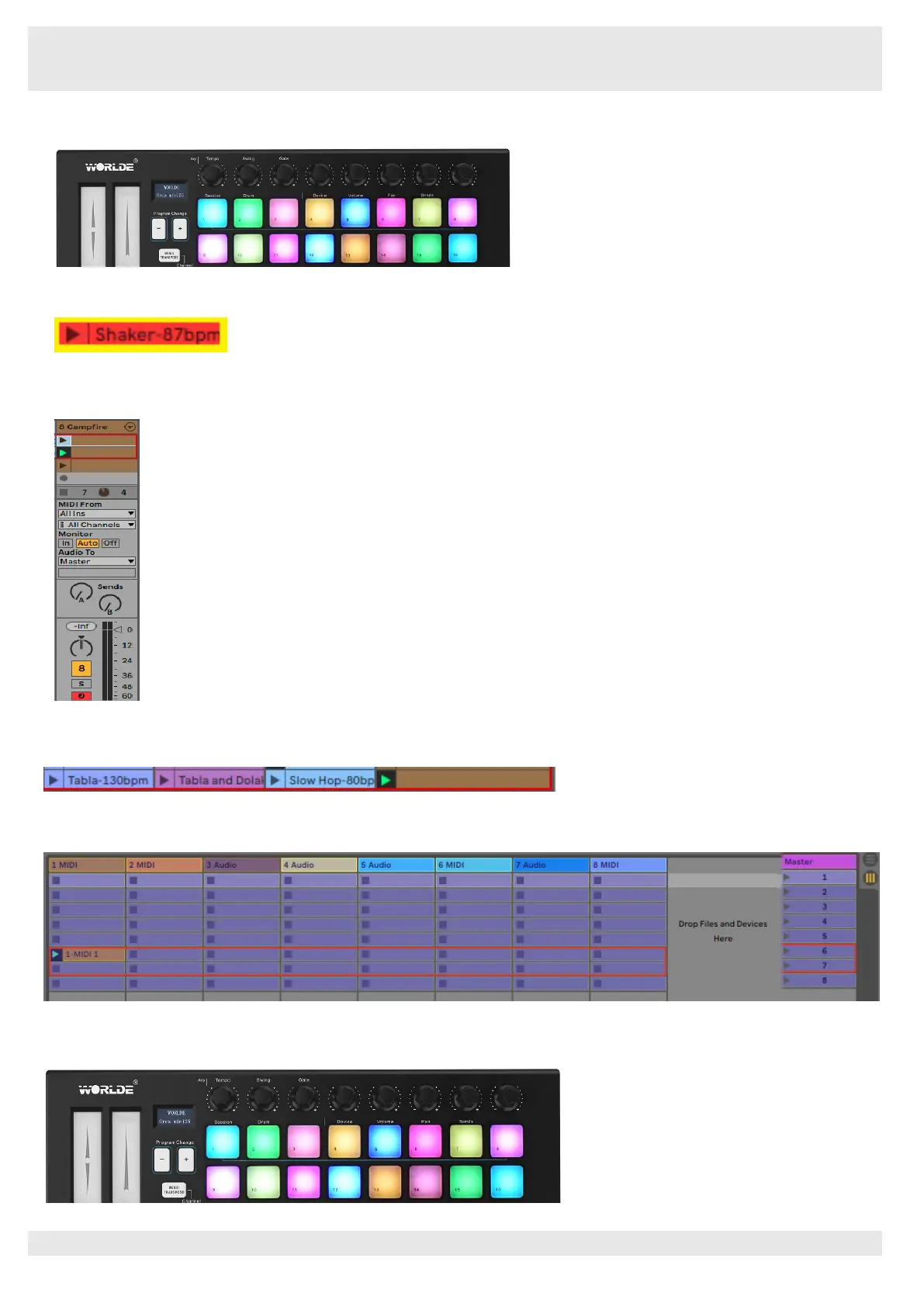
Orca mini 25’s Session mode provides an 8x2 view of the clips in your Session View.
Example of Orca mini 25’s pads in Session mode:
Clips are typically loops that contain MIDI notes or audio.
Tracks represent virtual instruments or audio tracks. MIDI clips placed on instrument tracks will play back on the instrument that is
assigned to that track.
Scenes are rows of clips. Launching a scene will launch all clips in that row. This means that you can arrange clips into horizontal
groups (across tracks) to form a song structure, launching scene after scene to progress through a song.
In Session mode, the pads represent the grid of clips found inside the coloured rectangle in Ableton Live’s Session View. The image
below shows such a rectangle (red) extending from the left-most track to the Master track:
Any changes you make to clip position or colour within Ableton Live will be represented in the Session mode of Orca mini 25. Unlit (dark)
pads indicate empty clip slots.



 To Next Page